10 Best Air AI Alternatives That You Must Know in 2026
Marvin reviewed 10 Air AI alternatives, weighing pricing transparency, customization options, and integrations for teams seeking a better AI phone agent.
.avif)

I gave Air AI a shot — and while the voice AI tech is impressive, it’s not perfect.
From limited control over conversations to high costs and integration gaps, I quickly found myself looking for options that were more flexible and scalable.
So I went deep into testing.
In this guide, I’m sharing 10 of the best Air AI alternatives you need to know in 2026 — tools that offer better accuracy, customizability, and real-world sales impact.
10 Best Air AI Alternatives in 2026
- Lindy: Best Overall for Custom AI Calls
- AI Rudder: Best for Scalable Voice Automation
- Bland AI: Best for High-Volume Call Automation
- Answering AI: Best for 24/7 Inbound Calls
- Synthflow AI: Best for No-Code Voice Campaigns
- Vapi AI: Best for Developer Voice Control
- Dasha AI: Best for Full-Stack Voice AI
- Vocode: Best Open-Source Air AI Alternative
- Goodcall: Best for No-Code Inbound Calls
- HubSpot: Best All-in-One CRM Platform
Here’s a detailed breakdown of these Air AI alternatives:
1. Lindy – Best Overall for Custom AI Calls
What Does It Do?
Lindy gives you AI phone agents that talk like real people, handle inbound and outbound calls, and automate everything before and after the conversation—no coding needed.
Who Is It For?
Lindy is perfect for sales and support teams, agencies, and B2B startups that want AI to qualify leads, book meetings, and send updates without hiring more reps or writing workflows from scratch.
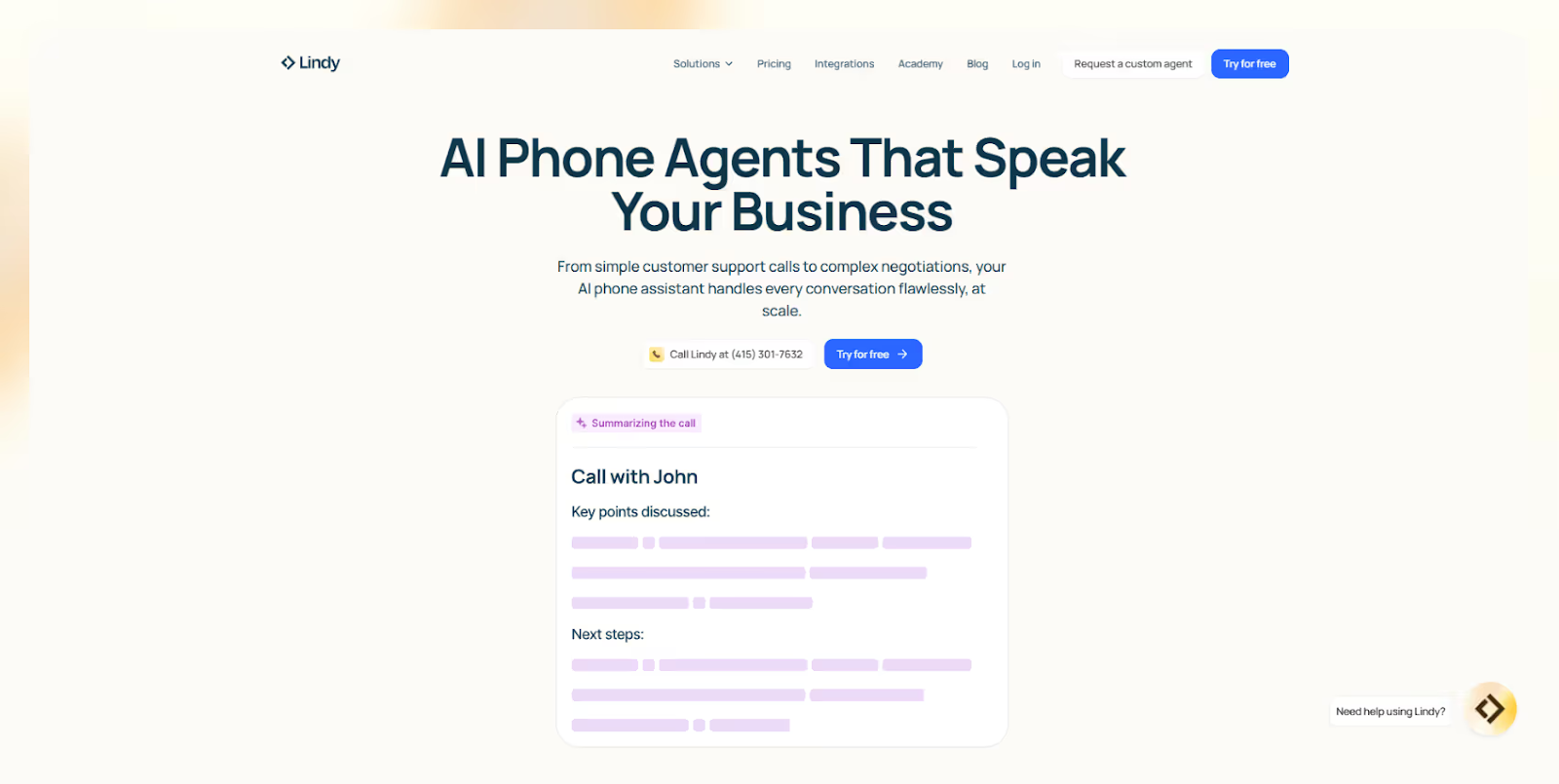
Lindy goes beyond basic call bots. These agents can talk to multiple people at once, answer FAQs, route calls, book meetings, and send updates directly to your tools.
Many users have built a lead routing flow that auto-updated our CRM after each call so no follow-ups get missed.
You can assign each agent a dedicated AI phone number and customize them for sales, support, or follow-ups. The no-code builder is simple to start with, but you can also create advanced workflows using templates or custom logic blocks.
What makes Lindy stand out is what happens after the call ends. It can trigger Slack alerts, update Salesforce, send texts, or even route tasks in Asana. This automates the full post-call process.
Many Lindy users found this especially useful for speeding up their sales ops.
With support for 30+ languages and 3,000+ integrations, Lindy fits smoothly into most SaaS stacks. You don’t need developers to plug it into HubSpot, Twilio, Notion, or Stripe. It’s built for real business workflows, not just call handling.
Pros
- Natural-sounding voice that feels human
- Automates post-call actions like CRM updates and follow-ups
- No-code builder + customizable templates
- Works with 3,000+ tools out of the box
- Supports agent swarms for larger ops
Cons
- Can take time to set up complex workflows
- Usage-based pricing can spike with high call volumes
Pricing
- Free: 400 credits/month
- Pro: $49.99/month – 5,000 credits
- AI Phone numbers: $10/month each
- Call rates: Vary by country
- Custom setup: $500 one-time fee
Lindy is the best choice if you want AI agents that act, not just talk. It helps you run voice ops on autopilot, update tools instantly, and scale without hiring. If your team needs speed, precision, and automation, Lindy gets it done.
{{templates}}
For a full breakdown of expected costs before making the switch, check out our guide on air.ai pricing.
2. AI Rudder – Best for Scalable Voice Automation
What Does It Do?
AI Rudder powers human-like AI phone conversations at scale, letting enterprise teams run millions of automated voice calls across languages, channels, and regions, without any manual effort.
Who Is It For?
It’s built for banks, call centers, logistics teams, and global brands that handle high call volumes and need automated voice agents to manage everything from payment reminders to post-purchase follow-ups in multiple dialects.
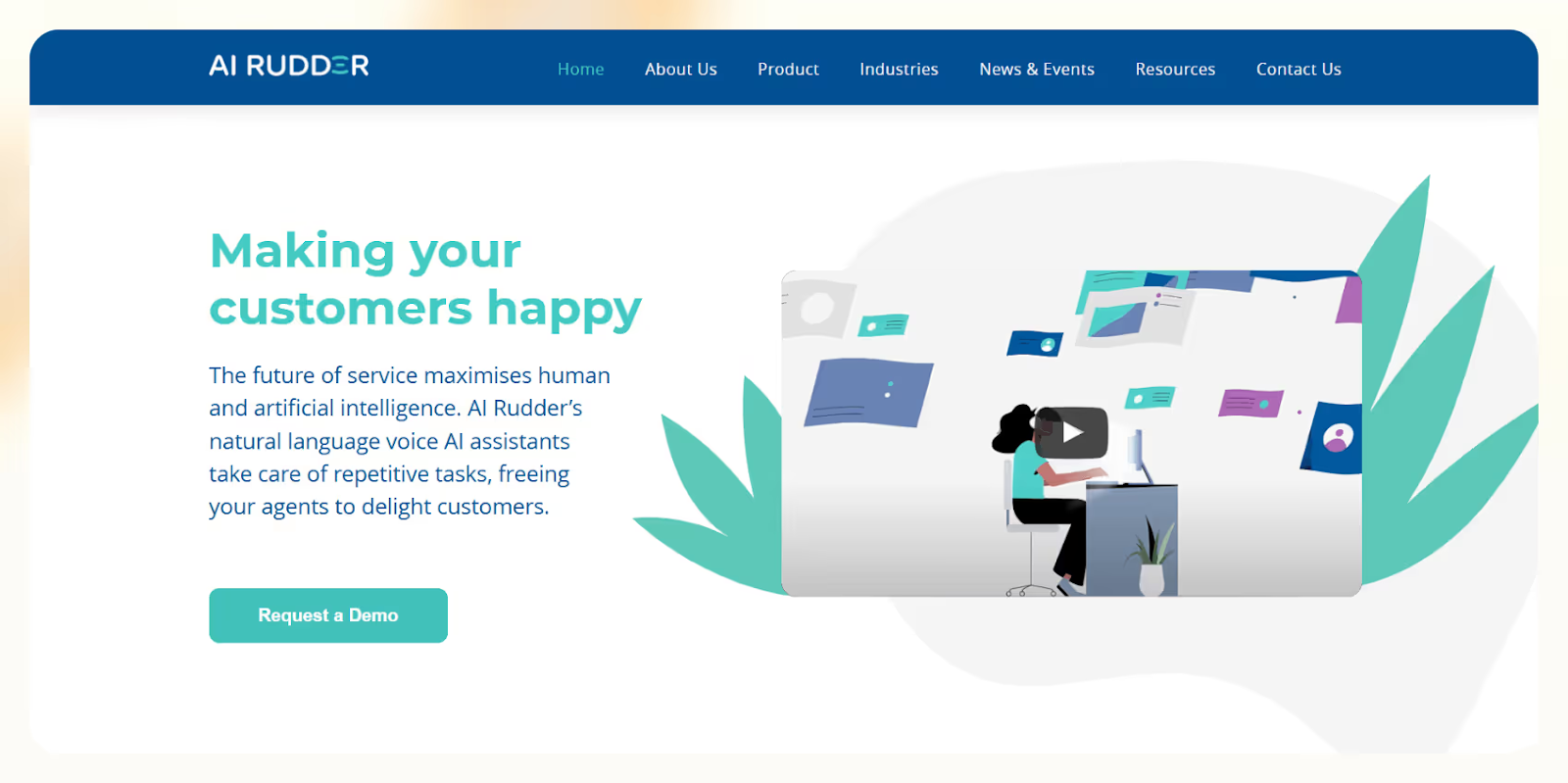
AI Rudder is made for scale. Whether you're confirming deliveries, chasing payments, or running outbound sales campaigns, this platform can handle millions of concurrent calls without lag. I tested it for multilingual reminders and it delivered smooth, real-time conversations in both English and local dialects.
Its voice engine, VoiceGPT, supports natural-sounding calls, even in regional accents like Singlish, Taglish, or Bahasa. This makes it a great fit for businesses working across Southeast Asia or other language-diverse regions.
What sets AI Rudder apart is its suite of built-in tools. You get WeCall for outbound voice automation, WeGrow for omnichannel messaging, and WeScribe for transcribing and analyzing calls, giving you full control over QA, scripting, and insights.
It also supports omnichannel automation, so you can run consistent workflows across voice, SMS, and chat. This makes it easier to align outreach across touchpoints without switching tools or teams.
Pros
- Handles millions of concurrent calls reliably
- Supports regional dialects and accents for better local engagement
- Built-in QA tools and call analytics
- Covers both voice and chat with full flexibility
- Strong fit for global or multilingual teams
Cons
- Custom setup takes time and team input
- Not ideal for small teams or low-volume needs
- No public pricing, requires sales consultation
Pricing
- Custom only: Based on call volume, region, and feature set
- Best for mid-to-large enterprises with high outbound or multilingual needs
AI Rudder is made for enterprise-scale automation. If your team relies on voice ops to move payments, confirm orders, or route support, especially across languages, this is one of the most reliable Air AI alternatives out there. It just works, even at volume. To see how it compares directly, you can read detailed air.ai reviews from real users.
3. Bland AI – Best for High-Volume Call Automation
What Does It Do?
Bland AI lets you run automated phone calls using AI agents that sound real, follow complex logic, and respond naturally, handling both inbound and outbound conversations at scale.
Who Is It For?
It’s built for enterprises, e-commerce, healthcare, and finance teams that run thousands of calls daily and want AI phone agents that stay on-brand, detect emotions, and escalate issues automatically.
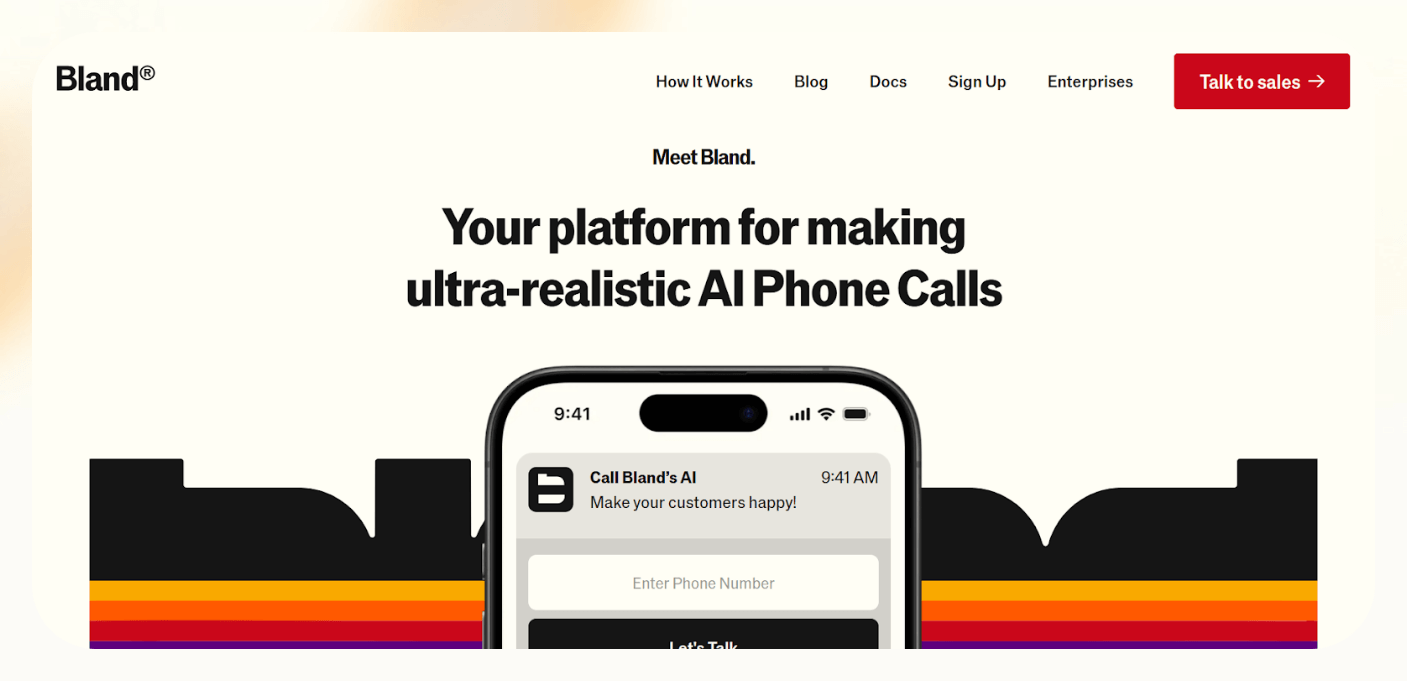
Bland AI gives you total control over how every call flows. Its Conversational Pathways let you build visual, step-by-step logic for lead qualification, follow-ups, support, and reminders. I used it to map a multi-layered outreach campaign, and it felt seamless end to end.
The voice quality is hyper-realistic, and you can customize tone, script, and pacing to match your brand voice. Bland’s AI sounds more like a rep than a bot, even when handling objections or tricky questions.
What really sets it apart is emotion detection. If the AI senses frustration or confusion, it can instantly escalate to a live agent without derailing the call. This makes it ideal for sensitive conversations like payments, medical updates, or complaints.
Bland also integrates with CRMs and helpdesks so your data flows in real time. You can route calls, push lead details, or trigger alerts in tools like Salesforce, Zendesk, or custom dashboards, no manual follow-up needed.
Pros
- Natural-sounding AI keeps callers engaged
- Emotion detection helps avoid bad customer experiences
- Live transfers protect complex or sensitive conversations
- Custom call flows using visual logic pathways
- Real-time sync with CRM and support tools
Cons
- Expensive for high-volume teams (most spend $150K+ annually)
- Voice cloning, transcription, and extras cost more
- Setup requires developer support for full integration
Pricing
- Outbound: $0.09/min
- Inbound: $0.04/min
- Phone number: $15/month
- Enterprise use: Typically $150K+/year
- Add-ons: Voice cloning, transcription, and advanced logic priced separately
Bland AI gives you enterprise-grade phone automation that doesn’t sound robotic or go off-script. If your team runs thousands of calls a day and needs realism, fail-safes, and control, Bland is one of the strongest Air AI alternatives available.
4. Answering AI – Best for 24/7 Inbound Calls
What Does It Do?
Answering AI gives you a virtual AI receptionist that answers inbound calls, books appointments, and handles basic support, no dev team or call center needed.
Who Is It For?
Great for small businesses, clinics, law firms, and e-commerce brands that want to handle inbound calls 24/7, schedule appointments, and offer support without missing leads or hiring staff.
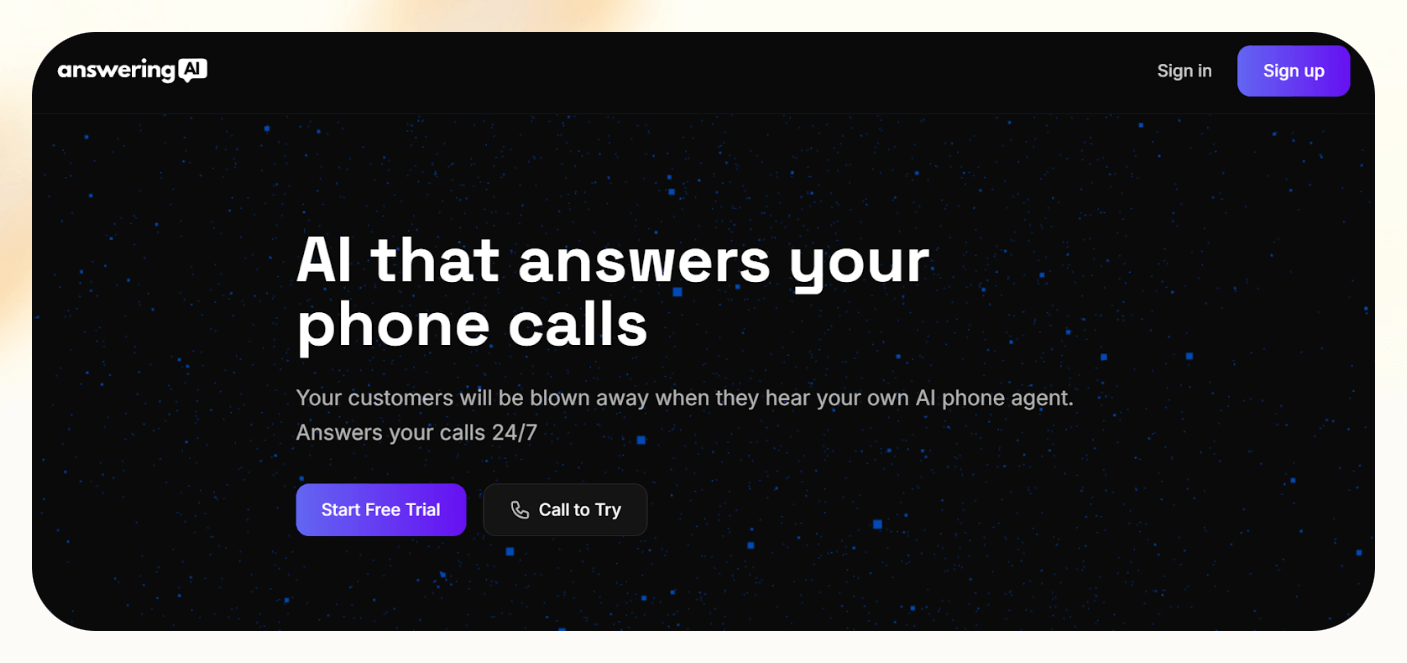
Answering AI is built for simplicity and speed. You can start using it right away, customize how it speaks, and connect it to your calendar for real-time scheduling. I used it to set up booking flows for a healthcare client, and it worked without any tech support.
The platform focuses only on inbound calls, so it doesn’t try to replace your whole phone system. Instead, it makes sure every customer call gets answered, even after hours or during lunch breaks, with zero delays.
It also lets you personalize your agent’s tone, voice, and personality to match your brand. Whether you want something formal or friendly, you can tailor it with a few clicks, no voice coding required.
Answering AI is ideal for lead capture, appointment booking, and basic support. You can embed a call button on your site, and when someone calls, the AI answers with full context, giving customers a smoother experience.
Pros
- Handles inbound calls 24/7 with no wait time
- Real-time scheduling connected to your calendar
- Context-aware calls from your website call button
- Simple setup, configure in plain English
- Customize the voice, tone, and personality of your agent
Cons
- No support for outbound calling
- 500-minute cap on the base plan
- Limited logic, not for advanced workflows or enterprise use
Pricing
- Business Plan: $99/month
- Includes 500 minutes/month
- 1 AI agent (GPT-4o)
- Calendar integration + smart call button
- Free trial available
- Cancel anytime
Answering AI is the most practical Air AI alternative if you need a simple, always-on receptionist. It’s easy to set up, works around the clock, and handles scheduling and support calls without missing a lead. Perfect if you don’t need outbound.
5. Synthflow – Best for No-Code Voice Campaigns
What Does It Do?
Synthflow lets you build and launch AI phone agents for outbound calls using a drag-and-drop builder, no coding or dev support required.
Who Is It For?
Perfect for small teams, solo founders, agencies, and service businesses that need fast, hands-free AI call campaigns for sales, lead follow-ups, or appointment reminders.

Synthflow makes it easy to go from idea to live campaign. You just build your script, choose a voice (or clone one), and use them without any coding fuss. I used it to launch a lead follow-up flow in under 30 minutes and it ran perfectly across time zones.
The visual builder is clean and intuitive, with branching logic that responds based on what the caller says. Whether you’re confirming an appointment or qualifying a lead, the AI adjusts on the fly for a real, two-way conversation.
It integrates directly with CRMs, calendars, and APIs, so data flows in real time. You can update pipelines, send booking links, or pass notes to your sales team without any manual work.
With support for 50+ languages, Synthflow is also a great fit for global outreach. Whether you're calling across cities or continents, you can localize your campaigns and keep the experience consistent.
Pros
- No-code builder simplifies outbound AI campaign setup
- Smart branching logic for dynamic conversations
- Syncs with CRM and calendar tools in real time
- Supports voice cloning for brand alignment
- Multilingual support for global campaigns
Cons
- Focuses only on outbound workflows
- Minute-based pricing can rise with volume
- Lacks deeper post-call automation or assistant features
Pricing
- Starter: $29/month – 50 minutes, 10 concurrent calls
- Pro: $450/month – 2,500 minutes, 25 concurrent calls
- Growth: $900/month – 4,000 minutes, 50 concurrent calls, 25 subaccounts
- Agency: $1,400/month – 6,000 minutes, 100 concurrent calls, white-labeling
- Extra minutes: $0.08–$0.13/min
Synthflow is the fastest way to launch outbound AI calling without technical roadblocks. If you're running sales or lead gen at scale and want full control without complexity, this is one of the most affordable and flexible Air AI alternatives out there.
6. Vapi AI – Best for Developer Voice Control
What Does It Do?
Vapi AI gives developers complete control to build AI-powered voice agents using their own models, voices, and backend tools, offering API-first architecture with a no-code option for fast setup.
Who Is It For?
Ideal for SaaS teams, call centers, global businesses, and technical users who want to build and scale custom voice agents with full backend flexibility and multilingual support.

Vapi AI is built for teams that want to customize everything, from routing logic and APIs to voice models and call behavior. I used it to create a voice agent that triggered custom backend workflows and the control it offered was unmatched.
It’s API-first, but also includes a no-code flow studio, so technical and non-technical teammates can collaborate. You can launch calls with low latency, handle real-time responses, and localize in 100+ languages for global rollouts.
Vapi supports inbound and outbound voice automation at scale, with usage-based pricing that doesn’t lock you into rigid tiers. You can plug in your own transcription or TTS services using BYO API keys to cut costs even further.
Compared to Air AI, Vapi is open, flexible, and transparent. You're not boxed into a black box. Whether you’re running voice workflows inside a SaaS product or building a fully custom call center bot, Vapi gives you the tools to build it your way.
Pros
- Full control over voice models, logic, and infrastructure
- Built for scale with low-latency, high-concurrency performance
- API-first and no-code, works for both developers and teams
- Usage-based pricing makes it flexible and cost-effective
- Supports 100+ languages for global deployments
Cons
- Not beginner-friendly—requires technical expertise
- Setup takes time if you don’t have dev resources
- Fewer templates than mainstream plug-and-play platforms
Pricing
- $0.05/min for standard voice usage
- $2/month per number (via Vapi)
- BYO API keys for TTS/transcription to reduce costs
- $10 free credits on sign-up
- Custom plans available with 24/7 support and dedicated engineers
Vapi AI is the best Air AI alternative for developers who want to build from scratch, own the logic, and scale on their own terms. If you’re tired of rigid systems and need full flexibility, Vapi is built for you. It’s customizable, scalable, and fully under your control.
7. Dasha – Best for Full-Stack Voice AI
What Does It Do?
Dasha is a developer-first conversational AI platform that lets you design ultra-realistic voice and text agents using your own logic, backend, and infrastructure, all through code.
Who Is It For?
Perfect for engineering teams, SaaS builders, and enterprise developers who need to embed voice AI into products or build custom agents with full-stack control across phone, chat, or devices.
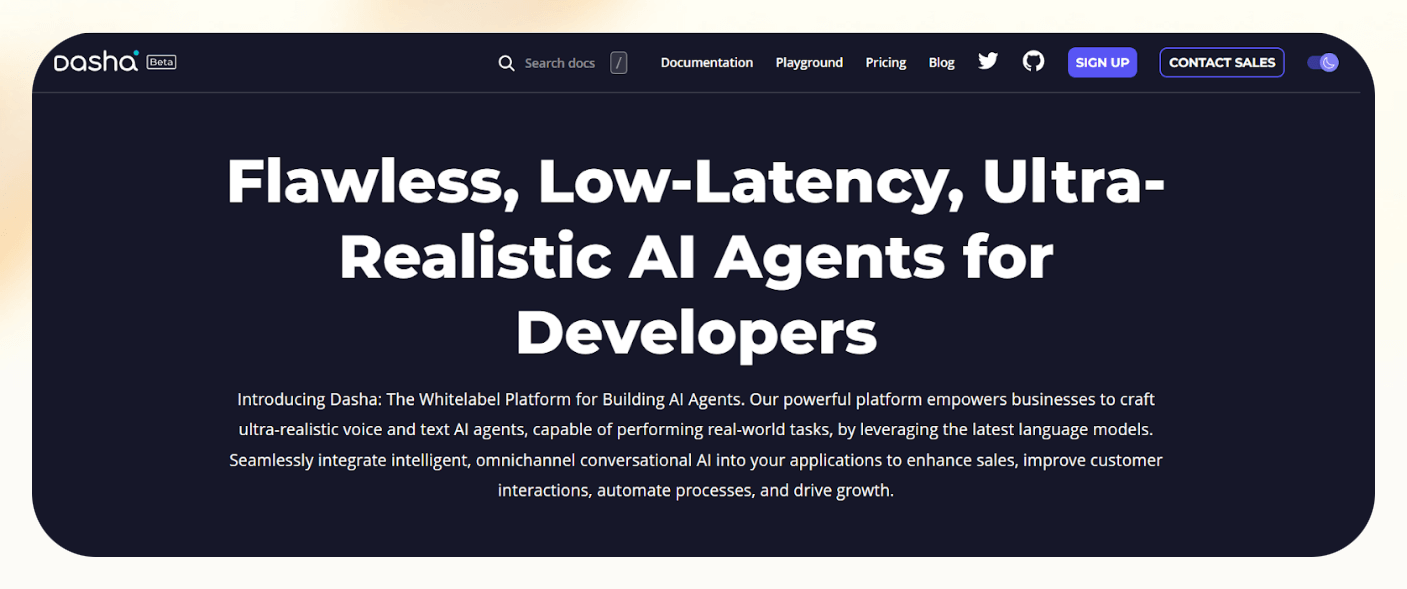
Dasha is built for complete customization. You use its scripting language, DashaScript, and SDKs to define conversations, logic, backend calls, and even mid-call behavior. I used it to build a multi-path customer support flow that transferred calls in real time, and the realism was spot on.
Unlike drag-and-drop tools, Dasha gives you programmatic access to every layer, from telephony setup to live call transfers and queue management. You’re not stuck with prebuilt templates, you build exactly what your use case needs.
It works across web, mobile, phone, desktop, and IoT, all using the same voice engine. With support for 30+ languages and mid-call language switching, it’s a solid choice for global platforms or products reaching multilingual audiences.
Dasha is a strong Air AI alternative for teams who want flexibility and realism at scale. You can bring your own carriers, control infrastructure, and build advanced conversational agents that feel like real assistants.
Pros
- Ultra-realistic conversations powered by advanced NLP
- Full logic control via DashaScript and SDKs
- Omnichannel support: Phone, mobile, web, desktop, IoT
- Built-in telephony tools: Warm transfers, queues, call management
- Supports 30+ languages and mid-call switching
Cons
- Dev-only platform, not for non-technical teams
- No free plan, only available through custom enterprise pricing
- Steep learning curve due to scripting and integration depth
Pricing
- Custom pricing based on usage, complexity, and scale
- No free tier
- Designed for production-grade teams with technical resources
Dasha isn’t made for beginners. It’s built for technical teams who need full-stack voice AI. If Air AI feels too limiting and you want deep customization, advanced logic, and omnichannel deployment, Dasha is the most capable platform for serious voice AI development.
8. Vocode – Best Open-Source Air AI Alternative
What Does It Do?
Vocode is an open-source voice AI framework that lets you build, customize, and deploy AI voice agents across phone, Zoom, web, and more, with full control over the tech stack.
Who Is It For?
Best for developers, product teams, and startups that want to create custom conversational agents using their own models and infrastructure, with no vendor lock-in.
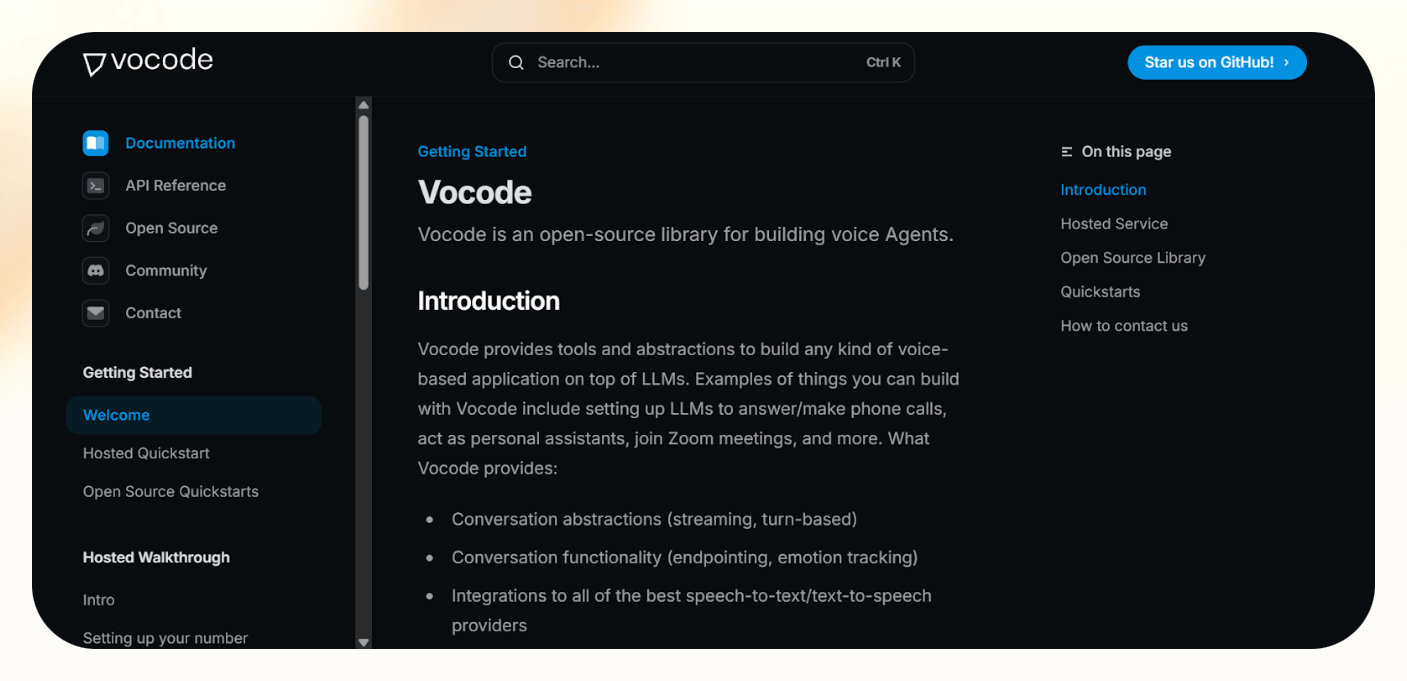
Vocode is built for maximum flexibility. You get full access to the codebase, logic, and integrations, so you can wire up your own LLM, speech-to-text, or text-to-speech stack. I used it to prototype a custom support bot inside a product and appreciated how much freedom I had at every layer.
Unlike black-box platforms like Air AI, Vocode is modular and open. You can fine-tune latency, control the turn-taking in real time, and choose exactly how conversations are routed, stored, and escalated.
It supports cross-platform deployment, so you can launch agents that talk to users on the phone, in Zoom, or on your web app, all using the same core logic. You also get a hosted API option if you don’t want to self-manage servers.
For teams who want to embed voice AI into SaaS tools or internal apps, Vocode is a strong fit. It’s made for engineers who want to build fast, deploy flexibly, and maintain full ownership of how their voice agents work.
Pros
- Open-source framework with full transparency and code control
- Model-agnostic: Bring your own LLM, STT, and TTS tools
- Real-time voice orchestration with low latency
- Works across phone, Zoom, and web
- Optional hosted API for quicker deployment
Cons
- Not beginner-friendly, requires solid engineering skills
- More manual setup than prebuilt voice platforms
- Self-hosting needs devops unless using paid hosting
Pricing
- Free Plan: Full open-source access
- Developer Plan: $25/month – for solo devs or small teams
- Enterprise Plan: Custom – hosted API, analytics, premium support
Vocode is the most developer-friendly Air AI alternative if you want full control, transparency, and flexibility. It’s not plug-and-play, but if your team wants to build voice agents your way, on your terms and your stack, Vocode is unbeatable.
9. Goodcall – Best for No-Code Inbound Calls
What Does It Do?
Goodcall is a no-code AI receptionist that answers inbound calls, books appointments, captures leads, and routes callers, 24/7 and without needing a developer.
Who Is It For?
Ideal for local businesses and SMBs like salons, clinics, and law firms that want a simple, always-on call handler without hiring staff or managing tech.
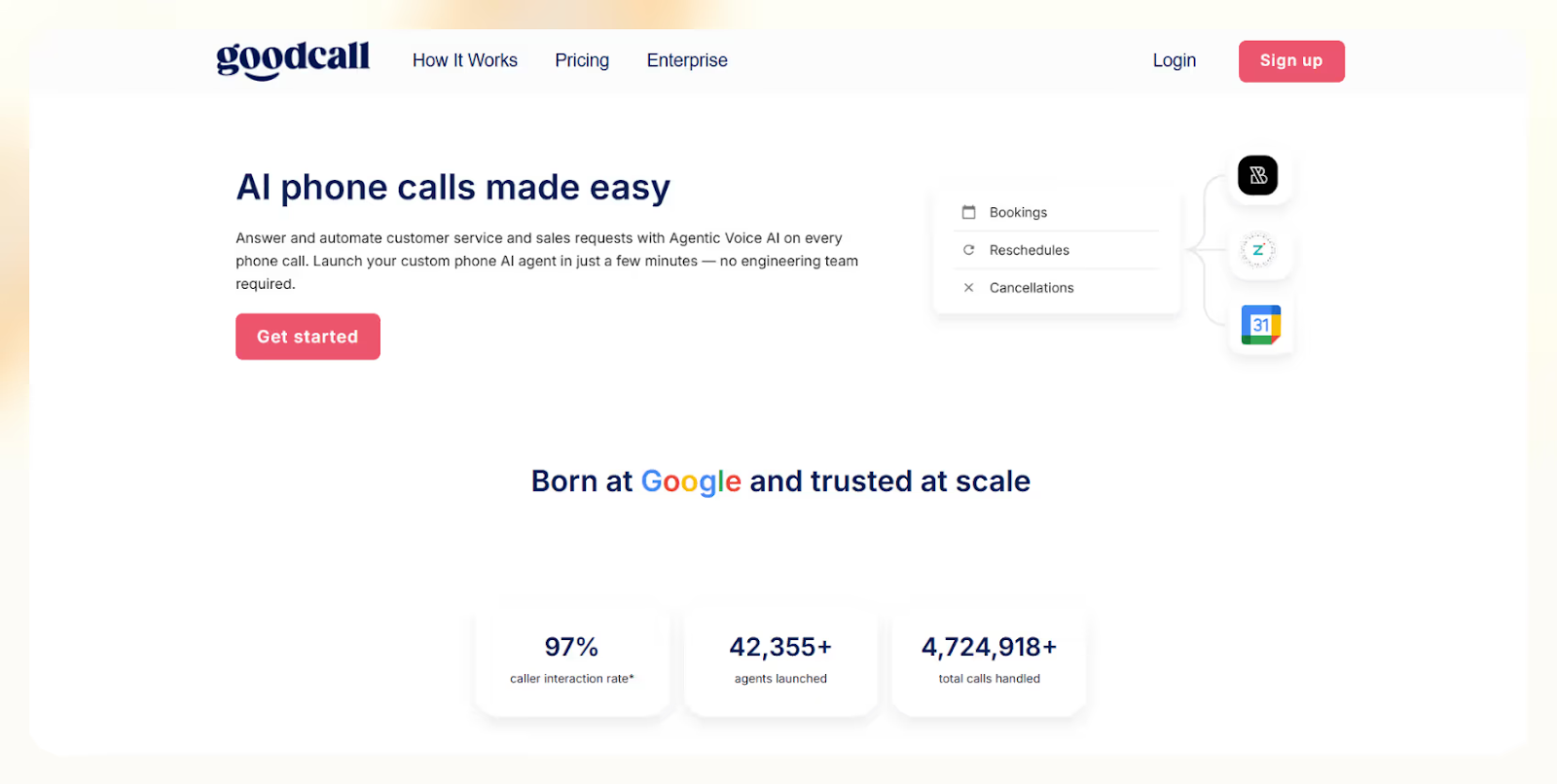
Goodcall is built for practical inbound call automation. You can launch it in minutes, set up call flows in plain English, and start handling calls right away. I used it to help a small dental clinic manage bookings after hours and it handled everything smoothly.
It’s not trying to replace complex outbound workflows, Goodcall just makes sure every call gets answered. You can route calls, collect lead info, or schedule appointments using prebuilt flows that match your brand tone and caller intent.
With CRM and calendar integrations, you can sync call activity and scheduling into your daily tools. It also supports custom logic, so the AI can adjust responses based on caller inputs like zip codes or service types.
One of the best features is unlimited call minutes, so your costs don’t spike if you get a rush of calls. It’s perfect for growing teams who want reliability without surprise fees.
Pros
- No-code setup makes launch fast and easy
- Handles inbound calls 24/7 without missed leads
- Integrates with CRMs and calendars for follow-ups
- Custom call flows match brand tone and logic
- Unlimited minutes on all plans keeps costs predictable
Cons
- Inbound only, not suitable for outbound or hybrid needs
- Logic flow limits on lower-tier plans
- $0.50 overage per caller can add up with high traffic
- Not built for advanced, human-like conversations
Pricing
- Starter: $59/month/agent – Unlimited minutes, 1 form, 1 logic flow, 100 callers
- Growth: $99/month/agent – 250 callers, more forms and logic flows
- Scale: $199/month/agent – 500 callers, 25 forms, advanced logic
- Extra callers: $0.50 each beyond plan limits
Goodcall is the simplest Air AI alternative for teams that just need inbound calls handled well. It’s plug-and-play, no-code, and cost-effective, ideal for booking, routing, and lead capture without hiring or overengineering.
10. HubSpot – Best All-in-One CRM Platform
What Does It Do?
HubSpot gives you a fully integrated CRM platform with tools for marketing, sales, service, content, and operations, all in one place, with no need for third-party stitching.
Who Is It For?
Best for startups, SMBs, and fast-scaling teams that want to automate, collaborate, and manage the entire customer journey from lead to support without switching tools.
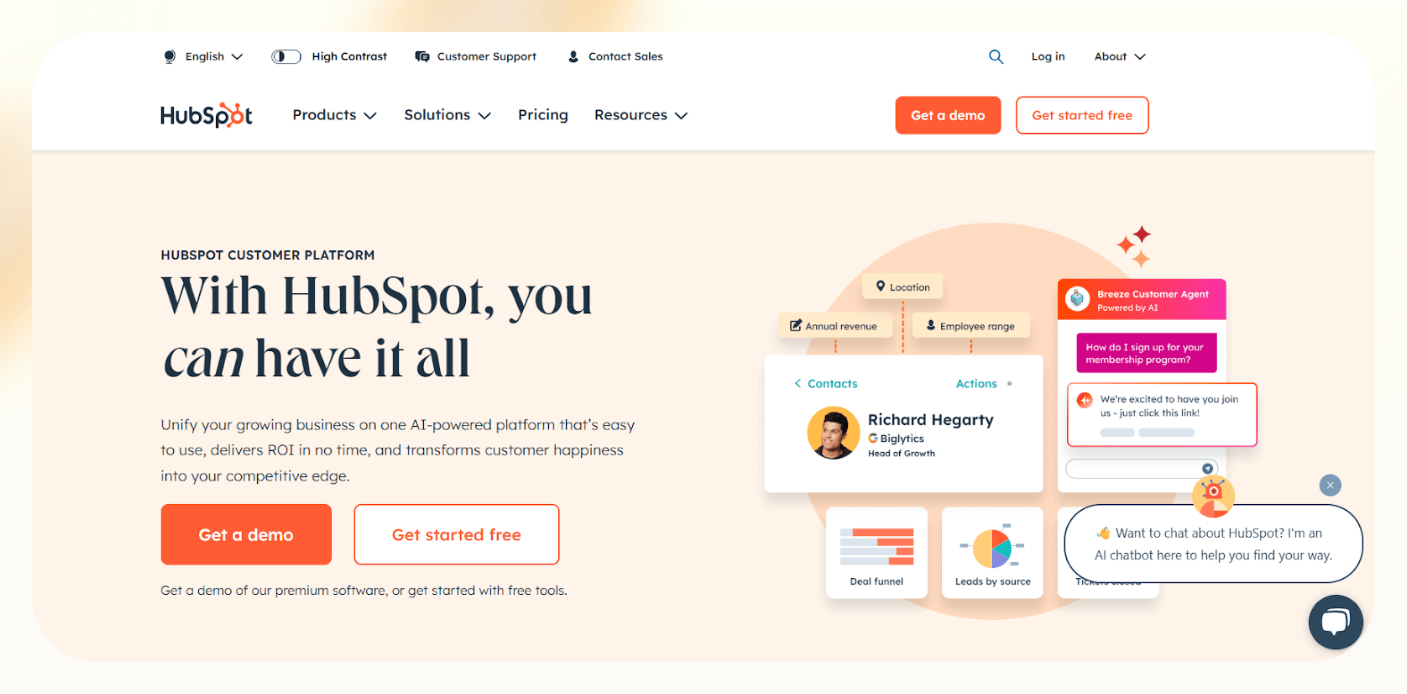
HubSpot is designed to streamline your funnel. I used it to unify email marketing, deal tracking, and support chat, and it eliminated hours of manual work. Everything stays in sync, from first touch to final sale and beyond.
The CRM is central, syncing contact data across sales, support, and marketing. You get deep insights into customer activity, so every team stays aligned. The Marketing Hub runs automated email campaigns, tracks lead sources, and launches ads from the same dashboard.
The Sales Hub handles pipeline tasks, follow-ups, and forecasting. Your reps can automate reminders, track deals, and close faster. Meanwhile, the Service Hub improves ticketing, live chat, and customer feedback, keeping support teams fast and efficient.
Add in the Content Hub, which lets you build your site, track SEO, and publish content, all with AI-powered writing and lead scoring tools. With 1,800+ integrations, you can plug in Stripe, Slack, Zoom, and more without breaking your workflow.
Pros
- All-in-one CRM with sales, marketing, support, and content tools
- Powerful automation and AI features for scale
- Clean UI and easy setup for growing teams
- 1,800+ integrations to fit your existing stack
- Built to scale from free to enterprise
Cons
- Pricing scales with contacts, which adds up fast
- Most advanced features require annual contracts
- Overkill for very small teams or simple use cases
Pricing
- Free: CRM, forms, email, live chat, contact tracking
- Starter: From $15/month/user – branding, automation, basic workflows
- Professional: Adds advanced reports, campaign tools, A/B testing
- Enterprise: Includes predictive scoring, custom objects, advanced permissions
- Note: Prices scale with contact count and selected Hubs
HubSpot is the best full-funnel Air AI alternative if you want to run marketing, sales, support, and content from a single, scalable platform. If you're growing fast and want automation without chaos, HubSpot is the most complete solution available.
How I Tested the Best Air AI Alternatives
The best Air AI alternative in 2026 should do more than just talk. It should:
- Run calls smoothly, both inbound and outbound
- Fit your workflows without extra code
- Scale with your team and update your CRM automatically
To figure out which ones actually work, I tested over a dozen platforms using the same hands-on method. Here’s what I looked for:
1. Transparent, Flexible Pricing
AI voice tools can rack up costs fast if you’re not careful. I prioritized platforms that offer clear, usage-based pricing, no surprise fees or gated features.
- Vapi AI charges only for what you use, great for scaling up or down
- Lindy offers flat-rate plans based on credits and knowledge base size
- VoiceGenie keeps it simple with straight per-minute billing
2. No-Code Call Flow Customization
I wanted to build real-world call scenarios—lead qualification, routing, appointment setting—without needing a dev team.
- Synthflow has a drag-and-drop builder that makes flows easy to design
- Lindy lets you create branching logic and trigger other tools automatically
- Brightcall supports advanced flows for both sales and support
- Air AI felt too rigid here, most flows were preset and hard to tweak.
3. Scales as You Grow
Some tools break when you hit volume. I tested for performance under pressure—can the tool handle concurrent calls, team scaling, and high lead volume?
- Brightcall handled both solo reps and full call center setups
- Lindy scaled easily across inbound, outbound, and mixed workflows
- AI Rudder impressed with strong multilingual support and international routing
Air AI worked well early on but struggled with more complex volume needs.
4. CRM & Workflow Integrations
Good agents don’t just talk, they follow through. I tested how well each tool connected to CRMs, calendars, and task apps after the call.
- Lindy integrates with Salesforce, HubSpot, Pipedrive, and 50+ other apps
- VoiceGenie syncs with major CRMs and help desks
- PlayAI uses webhooks to pass data into custom stacks
5. Bonus Features That Save Time
Once the basics were solid, I looked for features that actually help in real use:
- Multilingual support: Lindy, AI Rudder, and Synthflow all nailed it
- Analytics & reporting: Brightcall and VoiceGenie showed real metrics—conversion rates, call drops, lead outcomes
- Clean interfaces: Lindy and Synthflow had simple, no-fluff dashboards made for teams, not just engineers
I ran these tests using real call flows, sample CRMs, and actual outbound campaigns. The tools that stood out were the ones that saved time, scaled cleanly, and didn’t force me into a preset mold.
Try Lindy: Your AI Phone Agent & Way More
Lindy goes beyond traditional AI calling tools. Its conversational AI combines natural conversations with the ability to take action in real time.
Multiple Lindy agents can work together, sharing information and coordinating tasks to handle complex workflows with unprecedented speed. That’s the revolutionary advantage Lindy brings.
Here’s how Lindy delivers more than calls:
- Instant action after calls: Lindy updates CRMs, schedules meetings, sends follow-ups, and triggers workflows automatically.
- Always-on availability: Lindy handles inbound and outbound calls 24/7, so you never miss a lead or leave a customer waiting.
- Fluent in 30+ languages: Expand your reach effortlessly with multilingual voice interactions that sound natural and engaging.
- Effortless integration: Lindy can connect with your CRM, calendar, Slack, or sales stack with 2500+ integrations via Pipedream partnership, streamlining your entire post-call process.
- Built to scale: Lindy scales easily, and multiple Lindy agents can collaborate when things get demanding.
- Much more than just a calling agent: Lindy powers a wide range of workflows, from call handling to customer support to outbound prospecting. Explore the entire list of Lindy’s features.
{{cta}}
Frequently Asked Questions
Is there a better AI than ChatGPT?
It depends on what you need. ChatGPT is one of the best for natural language, but tools like Claude, Gemini, or Mistral may perform better in certain tasks like reasoning, code, or longer context handling. No single AI is “best” across all use cases.
What is the difference between VoiceGenie and Air AI?
VoiceGenie is focused on no-code voice agents and easier setup for small businesses. Air AI builds advanced AI voice agents with longer memory and more human-like conversation, suited for complex use cases. Air AI targets sales and support teams needing deep, multi-turn voice automation.
How much does Air AI charge per call?
Air AI doesn’t list exact per-call pricing publicly. Instead, it offers custom quotes based on call volume, use case, and feature needs. However, early users report pricing starts at around $100/month with a cost-per-minute model, making it more suited for high-value conversations.
What should we use instead of AI?
Instead of AI, you can use rule-based automation, scripts, or manual workflows depending on the task. Tools like Excel macros, CRMs with built-in triggers, or hiring virtual assistants may work better when human judgment, simplicity, or tighter control is needed over decisions.
What is the cheapest alternative to Air AI?
Vapi AI is the cheapest alternative to Air AI, charging just $0.05 per minute with no monthly fees. It uses a pay-as-you-go model, making it ideal for low-volume users or testing voice AI without long-term commitments or upfront costs.
Which alternative is best for small businesses?
Lindy and Goodcall are both strong options for small businesses. They offer simple setup, flexible pricing, and automation tools built for lean teams. These platforms help streamline sales or support without the complexity or cost of enterprise-focused solutions like Air AI.
Does any alternative offer better customer support?
Yes. Lindy stands out with its AI-powered support agent that responds instantly to questions. VoiceGenie also offers fast customer service and includes dedicated onboarding, which makes both platforms more responsive than Air AI’s standard support channels.
Are there open-source options available?
There are no fully open-source Air AI alternatives yet. However, Vapi AI offers developer-friendly APIs and a flexible architecture, giving users some of the control and customizability typically found in open-source solutions, especially for building tailored voice applications.
Which alternative is best for sales teams?
Lindy and Brightcall are built with sales teams in mind. They optimize sales workflows by automating lead qualification, handling outbound calls, and syncing with CRMs. These tools help sales reps focus on closing deals while the AI manages routine tasks and follow-ups.
Which Air AI alternative is best for startups?
Synthflow and Lindy are great for startups. They offer fast deployment, low-code customization, and flexible pricing. Both platforms let you build AI workflows quickly, helping early-stage teams stay agile without heavy upfront costs or technical complexity.
Do any alternatives offer multilingual support?
Yes. AI Rudder specializes in multilingual voice AI, supporting conversations in several global languages. It’s ideal for companies that operate in international markets and need voice automation that adapts to different regions and languages natively.










