The 9 Best AI Text Generators for Writing: Free and Paid | 2026
Marvin tested AI text generators like Jasper, Copy.ai, and ChatGPT, comparing brand-voice consistency, multi-format flexibility, and pricing across emails, ads, and long-form content.


Still writing all your content from scratch? Sorry, but it’s 2026, and you’re wasting time by not using an AI writing tool.
The best AI text generators can craft emails, ads, or long-form articles, accelerating and scaling your content output. Try Jasper for content writing, Copy.ai for ad writing, and ChatGPT for long-form drafts.
The 9 best AI text generators
- Jasper: Best for marketing content. If marketers also want to automate outreach campaigns, using the best ai email generator can significantly boost open rates.
- Copy.ai: Best for quick multichannel ad copy
- Notion AI: Best for drafting notes inside your workspace. If you also need to condense long notes or meeting transcripts, choosing the best ai summarizer can streamline your workflow.
- Writesonic: Best for long-form SEO articles
- Anyword: Best for predicting which copy will convert
- Sudowrite: Best for creative fiction writing
- ChatGPT: Best for all-purpose conversational writing. Beyond general drafting, recruitment teams frequently rely on an ai applicant tracking system to manage candidate pipelines.
- Writingmate: Best for switching between top AI models in one app
- Rytr: Best for writing on a budget
Best AI text generator for marketing content
Jasper

Jasper is an AI writing tool that is purpose-built for marketing teams. It uses a large language model that ingests your style guides, product sheets, audience personas, and historical campaigns. The result is copy that sounds like you and stays on-brand across channels.
Core features
- Brand voice and style guide enforcement: The system auto-flags off-brand phrases and rewrites them in line with tone, terminology, and readability targets (Style Guide rules are a Business-plan feature).
- Campaign generator: Feed Jasper a brief or press release to trigger Instant Campaigns. Jasper will spin them into coordinated blog posts, ad variants, email drips, and social captions. These will maintain message harmony so you can execute campaigns across multiple channels without the usual copy-paste gymnastics.
Who is it for?
Jasper works well with teams whose content drives revenue, making it popular with SaaS, e-commerce, and marketing agencies. Its plans also meet the needs of small marketing teams and growth-stage companies.
Pros
- Deep brand control: Jasper’s Brand IQ ensures your voice stays consistent. It also reduces editing time and helps you produce top-tier content quickly.
- Campaign-level speed: Instant Campaigns auto-generate full funnel assets, letting teams pilot, test, and iterate campaigns fast, accelerating time-to-market.
Cons
- Marketing-centric: Generating product or technical documentation or email response may require extra prompt configuration.
- Seat-based pricing: Each additional Pro user costs extra. If your team grows, the total price may exceed unlimited-seat competitors.
Pricing
Jasper’s Pro plan costs $69/month per seat billed monthly ($59/month billed yearly) and gives you access to Jasper Chat, its browser extension, and 2 Brand Voices, 5 Knowledge assets, and 3 Audiences. It also includes one of the best AI text-to-image generators. Business plans have custom pricing.
Best AI text generator for quick multichannel ad copy
Copy.ai
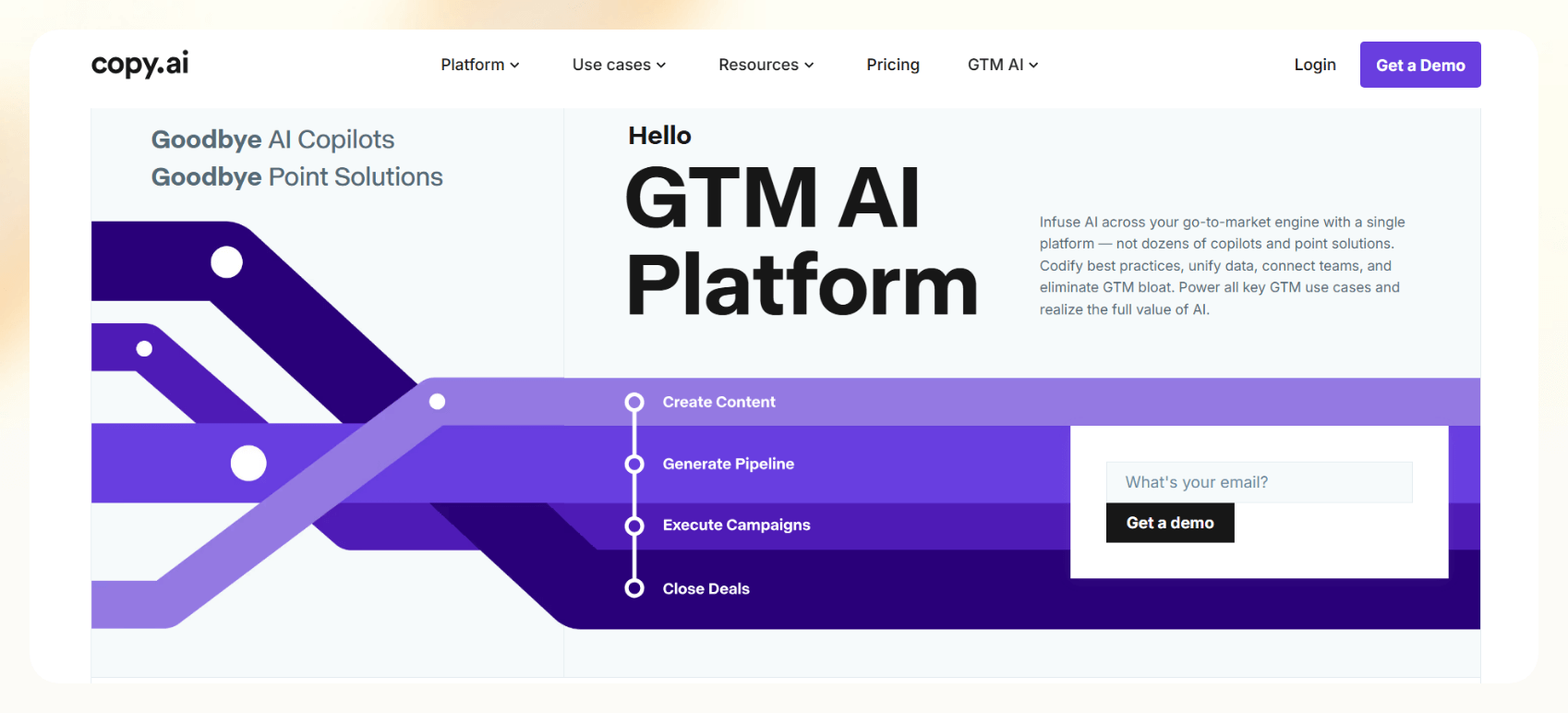
Copy.ai is an AI writing tool for crafting conversion-oriented ad copy for platforms like Facebook, Google, and TikTok. The platform lets you keep ad lines on-brand to target the right buyer pain points.
Core features
- Generates ad copy via templates: You’ll get access to a library of over 45 pre-built patterns for search, social, native, and programmatic ads. These allow you to auto-populate with your product benefits and proof points so you can generate ads quickly.
- Brand voice and infobase context layer: Upload past top-performing ads, landing pages, and tone guidelines once. Copy.ai will extract the key facts and apply them to every new content piece.
- Workflow builder: The platform features a no-code workflow builder and procedural actions. For instance, you can scrape a URL, summarize it, extract pain points, and draft a set of ads.
Who is it for?
Copy.ai is for teams that create ads across several different channels. It serves a wide range of industries, such as e-commerce and SaaS. Many businesses combine these copywriting tools with modern ai websites to streamline their entire digital presence.
Pros
- Rapid ad generation: The instant-ad engine turns a single product description into 10–20 ready-to-upload variations, complete with channel-safe lengths and emojis.
- End-to-end no-code automation: Workflows plus Agentic Actions mean you can scrape competitor messaging at 8 a.m., auto-draft counter-ads, and publish them on a social channel by 9 a.m.
Cons
- Not ideal for deep editorial: Copy.ai excels at bite-sized, persuasive ad copy. It’s not an AI writing tool for long-form pieces.
- Learning curve for power users: Building sophisticated, multistep automations demands process mapping and trial-and-error, which can be lengthy.
Pricing
Copy.ai’s Chat plan costs $29/month billed monthly and gives you unlimited words in its chat features. Workflow-focused plans start at $1,000/month (Growth, billed annually) with 20K monthly workflow credits.
Best AI text generator for drafting notes inside your workspace
Notion AI

Notion AI is an AI writing and search tool directly available inside your Notion workspace. It lets you draft and summarize notes without clicking an extension or opening up another AI text generator. If you need broader automation beyond document drafting, consider exploring the best ai platforms available today.
Core features
- Instant note and doc generation: Wherever you can type in Notion, its AI writing tool is there to help. It can outline a brand-new page, rewrite selected text, shorten, simplify, or change voice, all while respecting markdown blocks and database properties.
- AI meeting notes: Add the AI Meeting Notes block to any calendar event. The platform can transcribe live calls and separate the discussion from the transcript. It will then produce structured summaries with decisions and tagged action items. For teams evaluating dedicated text-condensing software, our guide to the best ai summarizer covers top tools.
- AI autofill for databases: Create an AI Autofill property, and Notion will automatically populate summaries, sentiment scores, or next steps for every row. This also lets you populate fresh insights into dashboards to keep your team up to speed.
Who is it for?
Notion AI works for anyone who needs to capture and distill ideas. This includes product managers, engineering and design teams, and marketing professionals. It’s also ideal for agencies and consultancies that lean on meeting-note transcriptions and database autofill. These capabilities make it one of the most versatile ai productivity tools for modern knowledge workers.
Pros
- Smooth, native experience: Because AI lives inside your Notion account, there’s zero copy-paste overhead. Drafts, edits, and summaries all feature the same page structure. That native context lets the AI produce higher-quality notes than standalone chatbots that rely on pasted text.
- Powerful knowledge retrieval: Finding data is as simple as typing a question into the prompt window. Notion AI returns cited answers that essentially relegate “Ctrl + F” to the dustbin of history.
Cons
- Locked to the Notion ecosystem: Notion AI only works inside the Notion workspace, so it can’t be used as a writing assistant in tools like Gmail, Google Docs, or Word. While powerful for note-taking and in-app content creation, it lacks the portability and versatility of AI writing tools like ChatGPT and Jasper.
- Text-centric: Deeper multimedia capabilities like video editing and image generation are limited.
Pricing
Pricing starts at $12/month per user, billed monthly (Plus), but it only comes with a trial of Notion AI. The $24/month per-user Business plan (billed monthly) unlocks full Notion AI, including AI Meeting Notes and AI connectors for Slack, GitHub, and Google Drive.
Best AI text generator for long-form SEO articles
Writesonic
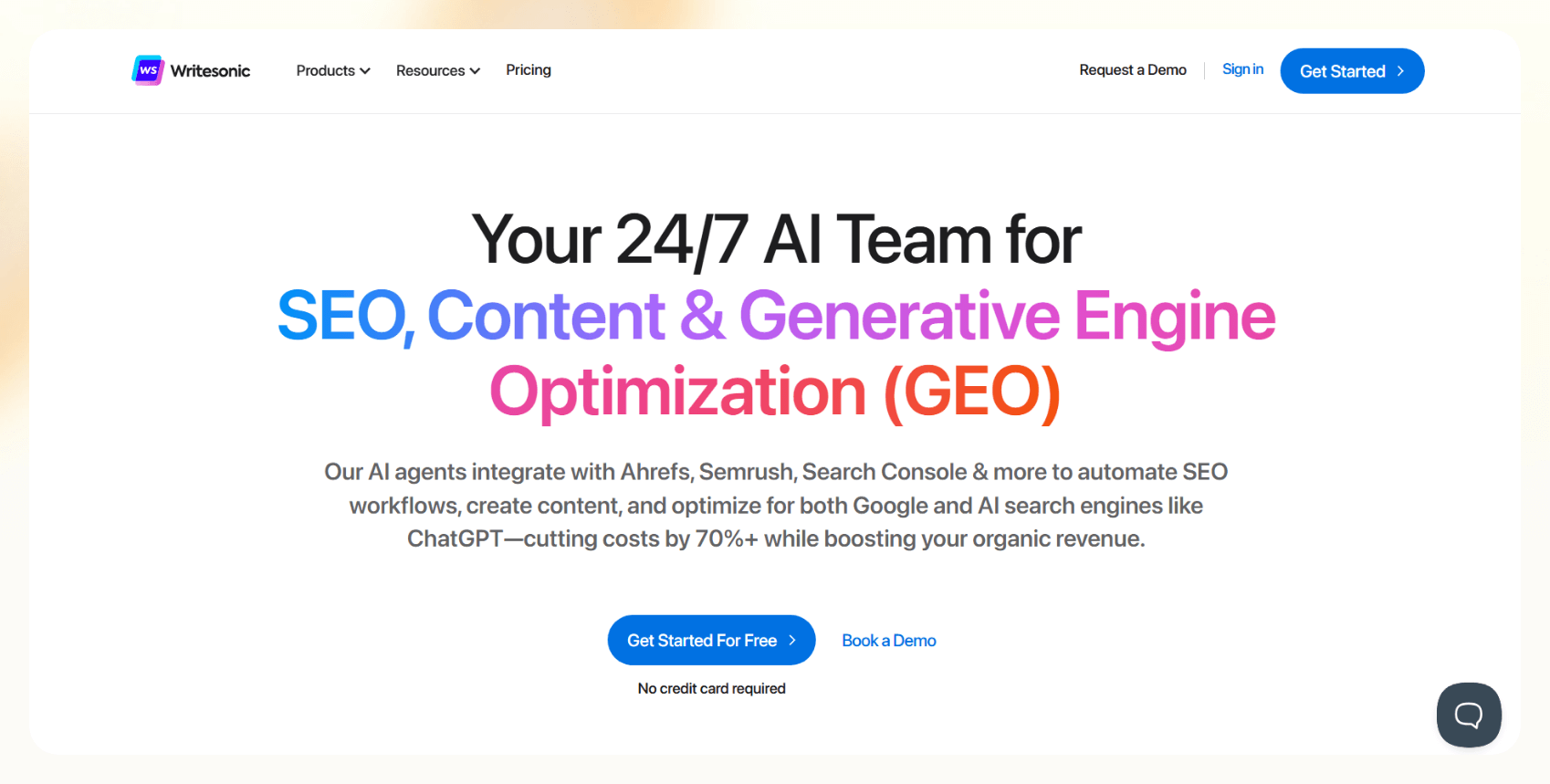
Writesonic is an AI writing tool that lets you create agents that specialize in writing long-form content. You can create agents without coding to generate everything from single-blog tasks to enterprise-scale content.
Core features
- AI article writer and brand voice cloning: Feed the writer a headline, reference URLs, and command a preferred tone, and it will generate a full draft.
- Article outline generation: Writesonic will create H2s, H3s, and H4s, bullet-point lists, FAQs, and meta description.
Who is it for?
Writesonic is built for SEO content teams that need to publish articles at speed and scale. It’s also useful for e-commerce businesses that need to create content for search engine optimization. It also complements SEO platforms like Ahrefs and SEMrush for content strategists.
Pros
- Unified SEO workflow automation: Writesonic centralizes the entire SEO process, from keyword research to SERP-optimized drafts, content outlines, and on-page recommendations, within a single dashboard.
- Reduced manual effort in optimization: The platform minimizes the need for manual input in content planning and optimization. Its automation capabilities streamline tedious tasks, making SEO execution faster and more productive.
Cons
- Steep learning curve: The sheer volume of templates, agents, and metrics can overwhelm newcomers. This means that you’ll need to schedule significant onboard time to learn the platform.
Pricing
Writesonic’s Starter plan runs $79/month billed annually, or $99/month billed monthly, and includes 15 AI articles per month. The Basic plan at $199/month billed annually ($249/month billed monthly) raises that to 25 articles and adds higher AI search tracking limits for growing content teams.
Best AI text generator for predicting which copy will convert
Anyword

Anyword creates marketing copy across multiple platforms. It combines data, creative writing capabilities, and performance analytics, allowing marketers to test multiple variations and select options most likely to drive engagement.
Core features
- Predictive performance score: Anyword’s flagship feature is its predictive performance score. It assigns a numerical rating to every piece of generated copy, helping you compare variants and select the one most likely to convert.
- Score panel for audience and messaging insights: Provides demographic insights, such as age and gender distributions and emotional scoring, highlighting which audience segments are most likely to engage with your content.
Who is it for?
The platform offers plans for freelance marketers and enterprise marketing teams across e-commerce, SaaS, financial services, and direct-to-consumer brands. While Anyword handles marketing text, technical teams looking to build software may prefer specialized claude alternatives for coding.
Pros
- Data-backed confidence, not guesswork: The Predictive Performance Score lets teams see the statistically strongest headline, CTA, or subject line before launch.
- Tailored messaging for every audience: Generates multiple copy variations optimized for different customer personas and channels.
Cons
- Steep price curve for premium features: Real-time scoring, web-copy personalization, and custom AI models are only available on the $99/month Data-Driven plan or the custom-priced Business plan. This may be out of reach for freelancers or teams on a budget.
Pricing
For $49/month billed monthly (Starter), you’ll get unlimited copy generation with one brand voice. The $99/month Data-Driven plan adds 100 monthly performance predictions and real-time scoring for manual edits.
Best AI text generator for creative fiction writing
Sudowrite

Sudowrite is an AI co-author built for narrative writers. Its LLM, Muse, is trained on narrative prose, so its suggestions have emotional nuance geared toward prose writers instead of marketers.
Core features
- Story Bible: Upload character notes or let Muse ask guiding questions to auto-build a living “Story Bible,” which outlines parts of your story.
- First-Draft Engine: Generate scene cards and even draft 500-1,000-word chapters that match your uploaded voice sample.
Who is it for?
The platform is built for fiction authors, screenwriters, game narrative designers, and creative writing students. It also serves individual creators and small teams that need consistent narrative output and idea flow.
Pros
- End-to-end creative workflow: Sudowrite provides tools for constructing every part of your narrative. This includes the Brainstorm function to get ideas off the ground and the Canvas function for building structure.
- Fiction-first AI that matches your voice: Sudowrite’s proprietary Muse model is trained explicitly for fiction. It can generate prose that aligns with your unique narrative voice.
Cons
- Limited collaboration features: Sudowrite lacks multi-user or commenting tools for teams. That makes it less ideal for collaborative writing environments or editorial workflows requiring version tracking and feedback. For client-facing teams that need to record business discussions, specialized software for ai meeting notes for customer calls may be a better fit.
Pricing
Get started for $10/month with 225,000 credits, about enough for 30,000 words. The $22/month Professional plan now provides 1 million credits, and the $44/month Max plan includes 2 million (all billed monthly).
Best AI text generator for all-purpose conversational writing
ChatGPT
OpenAI’s ChatGPT, the OG of generative AI, is a multimodal AI that writes, codes, brainstorms, and analyzes data. You can prompt it with voice, images, or text.
Core features
- Context-aware prompting and memory: ChatGPT retains context within conversations, allowing for multi-turn interactions and deeply nuanced content generation.
- Multimodal capabilities: ChatGPT can interact with you through text, voice, and images.
Who is it for?
ChatGPT can meet the needs of nearly any organization that produces written content. It can draft, edit, and proofread articles, summarize documents, and more.
Pros
- Wide content format support: The platform supports social posts, ad headlines, and long-form articles. This ability to suit various content needs makes ChatGPT one of the best AI text generators available.
- Context-aware content refinement: ChatGPT remembers previous prompts within a session, allowing it to maintain tone, style, and intent across revisions.
Cons
- May hallucinate or misinform: ChatGPT can occasionally generate inaccurate or fictional information, especially when asked about niche or time-sensitive topics. You should always fact-check outputs, especially for business, legal, or health-related use cases.
Pricing
Pricing starts at $8/month for ChatGPT Go, with Plus at $20/month for access to more capable reasoning models. The Pro plan starts at $100/month (with three usage tiers) and provides maximum deep research capabilities.
Best AI text generator for switching between top AI models in one app
Writingmate
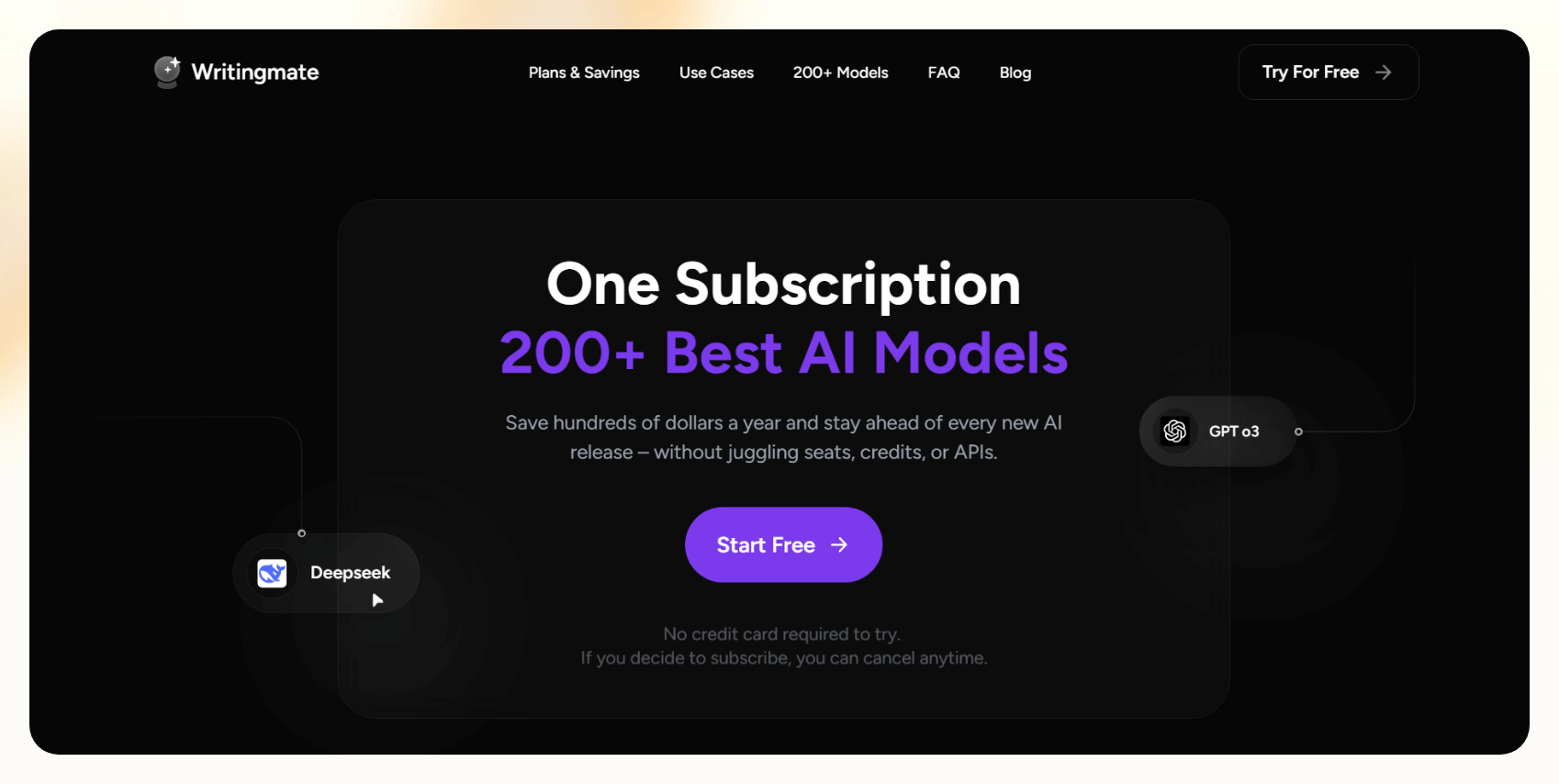
Writingmate is an all-in-one AI writing app that puts ChatGPT, Claude, Gemini, and 350+ other AI models in one account. It can generate blog posts, product descriptions, and landing page copy, and you can switch models mid-chat without losing your draft.
Core features
- Multi-model chat and comparison: Switch between GPT, Claude, Gemini, and Grok models in the same chat, or compare their responses side by side before you pick a draft.
- Custom prompts and AI agents: Save reusable prompts and build custom AI assistants for repeat writing, research, or SEO tasks, so recurring work starts from a consistent brief.
Who is it for?
Writingmate is ideal for content marketers, SEO agencies, and in-house marketing teams. It serves freelancers, small-to-midsize businesses, and enterprise-level content operations that publish at volume and compete in crowded search spaces.
Pros
- All-in-one AI writing workflow: Writingmate handles research, file analysis, and final drafts with the major AI models in one app. It removes the need for multiple AI subscriptions, saving time and reducing tech stack complexity.
- Several productivity tools: Beyond text generation, Writingmate offers a suite of productivity features such as web search and file interaction (including PDFs and images).
Cons
- Content can feel robotic: If you lean too heavily on Writingmate’s saved prompts and templates, the content can occasionally come off as stiff or keyword-stuffed. You’ll still need to apply a human touch to ensure content flows naturally and meets brand standards.
Pricing
Get Writingmate Pro for $19.99/month billed yearly ($29.99 month to month) with 800 monthly credits and access to 350+ models, including GPT, Claude, Gemini, and Grok models. The $39.99/month Ultimate plan (billed yearly) raises that to 2,000 credits a month, and both plans let you “chat” with documents that you’ve uploaded.
Best AI text generator for writing on a budget
Rytr

Rytr is an affordable AI writing assistant built for quick, straightforward content generation across various formats. It can adapt to different tones, industries, and audiences without the complexity or cost of more advanced platforms.
Core features
- Use-case templates: Rytr offers over 40 writing templates covering business pitches, testimonials, and meta descriptions. Choose a use case, fill in a short prompt, and generate results instantly.
- Multilingual support with tone customization: The platform supports over 30 languages and 20+ tones, and adapts accordingly to every project.
Who is it for?
The platform can meet the needs of freelancers, solopreneurs, startups, and small businesses. It serves users in industries like e-commerce, digital marketing, real estate, and consumer services.
Pros
- Affordable and simple: Rytr offers a low price point, making AI content generation accessible for users who can’t justify higher-cost AI text generators. Its template-based interface is beginner-friendly and can be set up in a snap.
- Versatile content generation: Rytr is suitable for various applications, from crafting compelling marketing copy to drafting detailed reports.
Cons
- Limited advanced functionality: Rytr lacks the sophistication of premium AI writing tools. It doesn’t offer advanced features like SEO optimization or content planning, and plagiarism checks are capped at 50 a month on Unlimited and 100 on Premium.
Pricing
Start using Rytr for $9/month billed monthly (Unlimited) with unlimited character generation. The $29/month Premium plan adds 100 monthly plagiarism scans and multiple tone matches.
Top 4 AI text generators: At a glance
| Tool | Best For | Free Plan | Output Customization |
|---|---|---|---|
| Jasper | Marketing content | 7-day trial | Very High: Brand voice cloning, campaign templates |
| Copy.ai | Quick multichannel ad copy | Yes | High: Templates + automation flows, voice & data layering |
| ChatGPT | All-purpose conversational writing | Yes | Very High: Prompt memory, tone adaptation |
| Notion AI | Drafting notes inside your workspace | Limited AI trial on Free and Plus plans | Moderate: Works only in Notion, tone and format editing |
{{cta}}
How I tested the best AI text generators
To find the best AI text generator for scaling high-quality content in 2026, I tested the free versions of top writing tools. I evaluated their ability to produce human-like, on-brand content across blog intros, emails, and ad copy. Here’s what I looked for:
- Human-sounding context-aware content: Writing that flows naturally, adapts to tone, and avoids robotic phrasing.
- Multi-format flexibility: The ability to generate coherent and effective outputs across blog intros, follow-up emails, and ads.
- Brand voice consistency: Content that maintains tone and style across use cases and mirrors the target audience’s expectations.
These tests showed me that the best AI text generators delivered fluent, brand-aligned content across formats. These platforms adapted, persuaded, and performed with real-world versatility.
What can an AI text generator do?
AI text generators can produce on-brand content for articles, emails, and ads. They can help you overcome writer’s block, meet tight deadlines, and generate new ideas. The best AI text generators can also improve tone and provide editing feedback while producing more content at scale.
How generative AI is changing writing workflows
Generative AI rewires writing workflows by generating outlines, drafts, and sections from a simple prompt or template. It also optimizes workflows by allowing editors to refine tone and facts rapidly. Assistants like Lindy connect that drafting directly to your inbox and meetings, so the text lands where the work happens.
Common pitfalls of AI writing tools
AI text generators are far from flawless. Here are a few issues to be aware of:
- Bland or generic output that misses user intent
- Occasional hallucinations and factual inaccuracies
- Overuse of clichés, awkward phrasing, cringy tropes
- Risk of unoriginal or plagiarized content
- Limited creativity compared to human writers
Editing every piece of content generated by AI writing tools is crucial. You can ensure your content is plagiarism-free by using an embedded plagiarism scanning tool like Grammarly.
Frequently asked questions
What is the best AI text generator in 2026?
Jasper and ChatGPT are the best. Jasper is ideal for marketing copy, while ChatGPT leads for conversational content and long-form drafts. Rytr covers the basics on a budget.
Which AI tool is best for blog content?
Writesonic’s Article Writer is good for blogs. Feed a headline and reference links; it generates a research-backed outline, then a full draft with citations, FAQs, and schema markup.
What is the best free AI text-to-video generator?
The best free AI text-to-video generator in 2026 is Pictory. It converts scripts or blog posts into engaging videos using stock footage, voiceover, and AI editing. It’s ideal for marketers and content creators, with a 14-day free trial.










