Free
Give Lindy real work before you pay.
$0
$50 in credits for free
Try for free Everything you need to get started
- No credit card required
- Setup in 2 minutes
- Free credits last 7 days

Start with $50 in free credits. No credit card required.

Give Lindy real work before you pay.
$50 in credits for free
Try for freeEverything you need to get startedNo credit card requiredSetup in 2 minutesFree credits last 7 days
Buy the credits you need.
Everything in Free, and:
5,000 credits every monthCredits pooled across your whole teamTop up anytime, $10 per 1,000 creditsChoose your model for each taskComputer useLive onboarding
Security, compliance, and control.
Custom credits and billing
Book a demoEverything in Team, and:
HIPAA compliance & signed BAASSO & SCIMAudit logsShared usage + bonus creditsDedicated supportOnboarding & enablementEvery active user in your workspace is billed, from $49.99 a month for 5,000 credits each.
 Slack-native teammate in threads + mentionsScheduled routinesPersistent workspace context40+ skills, plus create your ownShared meeting library and foldersMeeting recording and notesMeeting scheduling, prep and follow-upDaily briefs, nudges, and catch-upsInbox managementDrafts replies in your voiceConnect 2 to 5 inboxes, depending on planiMessage with your assistant 24/7Team files with version historyComputer use on Pro and Max1,500+ integrationsMCP support, connect any toolModel selection, all modelsApprovals built in
How usage works
Credits measure the work Lindy does. You only use them when Lindy is working.
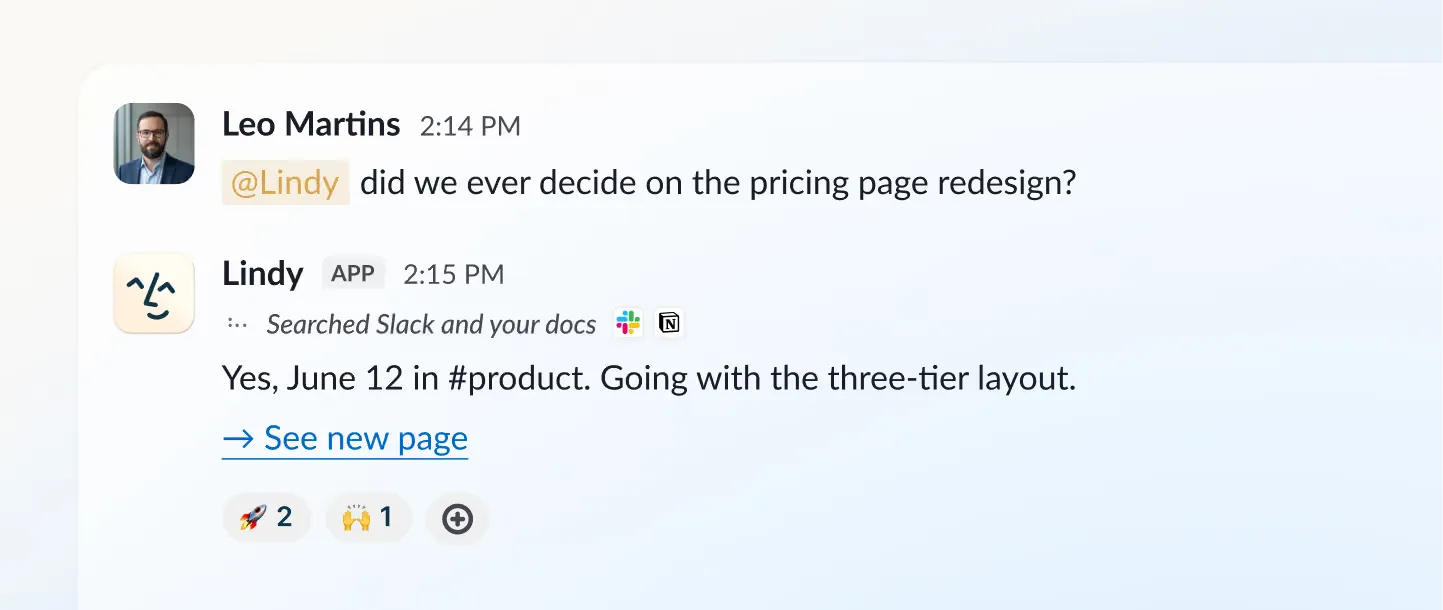
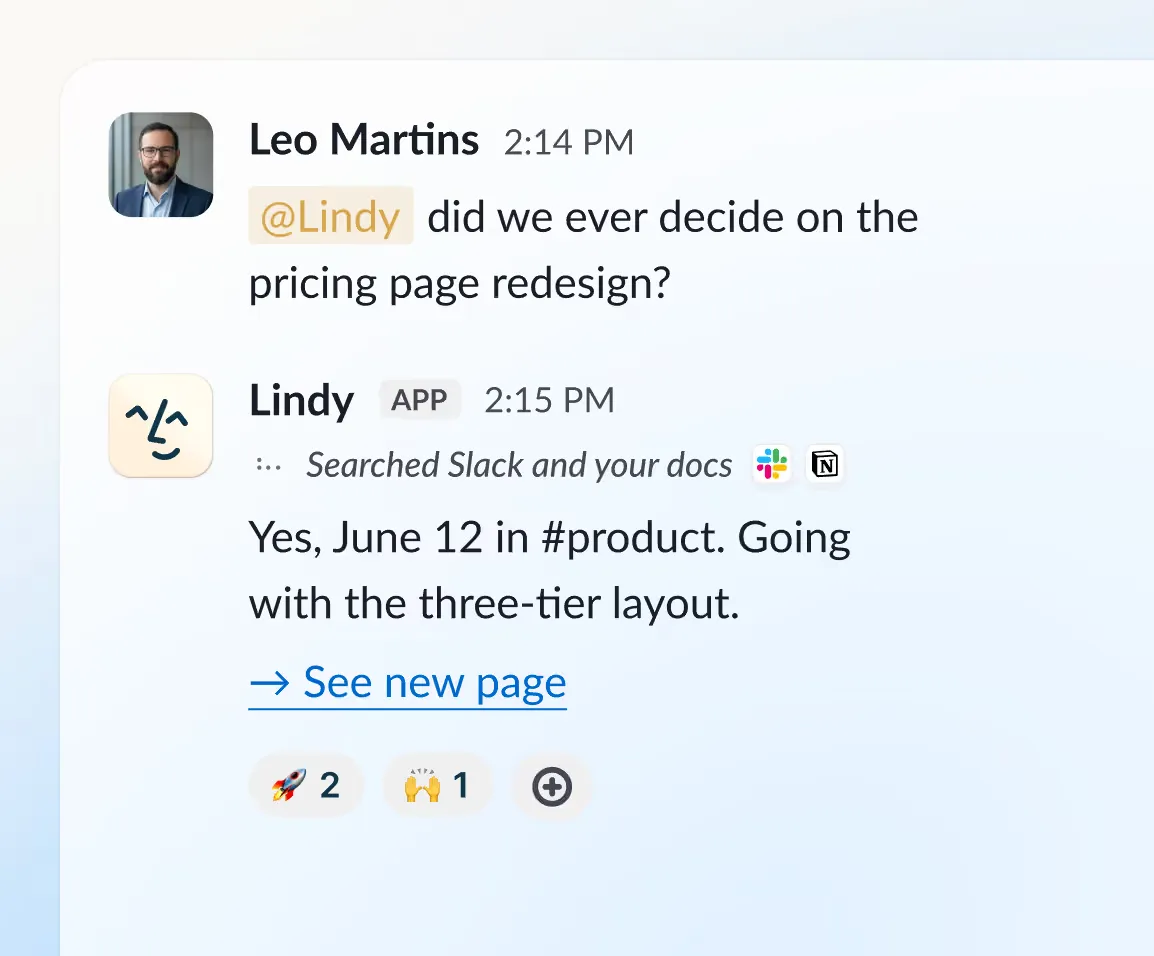
 Everyday Asks
Answers, summaries, lookups and updates in your tools, closing out a meeting, drafting a reply.
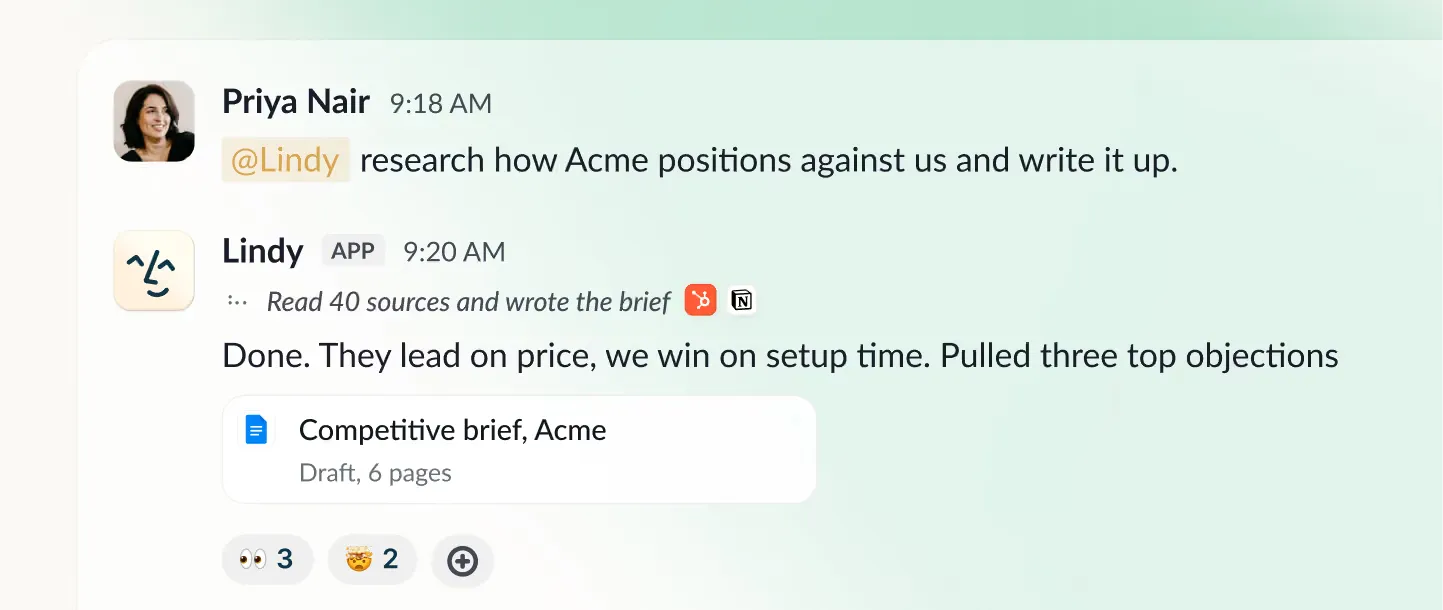
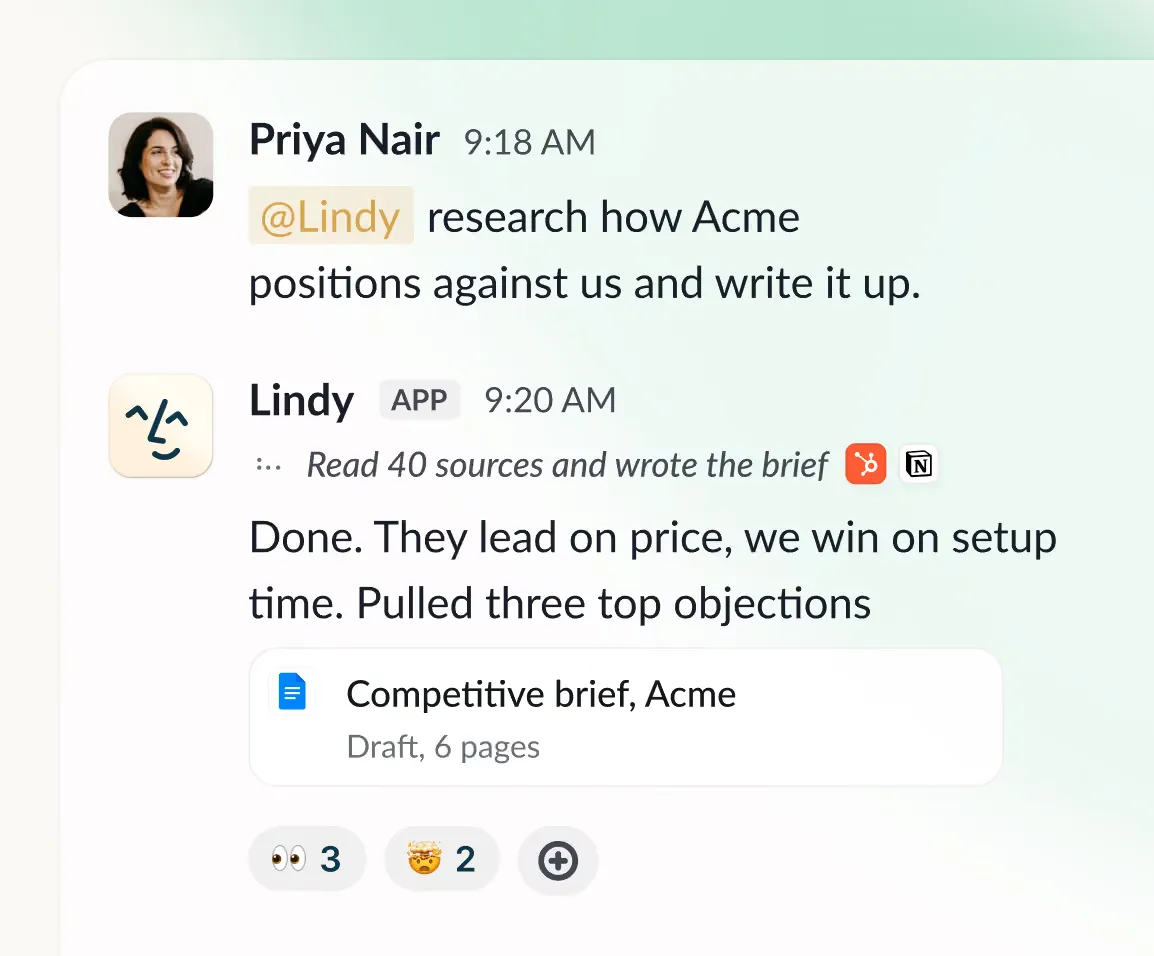
 Deep work
Research a competitor and write the report, triage a day's support queue, turn a week of calls into a proposal, build basic html artifacts.
 Big Builds
Complex html dashboards, multi-media decks built from your CRM and analytics, internal tools shipped end to end, heavy scheduled workflows.
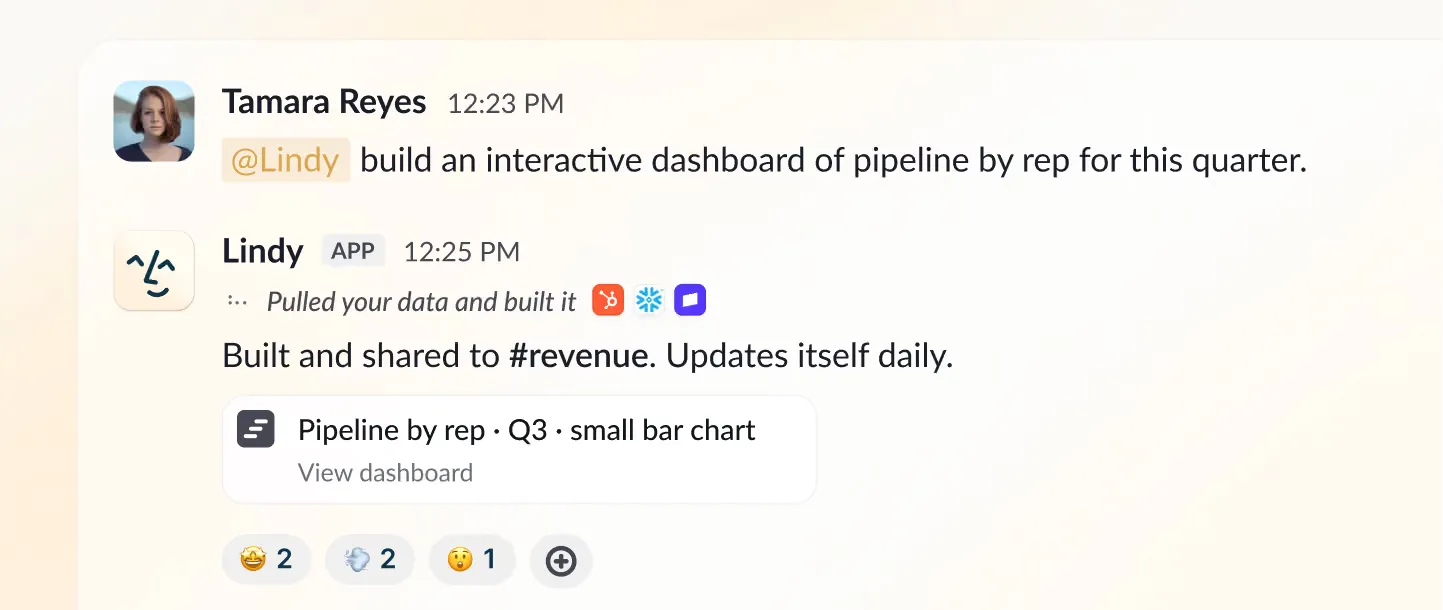
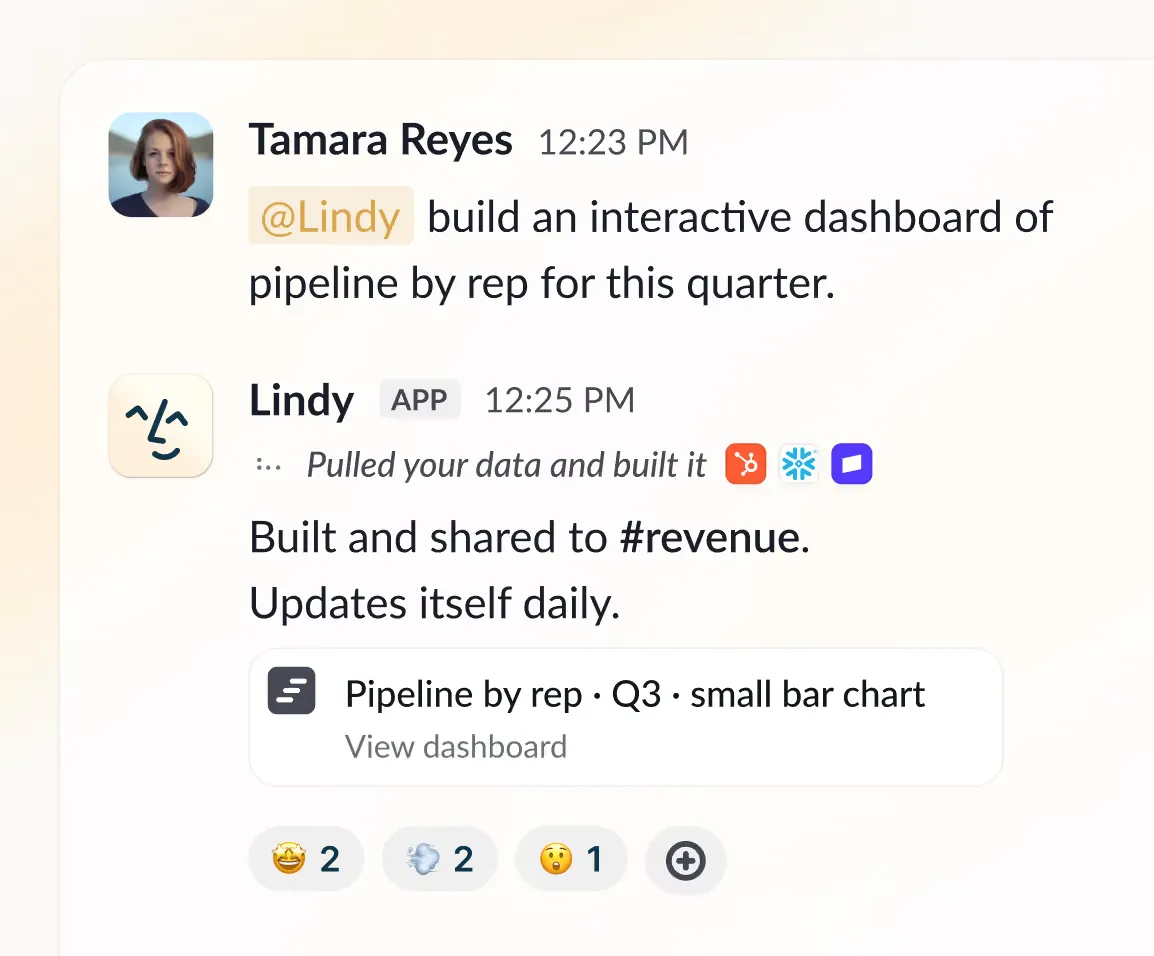
Pick your model of choice for each task. Most major models are available.

Every seat adds its credits to a shared pool, so anyone can draw on it when they need more.
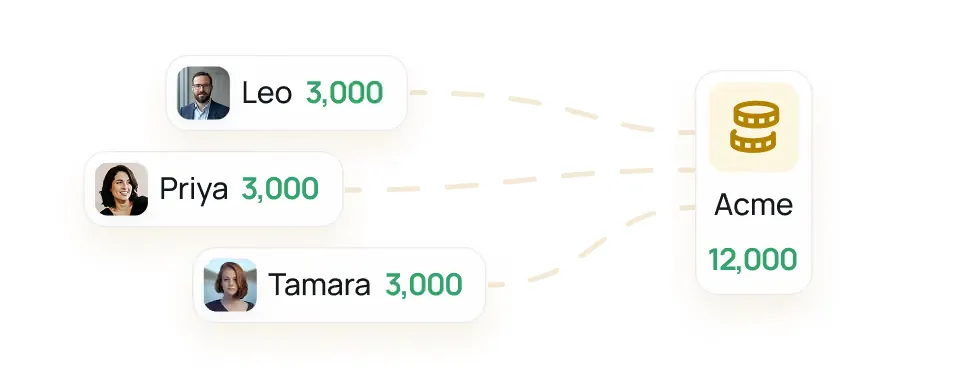
If the pool runs low, Lindy pauses and tells you. Admins can set credit allocations per seat.
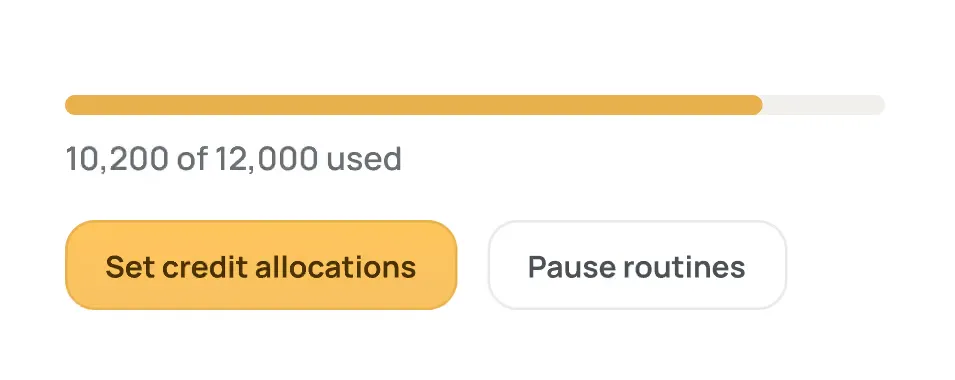
Credits are how Lindy measures work, and bigger jobs use more. Pick the monthly credits your team needs, starting at 5,000 for $49.99 a month. Every active user in your workspace is billed, from $49.99 a month for 5,000 credits each, and everyone draws from one shared pool.
Monthly credits refresh at the start of each billing cycle and don't roll over. Top-up credits are yours until you use them.
Nothing breaks and there is no surprise bill. Lindy pauses credit-using actions until your credits reset at the start of your next cycle. Need more before then? Admins can top up at $10 per 1,000 credits, or move to more monthly credits anytime.
Anyone who uses Lindy takes a seat, whether they sign up directly, join your workspace, or @mention Lindy in Slack. New teammates who join through Slack get a 7-day free trial before the seat is billed; direct signups are billed right away.
Teammate is one workspace subscription: every seat is on a single bill and all credits pool together. Admins manage seats and credit allocations in one place. Remove a seat any time and it stays active through the cycle you've paid for, with no mid-cycle proration, and Lindy won't re-add anyone an admin removed.
No. Anything with outside impact waits for approval such as sending an email, updating a ticket, posting to another channel, publishing a doc. Read-only lookups from approved sources do not require approval.
Yes. Your data is encrypted, never sold, and never used to train models. Lindy is SOC 2 and GDPR compliant, and Enterprise adds SSO, audit logs, and HIPAA with a signed BAA.
Yes. Start with $50 in free credits, no credit card required. The free credits last 7 days. After that, paid usage starts at $49.99 per user per month.
Your workspace stays active through the cycle you've paid for, with no mid-cycle proration. After that, credit-using actions stop.
The free week is one-time per teammate. If someone leaves and comes back, they pick up right where the team left off with immediate access, going straight onto a billed seat.
More questions? See our docs