Top 9 AI Sales Automation Platforms [2026]: Tested & Reviewed
Jack tested nine AI sales automation platforms including Reply, Apollo, and Gong, comparing outreach coverage, lead-data accuracy, CRM syncing, and pricing across live sales workflows.


I tested the top AI sales automation platforms across different pipelines to see which ones make a significant difference in outreach, qualification, and booked calls. These 9 stood out for accuracy, consistency, and how well they fit into everyday sales work.
Top 9 AI sales automation platforms: At a glance
I’ve summarized how the top platforms performed in my testing, with their starting prices and where each one fits best. For organizations looking to automate real-time buyer conversations, implementing an ai sales chatbot can capture and qualify leads automatically. To learn how autonomous tools transform outreach, explore how ai agents sales workflows automate repetitive pipeline tasks. Here’s how they compare:
| Tool | Best for | Starting price (billed monthly) | Key strength |
|---|---|---|---|
| Reply | Multichannel outreach | $89/user/month (billed annually) | Strong deliverability + adaptive sequences |
| Momentum | Sales coaching and automatic CRM updates | $69/user/month (yearly) | Real-time call analysis and CRM updates |
| UpLead | Accurate lead data | $99/month | Large verified B2B database with deep filters |
| ManyChat | Social media leads | $17/month | Automated responses across Instagram, WhatsApp, and Messenger |
| Regie | Prospecting at scale | $49/month | Autonomous agents + advanced personalization |
| Gong | Revenue forecasting | Custom pricing | Signal-based forecasting and pipeline insights |
| Apollo | All-in-one outbound and CRM | $65/user/month | Huge lead database with built-in CRM automation |
| Braze | B2C customer engagement | Custom pricing | Strong personalization across email, push, and SMS |
| Trellus | High-volume calling | $99.99/month | Parallel dialer with AI-powered call handling |
1. Best AI Sales Automation Platform for Multichannel Outreach
Reply: What is it?
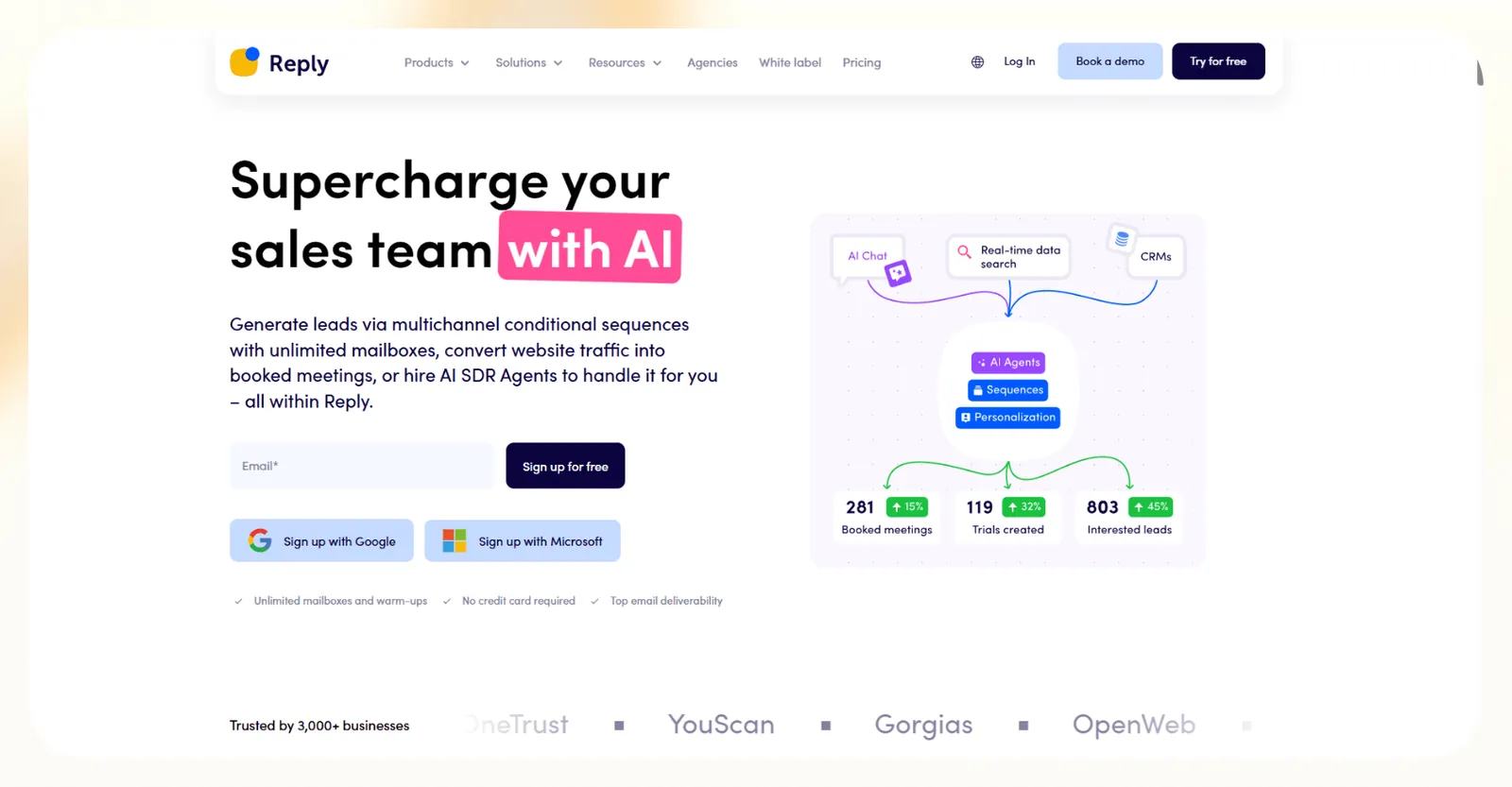
What does it do? Reply automates outreach across email, LinkedIn, SMS, WhatsApp, and phone so you can run multichannel sequences without manual follow-ups.
Who is it for? Teams that focus on outbound and need fast outreach at volume. It also works for agencies that manage campaigns for multiple clients. Deploying dedicated ai agents for sales can further automate prospect research and outreach workflows.
I used Reply for a mix of cold email and LinkedIn sequences to test how it handled timing, deliverability, and personalization. It moved fast and made it easy to map out steps across channels. To compare additional platforms for cold campaigns, exploring top ai outreach tools can help refine your strategy.
The strong deliverability tools helped my emails get more opens during testing, and the adaptive sequences reacted well to replies and clicks.
Key features
- Automate outreach across email, calls, LinkedIn, SMS, and WhatsApp
- Build conditional sequences that react to engagement
- Use built-in warmup tools to protect deliverability
- Generate unique email variations with AI
- Sync activity with CRMs like HubSpot and Salesforce
Pros
- Strong deliverability support
- Good multichannel coverage
- Easy to launch and manage sequences at scale
Cons
- Pricing climbs fast for larger teams
- The UI can feel cluttered during heavy campaigns
Pricing
- No free plan
- The Multichannel plan starts at $89/user/month, billed annually, with a free 14-day trial. Email-only outreach starts at $49/user/month on the Email Volume plan, billed annually
Bottom line
Reply works well for teams that care about speed and want to reach prospects on several channels. It performs best when you need consistent outbound volume with minimal setup. To evaluate how these tools compare with broader software options, exploring other ai platforms can help guide your decision.
2. Best AI Sales Automation Tool for Sales Coaching and Automatic CRM Updates
Momentum: What is it?

What does it do? Momentum analyzes sales conversations and updates your CRM with key details so your team can act on cleaner data and faster insights.
Who is it for? Mid-sized and enterprise teams that run complex deals and need clear coaching signals, and teams that want accurate CRM data without manual updates. For teams operating in highly regulated sectors, exploring specialized pharma sales ai tools can provide additional compliance support.
I tested Momentum on several recorded calls to see how well it pulled insights and flagged deal risks. It captured action items, objections, and next steps accurately. It proved to be valuable as it alerted me when my pipeline started to drift.
The platform also removed a lot of manual data entry during testing, which helped me move faster between calls.
Key features
- Analyze sales calls and extract insights in real time
- Update CRM fields with details from conversations
- Send alerts for deal risks, objections, and key buyer signals
- Track themes across calls to support coaching
- Integrate with tools like Salesforce, HubSpot, and Slack
Pros
- Strong call analysis
- Helpful alerts that keep deals on track
- Accurate CRM updates without extra work
Cons
- Setup takes time for complex workflows
- Best fit for teams with larger deal cycles
Pricing
- No free plan
- Paid plans from $69/user/month, billed yearly, with discounted pricing for 50+ users
Bottom line
Momentum works well if your team needs cleaner CRM data and steady coaching signals. It performs best for organizations that want detailed visibility into active deals.
3. Best AI Sales Automation Tool for Accurate Lead Data
UpLead: What is it?
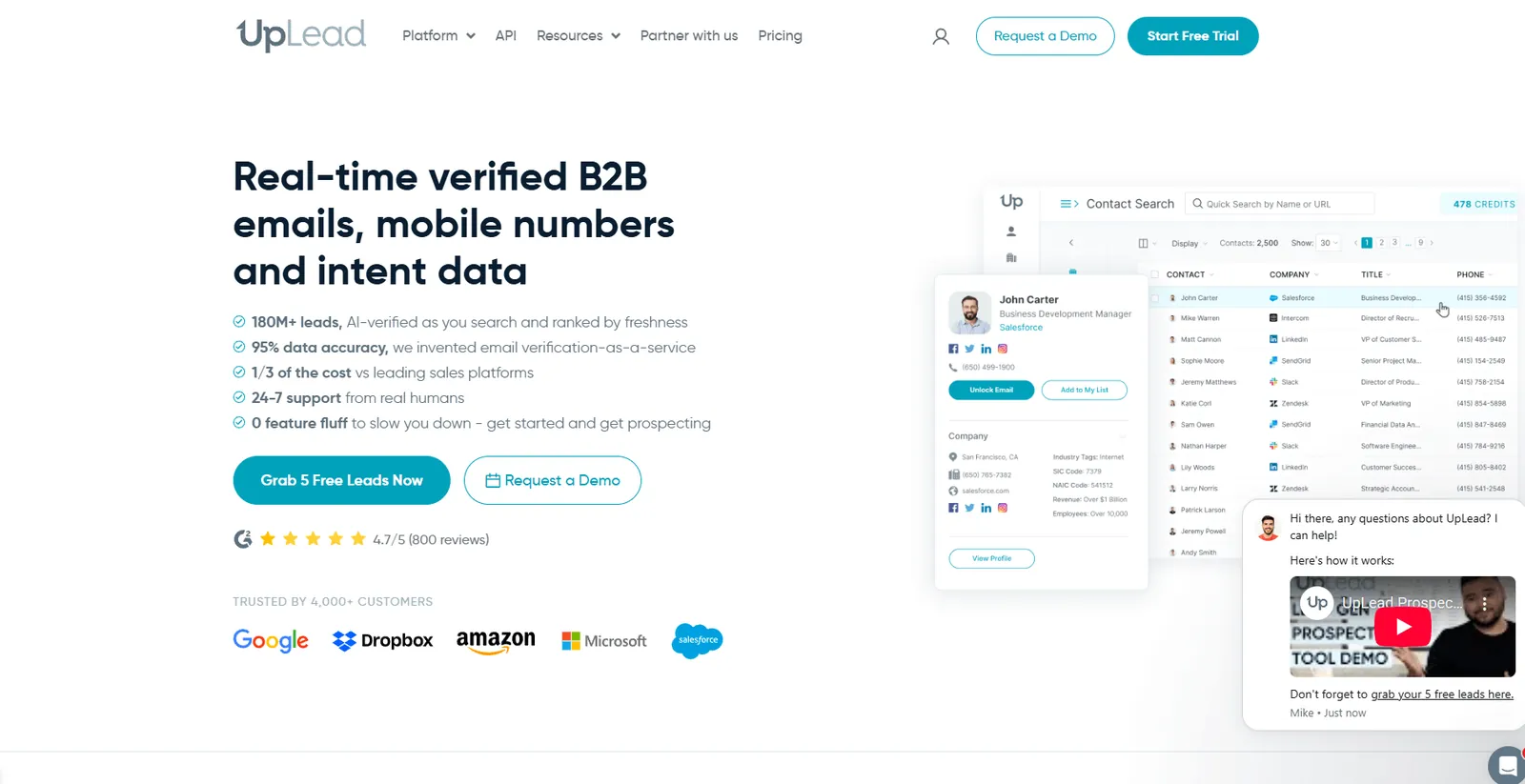
What does it do? UpLead gives you verified B2B contact data with filters that help you build clean prospect lists fast.
Who is it for? Sales and marketing teams that need reliable data without a complex platform and want a straightforward way to build lists for outbound. For teams evaluating broader prospecting software, exploring the best ai lead generation tools can help automate prospect discovery.
I tried UpLead to check the accuracy of the data and how fast I could build a filtered list. The email verification saved me time because it cut most of the usual cleanup work.
I also liked the intent filters, which helped me find leads that were already researching similar tools. The platform stayed simple and did not slow me down with extra steps. To capture these high-intent buyers as soon as they reach your site, deploying an ai lead generation chatbot can automate initial conversations.
Key features
- Access a large B2B database with verified contacts
- Use more than 50 filters to refine target lists
- Verify emails in real time
- Track intent signals to spot active buyers
- Export lists to tools like Salesforce, HubSpot, and Outreach
Pros
- Accurate data with low bounce rates
- Simple and fast list building
- Helpful intent filters
Cons
- Limited automation
- Higher tiers get expensive for small teams
Pricing
Bottom line
UpLead works well if you want reliable contact data without a heavy platform. It performs best for teams that need a fast and simple way to build prospect lists.
4. Best AI Sales Automation Tool for Social Media Leads
ManyChat: What is it?
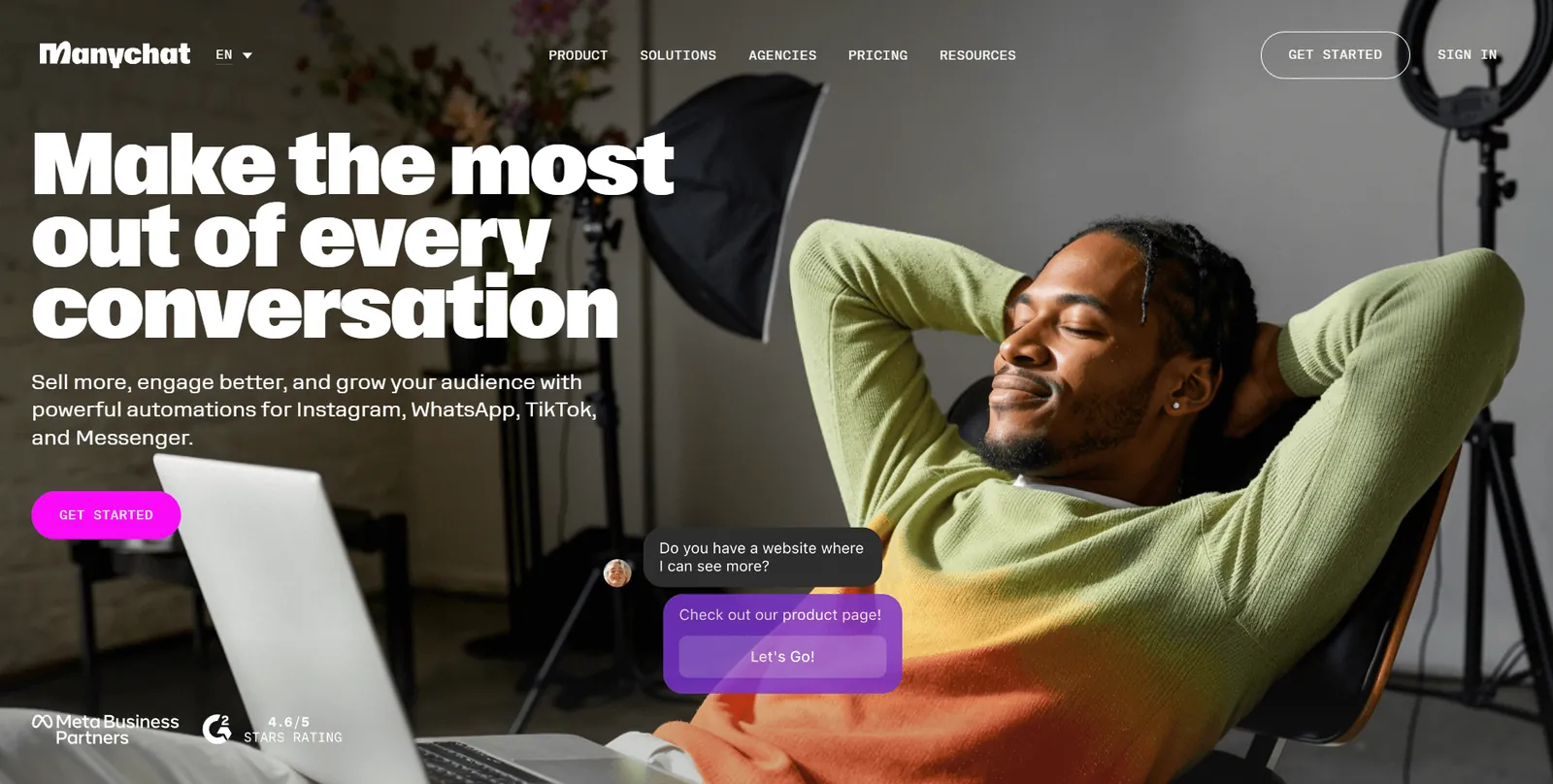
What does it do? ManyChat automates conversations on Instagram, WhatsApp, and Messenger so you can capture and engage leads across social channels.
Who is it for? eCommerce brands, creators, and agencies that rely on social traffic, and teams that want faster replies without adding manual work.
I added ManyChat to my Instagram to see how it handled replies and routing. The automation picked up comments and DMs quickly and pushed new leads into my CRM with clean data. It also helped me respond faster during peak activity hours.
It suits high-volume social engagement, which gives it an advantage for teams that sell through direct messages.
Key features
- Automate replies to comments, DMs, and story reactions
- Create flows for Instagram, Messenger, and WhatsApp
- Route leads into CRMs and email tools
- Support basic product discovery and order tracking
- Track engagement and message performance
Pros
- Fast automation for busy social accounts
- Easy setup for common flows
- Strong support for Instagram and WhatsApp
Cons
- Limited features outside social channels
- Costs rise as engagement grows
Pricing
- Free plan with up to 25 active contacts per month
- Paid plans from $17/month, billed monthly
Bottom line
ManyChat works well if your leads come from social platforms. It performs best for brands that rely on DMs and comments to start sales conversations.
5. Best AI Sales Automation Platform for Prospecting at Scale
Regie: What is it?

What does it do? Regie uses AI agents to source leads, enrich contacts, and run outreach across email, phone, and social channels.
Who is it for? Large sales teams at enterprise companies and organizations that need volume, customization, and stronger personalization.
I tested Regie to see how well the agents handled sourcing and writing. The platform pulled detailed lead data and produced good first drafts for outreach. The Chrome extension helped me generate quick messages on LinkedIn and inside my inbox.
The tool felt powerful, but the scope and setup made it clear that it targets teams with bigger budgets and heavier sales operations.
Key features
- Use AI agents to source and enrich leads
- Run outreach across multiple channels
- Personalize messages with a research-driven AI assistant
- Use a Chrome extension to write directly inside inboxes and LinkedIn
- Sync work with CRMs like Salesforce and HubSpot
Pros
- Strong sourcing and enrichment
- Good personalization support
- Helpful Chrome extension
Cons
- Team pricing adds up per seat
- Best suited for large enterprise teams
Pricing
- Free plan with 250 one-time credits per person
- Paid plans from $49/month (Pro, one user), billed monthly, or $41/month billed yearly. Team costs $150/seat/month billed monthly ($125 billed yearly) with a two-seat minimum, and Enterprise is custom
Bottom line
Regie works well for large teams that need advanced prospecting and personalization. It performs best in environments with high outbound volume and complex sales cycles.
6. Best AI Sales Automation Platform for Revenue Forecasting
Gong: What is it?
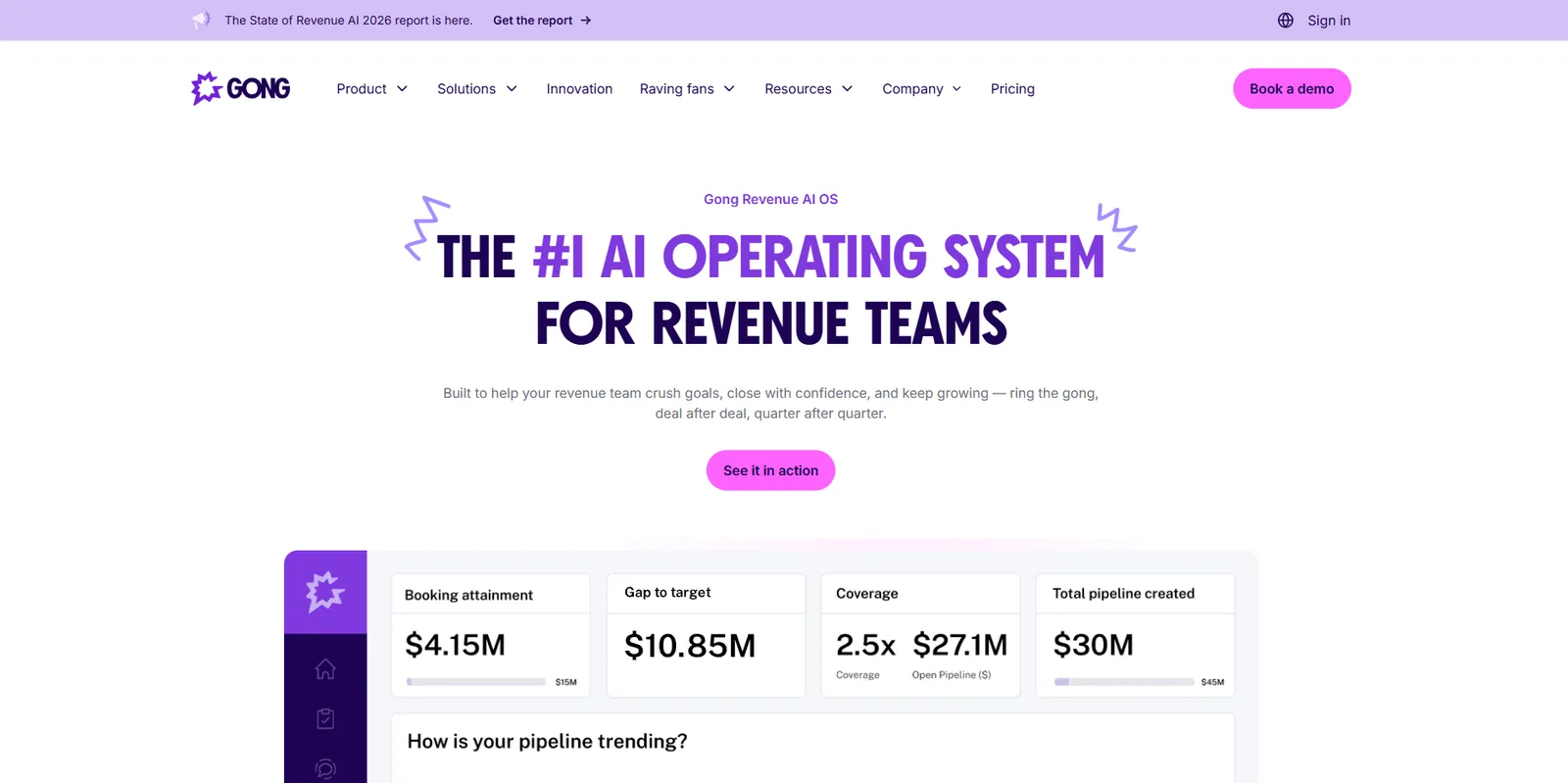
What does it do? Gong analyzes sales conversations and pipeline activity to give teams clearer forecasting, coaching, and deal visibility.
Who is it for? Teams of any size that want insights into their pipeline, and sales leaders who need accurate forecasts and cleaner data.
I tested Gong on call recordings and active deals to see how well it tracked buyer signals. The insights felt clear and helped me understand which deals needed attention.
The forecasting tool also pulled patterns from past interactions, which gave me more confidence in the predictions. It is a strong fit for teams that want more structure in how they review conversations and pipeline health.
Key features
- Analyze calls and surface buyer signals
- Track deal risks and activity trends
- Forecast revenue with data from past interactions
- Coach reps through conversation insights
- Sync data with major CRMs
Pros
- Strong forecasting accuracy
- Clear coaching insights
- Helpful view of deal risk
Cons
- Pricing can be high for larger teams
- The setup feels more complex than lighter tools
Pricing
- No free plan or trial
- Need to contact sales for a detailed quote based on your needs
Bottom line
Gong works well for teams that want stronger forecasting and call insights. It performs best when you need a clear view of buyer activity and pipeline health.
7. Best AI Sales Automation Platform for All-in-One Outbound and CRM
Apollo: What is it?
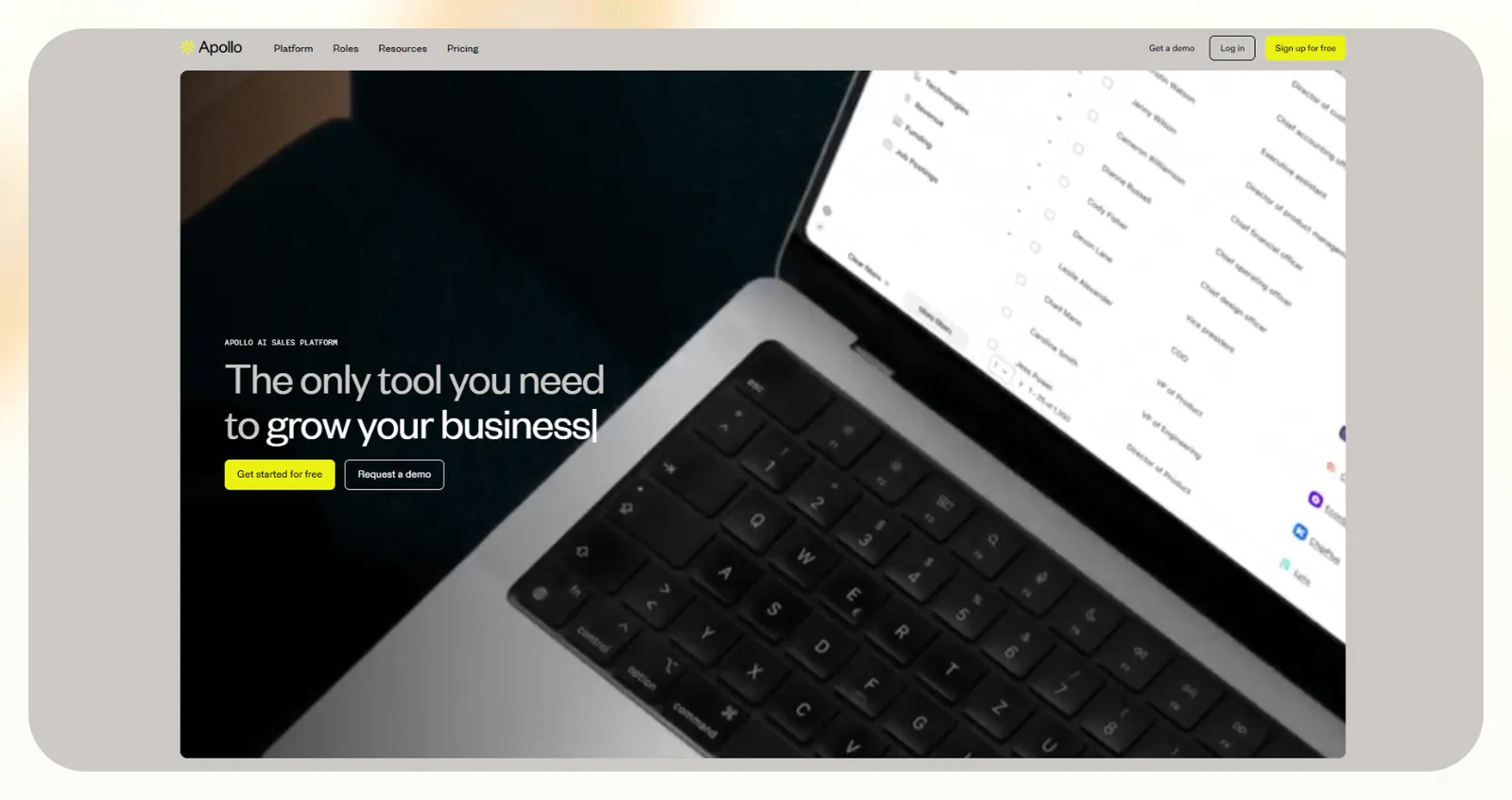
What does it do? Apollo combines a large B2B database with its own CRM and outbound tools so you can run prospecting and follow-ups in one place.
Who is it for? Startups and small teams that want an all-in-one stack and companies that need a simple CRM tied to outbound.
I wanted to build lists, enrich leads, and automate daily tasks inside the CRM with Apollo. The database is extensive enough for most outbound work, and the enrichment helped keep records clean.
I also liked the built-in dialer and email tools because they kept the workflow tight. The platform gets crowded as you add data, but it still covers a lot for the price.
Key features
- Build lists from a large B2B database
- Enrich records with email, call, and activity data
- Use a built-in CRM for tasks and pipeline tracking
- Run outbound calls and emails from the platform
- Sync with tools like HubSpot and Salesforce
Pros
- Good value for an all-in-one tool
- Helpful enrichment
- Strong database coverage
Cons
- Per-user pricing adds up fast
- CRM can feel complex for simple workflows
Pricing
- Free plan with 75 monthly credits
- Paid plans from $65/user/month, billed monthly
Bottom line
Apollo works well if you want one tool for prospecting, enrichment, and CRM tasks. It performs best for small teams that want an all-in-one workflow.
8. Best AI Sales Automation Platform for B2C Customer Engagement
Braze: What is it?

What does it do? Braze helps brands send personalized messages across email, SMS, push, and in-app channels so they can engage customers at scale.
Who is it for? Large B2C companies with active marketing teams, and brands that want deeper personalization and strong cross-channel execution.
I tested Braze on a few audience segments to see how well it handled timing, targeting, and channel selection. The platform kept customer profiles updated and used those details to shape each message.
The predictive tools also helped me choose better send times. It is powerful for B2C teams that need consistent personalized communication.
Key features
- Send campaigns across email, SMS, push, and in-app channels
- Use customer profiles for real-time personalization
- Track behavior and predict future actions
- Build automated journeys for different segments
- Integrate with major data and analytics tools
Pros
- Strong cross-channel support
- Good personalization at scale
- Helpful predictive insights
Cons
- Pricing suits larger companies
- Setup requires time and resources
Pricing
- No free plan, but a 14-day free trial is available
- Need to contact sales for a custom quote based on your needs
Bottom line
Braze works well for B2C brands that want consistent personalized outreach. It performs best for companies that run high-volume, multi-channel campaigns.
9. Best AI Sales Automation Tool for High-Volume Calling
Trellus: What is it?
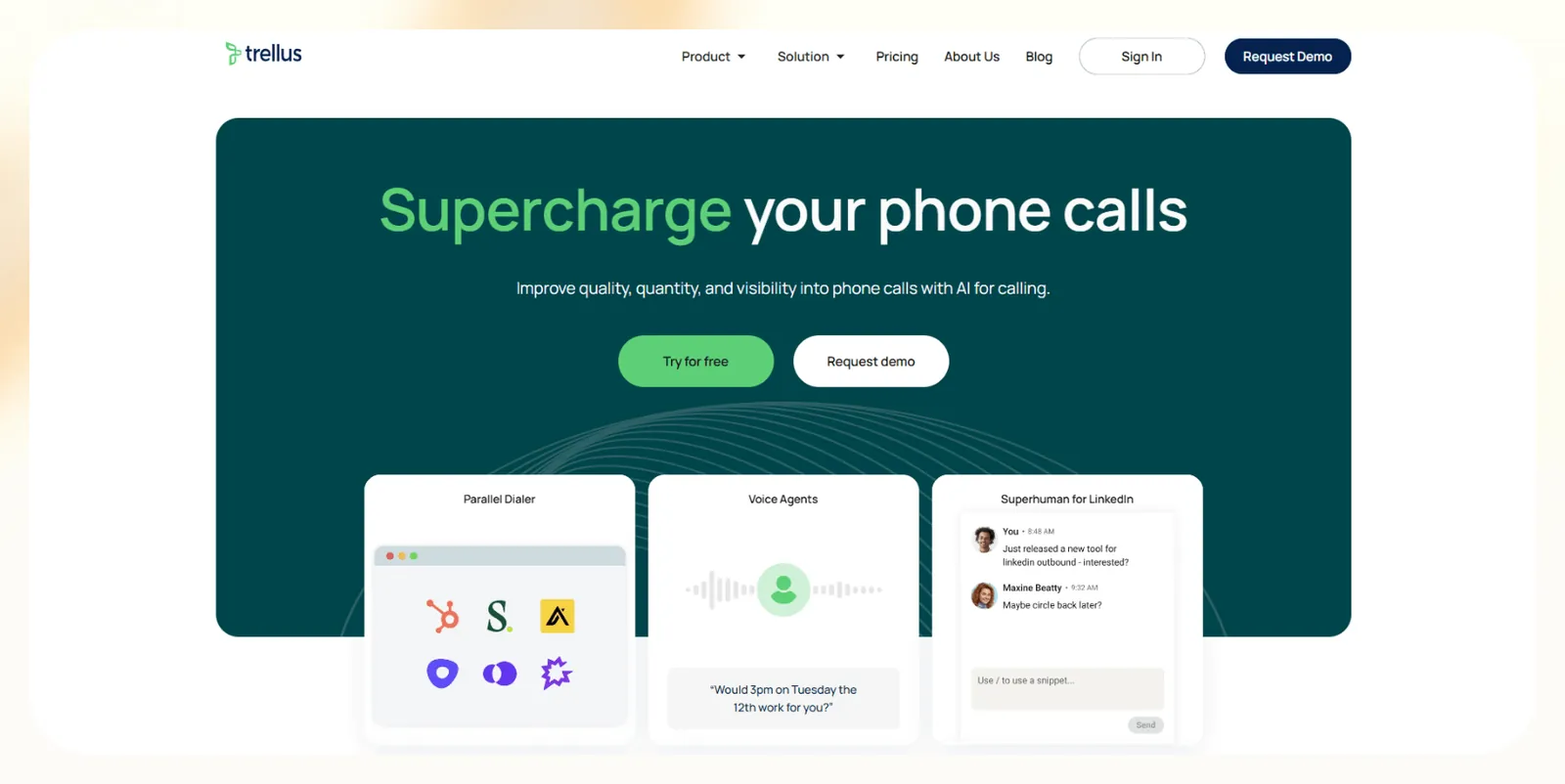
What does it do? Trellus is an AI calling tool that uses AI to speed up outbound calling with a parallel dialer and automated call handling.
Who is it for? Sales teams that rely on phone outreach and reps who want higher call volume without extra manual dialing.
I wanted to increase the output of my test calling operations using Trellus. The parallel dialer helped me connect with more prospects in less time, and the AI handled simple inbound calls without slowing the workflow.
The analytics also made it easy to review performance and adjust scripts. It’ll work well for teams that treat phone outreach as their core sales channel.
Key features
- Use a parallel dialer that calls several lines
- Handle inbound calls with AI
- Review analytics on call outcomes and rep performance
- Sync with CRMs for cleaner records
- Store transcripts for later analysis
Pros
- Boosts your outbound call volume
- Analytics that help you improve your calling
- Simple setup for phone work
Cons
- Limited features outside calling
- Some teams may outgrow the workflow
Pricing
- Free to try, though the pricing page lists no ongoing free plan
- Paid plans from $99.99/month (Power), billed monthly. Parallel dialing starts at $149.99/month on the Power + Parallel plan
Bottom line
Trellus works well for teams that depend on high-volume phone outreach. It performs best when fast connections matter more than multi-channel coverage.
How I tested these AI sales automation tools
I ran each platform inside an active sales workflow. I used the tools for cold email, lead enrichment, call reviews, and CRM updates to see how they performed under normal conditions. I also compared how much manual effort I needed after each test.
Here’s what I looked for:
- Workflow coverage: I wanted tools that could handle list building, outreach, qualification, and follow-ups without extra steps. I tested each platform on real outbound sequences to see how much manual work it removed.
- Data quality and accuracy: Clean data saves time, so I checked how well each tool enriched contacts and updated CRMs. I ran tests on email verification, lead enrichment, and record syncing to see which tools delivered consistent results.
- Ease of setup: Most teams want quick wins, so setup matters. I tracked how long it took to build my first workflow, connect integrations, and launch a simple sequence in each tool.
- Pricing flexibility: Some tools fit small teams, while others suit enterprises better. I compared plans to see which platform serves each best.
- Integration depth: Strong integrations matter for busy teams, so I checked how each tool connected with CRMs, calendars, and messaging platforms.
Which AI sales automation platform should you choose?
You will get the best results from a tool that matches your outreach style and daily volume. Some platforms focus on data quality, others focus on multichannel speed, and a few handle full workflows from sourcing to follow-ups.
The right choice depends on how much you want to automate and how complex your sales process feels today. Here are a few factors to help you choose:
Choose these tools if:
- You want high-volume multichannel outreach (go with Reply)
- You need coaching and deep call insights (choose Momentum or Gong)
- You rely on social channels like Instagram and WhatsApp (pick ManyChat)
- You are a large outbound team and need enterprise-scale sourcing (select Regie)
- You prefer an all-in-one CRM and outbound tool (get Apollo)
Avoid these tools if you:
- Only need a simple email tool with no plans to automate other parts of your workflow
- Have a very low lead volume and cannot justify the cost of advanced automation
- Want a lightweight solution for basic prospecting with no need for deeper workflows
My verdict
Reply came out ahead for most sales teams in my testing. It moved fast, kept deliverability strong, and made it easy to run sequences across email, LinkedIn, SMS, WhatsApp, and phone without manual follow-ups.
Not every team needs that setup, though. Momentum and Gong make more sense if coaching or forecasting matters more than outreach volume. ManyChat wins for social traffic, UpLead aces clean data without a complex setup, and Apollo covers prospecting, enrichment, and CRM tasks in one place.
Choose the tool that fits the way your team sells. If outbound speed and channel coverage drive your pipeline, Reply gives you the most leverage, though pricing climbs fast for larger teams. If your workflow is more specific, the specialists above will deliver stronger results in that lane.
Frequently asked questions
What is AI sales automation?
AI sales automation is software that uses artificial intelligence to automate sales tasks such as lead sourcing, outreach, qualification, and follow-ups. These AI tools help sales teams work faster by taking over repetitive steps and keeping data accurate across channels.
Can AI replace human sales reps?
No, AI cannot fully replace human sales reps, because it cannot match human judgment or relationship building. However, AI can handle recurring, tedious tasks like research, scoring, enrichment, and first-touch outreach. The best results come when AI handles the busywork and reps focus on real conversations.
How much does AI sales automation software cost?
AI sales automation software costs anywhere from $17 per month to five-figure enterprise contracts. Pricing ranges from low monthly plans to high enterprise contracts. Most mid-market tools fall between $65 and $99 per month. Costs will depend on volume, channels, and team size.
Does AI sales automation work for B2B sales?
Yes, AI sales automation is especially effective for B2B sales. It helps teams organize longer sales cycles, supports personalized outreach, and ensures that follow-ups with every decision-maker are tracked and managed efficiently.









![Top 9 AI Sales Automation Platforms [2026]: Tested & Reviewed](https://cdn.prod.website-files.com/63e15df811f9df22b231e58f/6a7be012c8a145aa439fc449_blog-sidebar-teammate.avif)