Top 19 Zapier Alternatives (An Expert’s Honest Review)
Marvin reviewed 19 Zapier alternatives including Make and n8n, testing pricing, AI capabilities, and multi-step automation handling across each platform.


I tested 25 automation platforms across real workflows to find the best Zapier alternatives for 2026. These 19 stood out for their pricing, AI capabilities, and how naturally they handle complex, multi-step automations.
The 19 best Zapier alternatives at a glance
Each of these 19 alternatives automates workflows but suits different teams. Here’s a quick comparison of the tools I tested: For a deeper side-by-side analysis of the top two automation platforms, see our full comparison of make vs zapier. To see how these capabilities stack up against the market leader, read our best zapier review. To see how these costs compare as your task volume grows, you can review our breakdown of zapier pricing.
| Tool | Best for | Starting price (billed monthly) | Key advantage vs Zapier |
|---|---|---|---|
| Make | Visual workflow builder | $10.59/month | Easier to build and debug complex logic visually |
| n8n | Open-source automation | $24/month | Full control with self-hosting and custom scripting |
| Pabbly Connect | Lifetime pricing | $19/month or $349 one-time payment | No recurring costs or task limits |
| Relevance AI | Low-code AI agents | Custom pricing | Combines automation with reasoning-based AI |
| Workato | Enterprise-grade workflows | Custom pricing | Enterprise security and governance at scale |
| Albato | Agency workflows | $22/month | Manage multiple clients and automations easily |
| Gumloop | AI-first text-to-flow automation | $37/month | Build automations directly from text prompts |
| Tray.ai | Developer flexibility | Custom pricing | Deeper API control and complex data mapping |
| Integrately | Quick one-click workflows | $29.99/month | Fastest setup for simple, ready-made flows |
| Tines | Secure AI automation | Custom pricing | Built for teams needing custom automation with high security |
| Bardeen | Browser automation | $10/month | Automates browser tasks directly without APIs |
| AutomatorWP | WordPress automations | $149/year | Best for automating WordPress site workflows |
| Nintex | Business process automation | Custom pricing | Advanced document and workflow management |
| Retool | Building internal apps | $12/user/month + $7/month per end user | Turns workflows into internal tools with drag-and-drop UI |
| Corti | Voice and healthcare automation | Pay-as-you-go | Real-time voice automation for calls and health use cases |
| Relay.app | Human-in-the-loop workflows | $38/month | Mixes AI and manual approval in one workflow |
| Windmill | Developer-friendly open-source | Free self-hosted | Open-source tool with native Python and TypeScript support |
| Formstack | Form and document automation | $99/month | Automates forms, documents, and e-signatures in one tool |
| IFTTT | Simple personal automations | $2.99/month | Best for individual and small-scale everyday automations |
1. Make – Best for visual workflow building
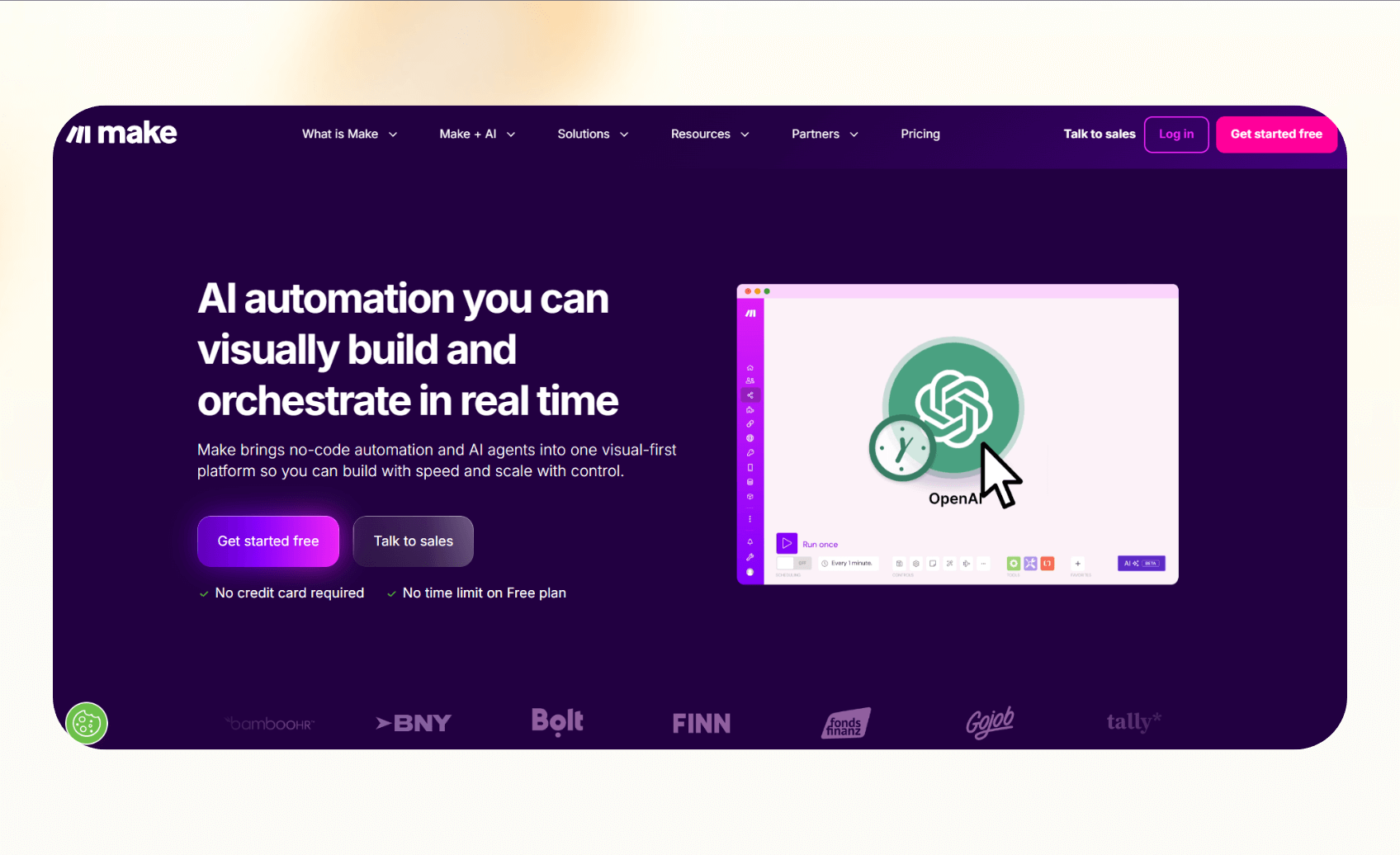
Make (previously Integromat) is an automation platform that offers a visual interface. It lets you connect apps, set logic paths, and see exactly how data moves between steps, which makes it easier to manage complex workflows.
Why it beats Zapier
- Drag-and-drop canvas makes it easier to visualize and adjust workflows
- Offers more advanced logic control with branching, routers, and error handling
- Works well for data-heavy tasks that need precision or custom logic
Pros
- Intuitive, visual builder that’s easy to follow
- Strong debugging tools and scenario logs for quick fixes
- Affordable for small and mid-sized teams
Cons
- Slight learning curve for beginners
- Workflows with too many steps can get visually crowded
Pricing
- Free plan with 1,000 monthly credits
- Paid plans start at $10.59/month, billed monthly
Bottom line
Make is ideal for anyone who prefers to see how automations work. It’s more visual, flexible, and transparent than Zapier, especially for complex workflows that need customization. If this platform does not fit your workflow, you can compare the best make.com alternatives for visual automation.
2. n8n – Best open-source Zapier alternative
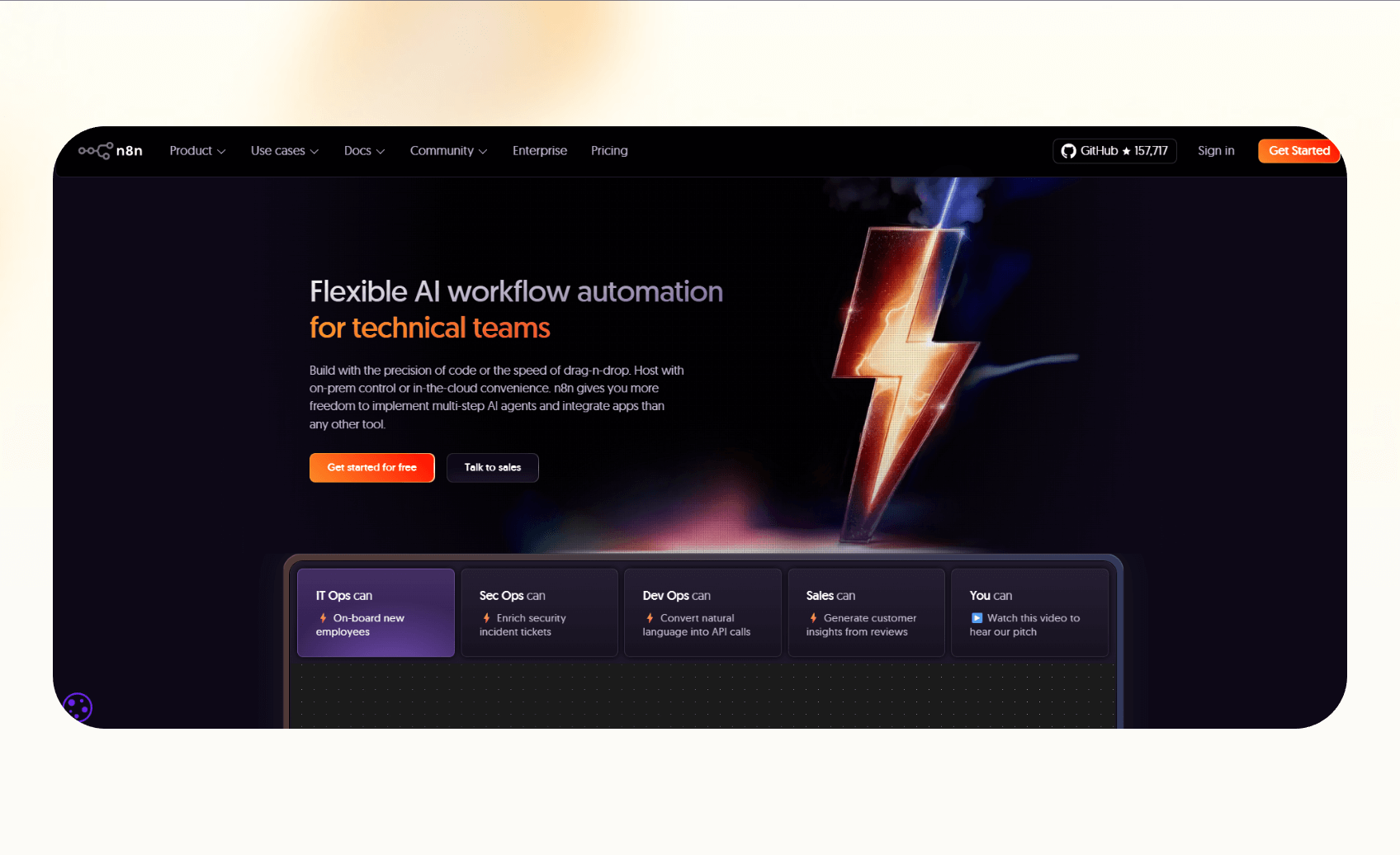
n8n gives teams control over their automations with an open-source setup. You can host it, customize every workflow, and integrate it directly with your internal systems. It’s ideal for developers and technical users who want flexibility without depending on a hosted platform. Developers building custom scripts in n8n can also explore top copilot alternatives to speed up their coding tasks. To see how their technical capabilities and pricing compare directly, read our detailed n8n vs zapier guide.
Why it beats Zapier
- Lets you self-host your data and keep complete privacy
- Allows JavaScript coding inside workflows for custom logic
- Option to choose cloud-hosted plans
Pros
- Fully open-source with an active community
- Flexible integrations that adapt to complex internal setups
- Total control over infrastructure and workflows
Cons
- Needs some technical knowledge to install and manage
- Fewer templates compared to commercial tools
Pricing
- Free to self-host
- Cloud plans start at $24/month, billed monthly
Bottom line
n8n suits teams that want control, privacy, and freedom. If you know your way around APIs or code, it’s a more customizable and cost-effective alternative to Zapier. Developers building AI-driven workflows can also explore specialized langflow alternatives software for visual orchestration.
3. Pabbly Connect – Best for lifetime pricing
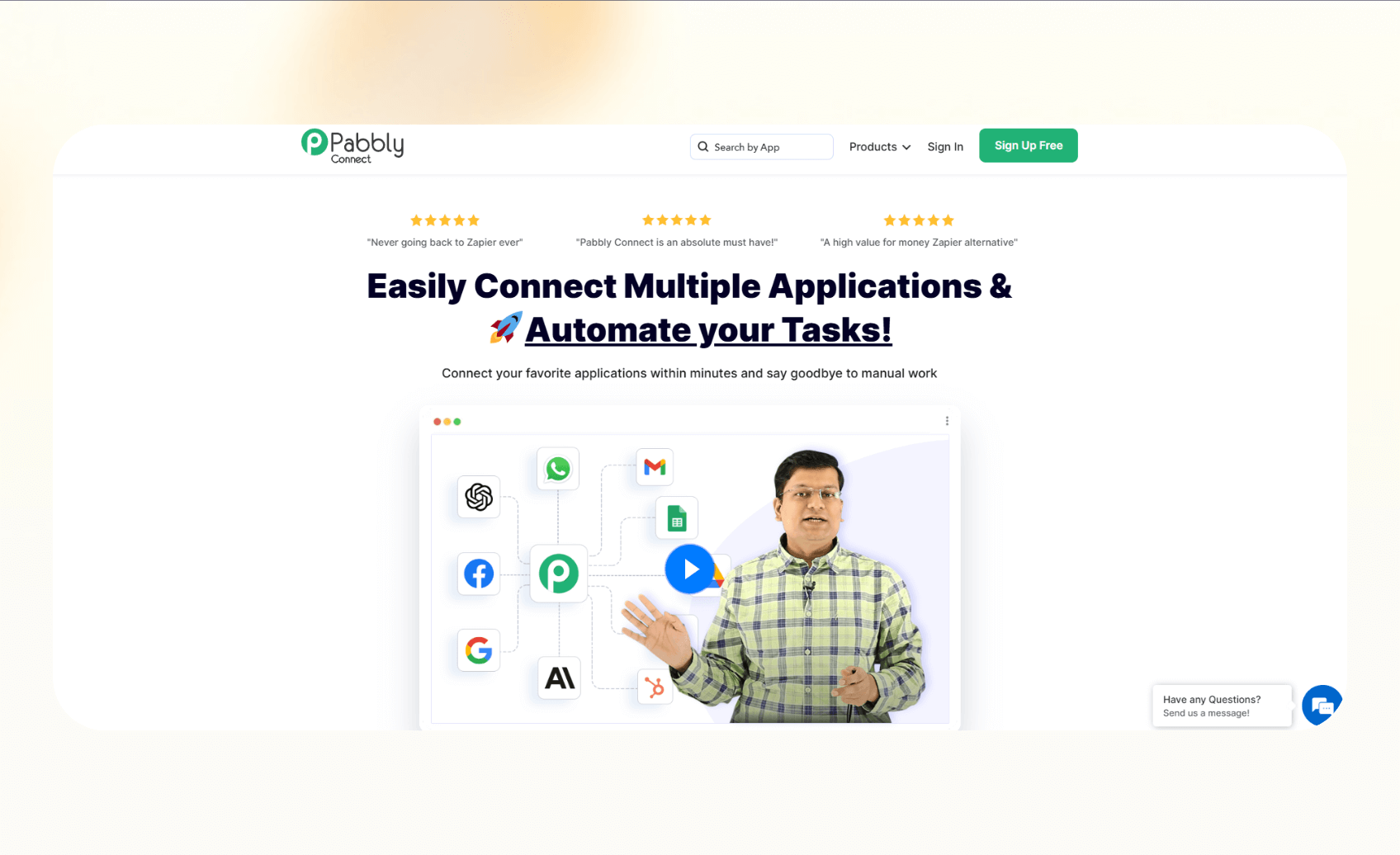
Pabbly Connect offers simple, reliable automation with a one-time payment option. It focuses on giving small businesses and freelancers a way to connect their tools without ongoing monthly costs. Users seeking simpler everyday personal workflows can also explore popular ifttt alternatives for lighter automation needs.
Why it beats Zapier
- Lets you pay once and use it forever, removing recurring expenses
- Handles unlimited workflows and tasks within the lifetime plan
- Works well for smaller teams that need straightforward app integrations
Pros
- Predictable pricing with no subscription renewal
- Includes all core features, even on the lifetime plan
- Easy setup with prebuilt workflow templates
Cons
- Fewer integrations compared to larger platforms
- Interface feels dated and less intuitive
Pricing
- Lifetime plans start from $349
- Monthly plans start from $19/month, billed monthly
Bottom line
Pabbly Connect works for anyone who wants to automate without worrying about monthly fees. It’s not as advanced as Zapier or Make, but its lifetime value makes it ideal for small businesses with consistent automation needs. For a detailed breakdown of features and workflow limits, read our side-by-side analysis of pabbly vs zapier.
4. Relevance AI – Best for low-code AI agents
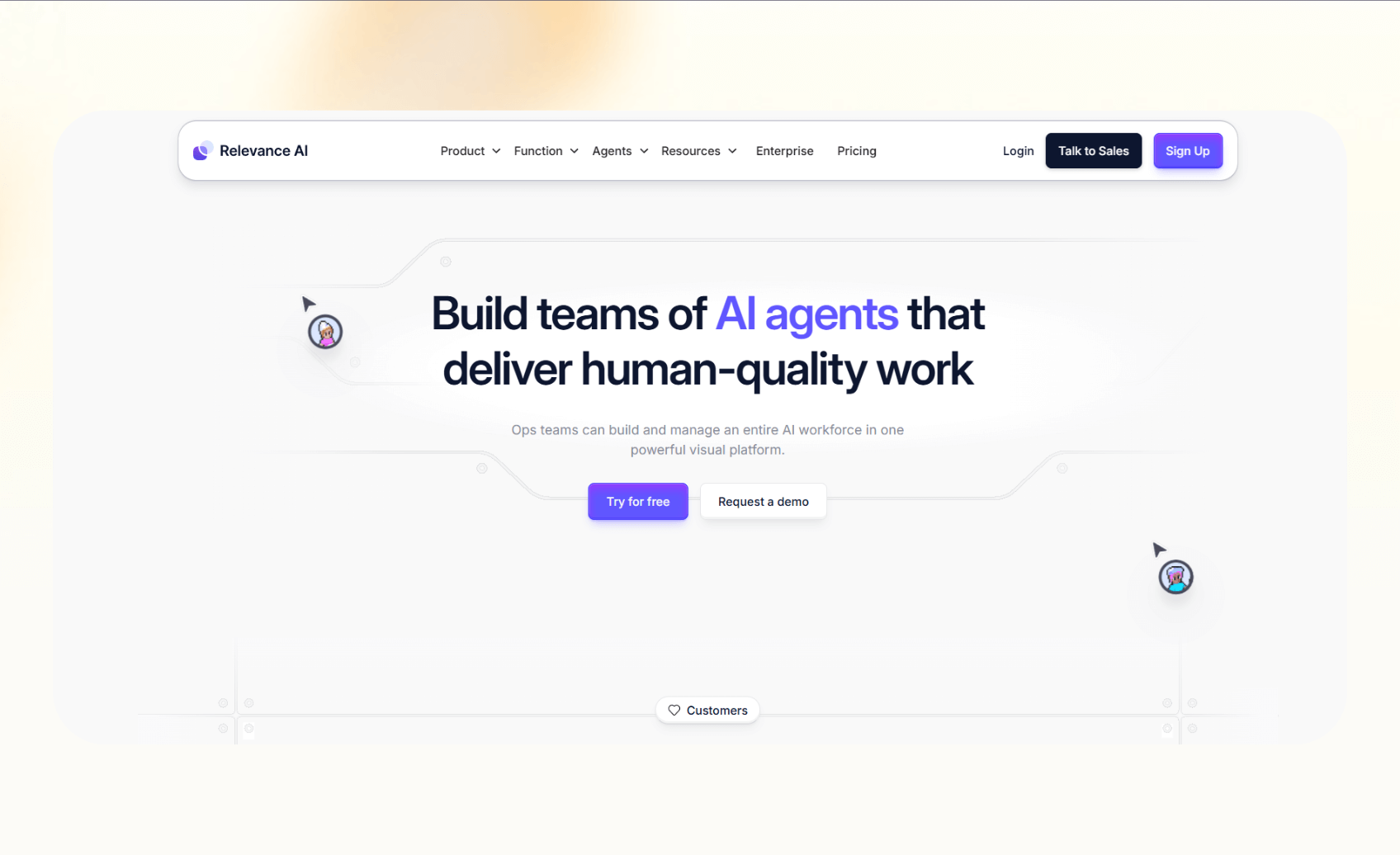
Relevance AI helps teams automate tasks using AI agents. Instead of relying only on triggers and actions, it allows you to create logic-driven workflows that can analyze data, make decisions, and perform tasks automatically. If you are comparing autonomous agent platforms, reviewing the best lindy ai alternatives can help you evaluate similar tools.
Why it beats Zapier
- Combines automation with natural language reasoning and data analysis
- Create AI agents that execute multi-step workflows with minimal coding
- Integrates AI directly into daily operations like reporting, research, and customer outreach
Pros
- AI agents that improve with context and training
- Visual interface for designing workflows
- Great for teams experimenting with AI automation
Cons
- Requires basic setup and understanding of AI logic
- Limited integrations compared to broader tools
Pricing
- Pricing is custom and quoted by the sales team
- Enterprise plans include unlimited agents, users, and projects
Bottom line
Relevance AI fits teams that want a bridge between traditional workflow tools and advanced AI systems. It’s more flexible than Zapier for complex, data-heavy use cases.
5. Workato – Best for enterprise-grade automation
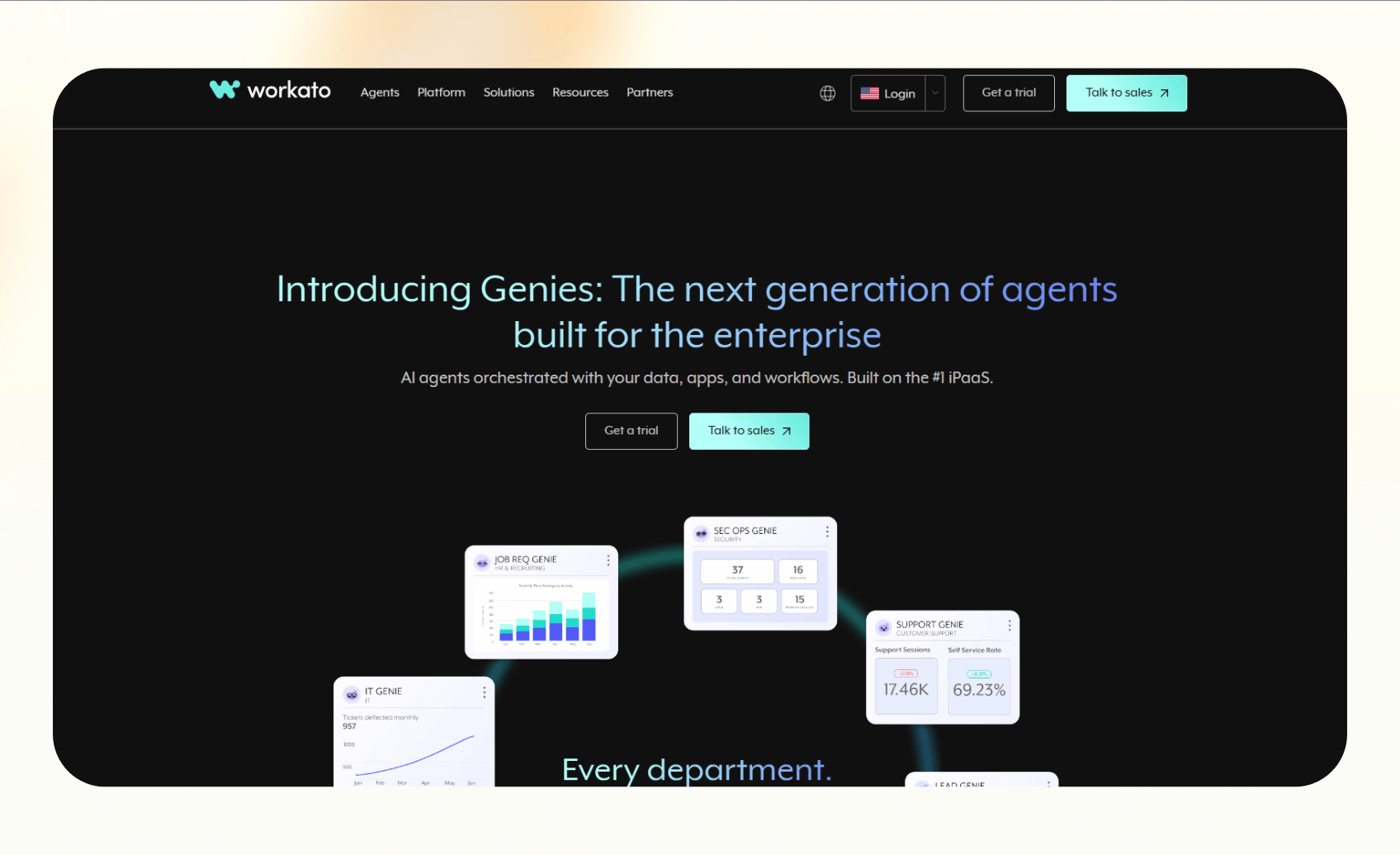
Workato is for enterprises that need secure, large-scale automation across departments. It combines workflow management, integrations, and governance tools, making it a favorite for IT and operations teams.
Why it beats Zapier
- Handles enterprise workloads with advanced security and compliance
- Connects hundreds of apps through prebuilt connectors and API management
- Supports role-based access control, data governance, and detailed audit trails
Pros
- Enterprise-level reliability and uptime.
- Extensive list of integrations for business software
- Scales well for large teams with complex processes
Cons
- High upfront cost compared to small-business tools
- Steeper learning curve for non-technical users
Pricing
- Custom pricing
- Contact sales for a quote based on workflow volume and enterprise requirements
Bottom line
Workato is ideal for large organizations that need security and visibility. It’s far more expensive than Zapier, but it delivers enterprise-grade performance for teams managing thousands of automated workflows.
6. Albato – Best for agency-scale workflow automation
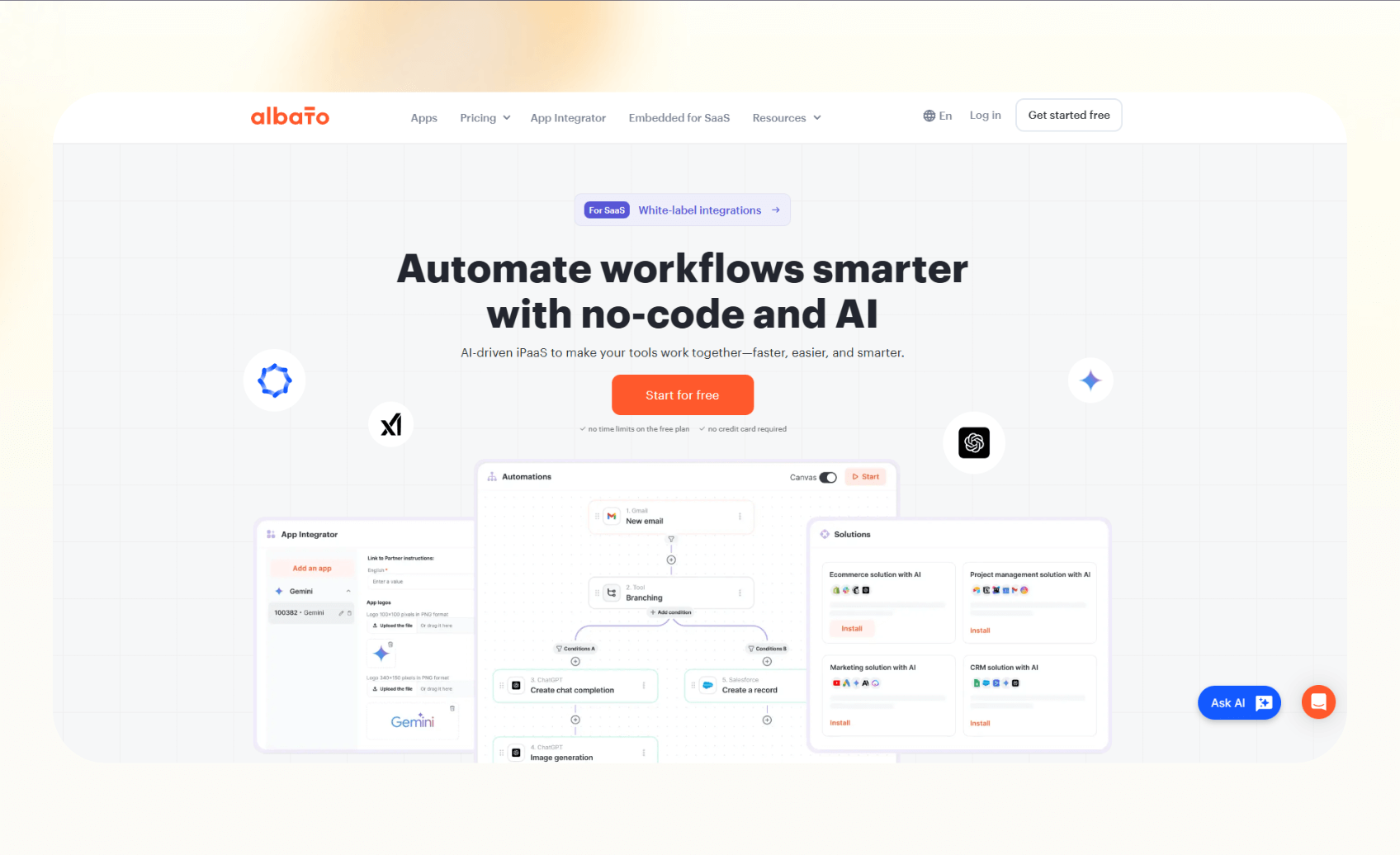
Albato helps agencies and service-based teams manage multiple client automations in one dashboard. It focuses on scalability, letting users handle complex integrations without switching accounts or rebuilding workflows for each client.
Why it beats Zapier
- Lets agencies automate and manage multiple client accounts from a single workspace
- Includes native integrations for CRMs, marketing platforms, and ad tools
- Offers built-in data transformation features for cleaning and formatting inputs
Pros
- Easy client management with grouped automations
- Affordable plans for large-volume workflows
- Strong support for European and Latin American tools
Cons
- Smaller integration library compared to Zapier
- Interface can feel cluttered with large-scale setups
Pricing
- Free plan offers 100 tasks/month
- Paid plans start from $22/month, billed monthly
Bottom line
Albato fits agencies and freelancers managing several clients at once. It provides reliable automation across campaigns and analytics tools, making it a strong option for teams that outgrow Zapier’s single-account structure.
7. Gumloop – Best for AI-first, text-to-flow automation
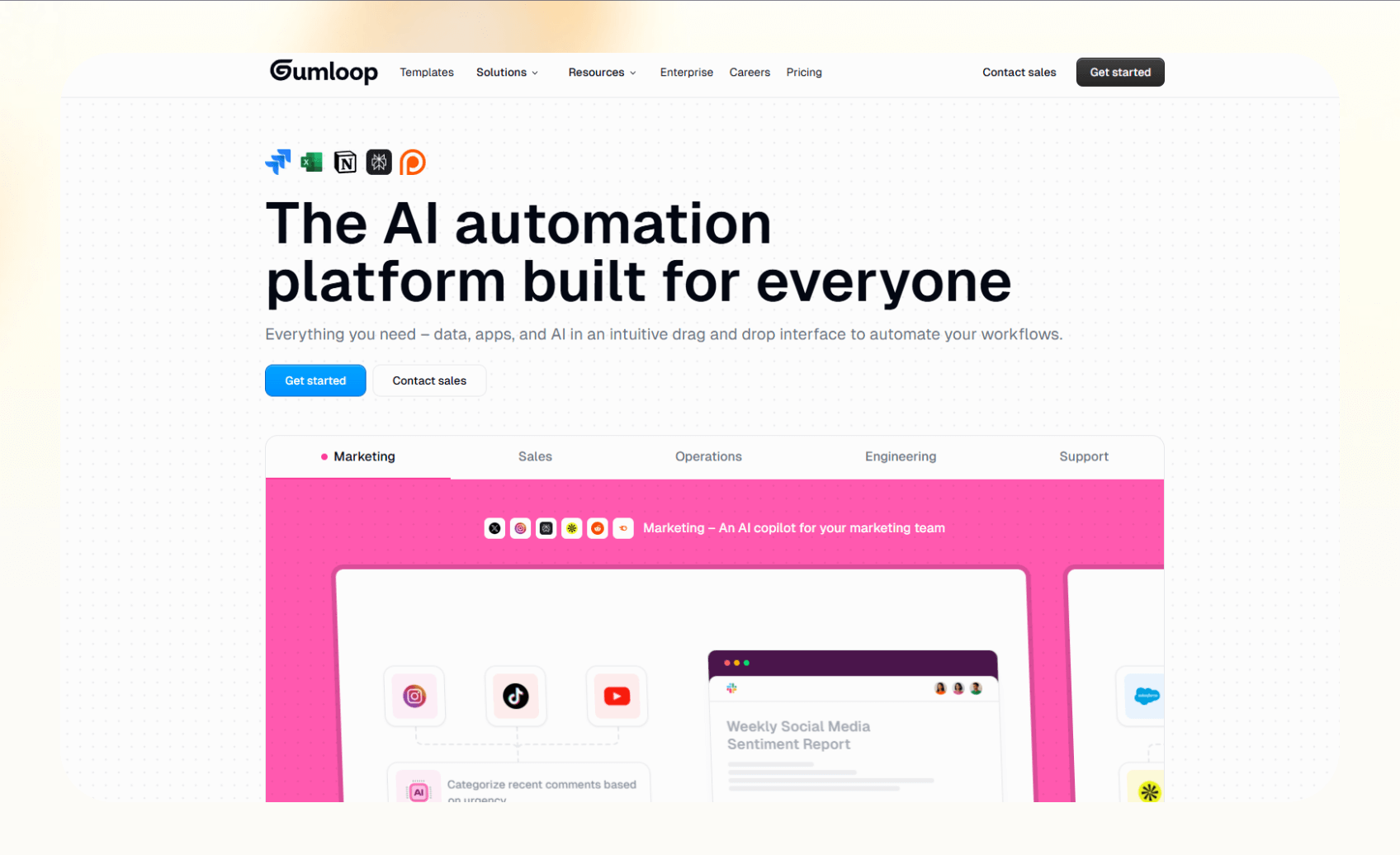
Gumloop lets you build automations simply by describing them in plain text. It works well for teams that want to automate repetitive work quickly without learning complex logic or using a visual builder.
Why it beats Zapier
- Uses natural language input to generate workflows instantly
- Combines traditional automation with AI that understands context and intent
- Great for setting up quick automations across email, CRMs, and spreadsheets
Pros
- Fast setup through text-based prompts
- Clean interface that’s easy to navigate
- Works well for non-technical users who need AI assistance
Cons
- Limited customization for complex logic
- Smaller integration range compared to established tools
Pricing
- Free plan gives you 5,000 monthly credits
- Paid plans start from $37/month, billed monthly
Bottom line
Gumloop suits small teams that want to automate quickly without technical effort. It replaces the manual setup process with simple language commands, making automation accessible for anyone frustrated by Zapier’s rules-based approach. To evaluate how both tools compare across features and pricing, read our detailed comparison of gumloop vs zapier.
8. Tray.ai – Best for developer flexibility
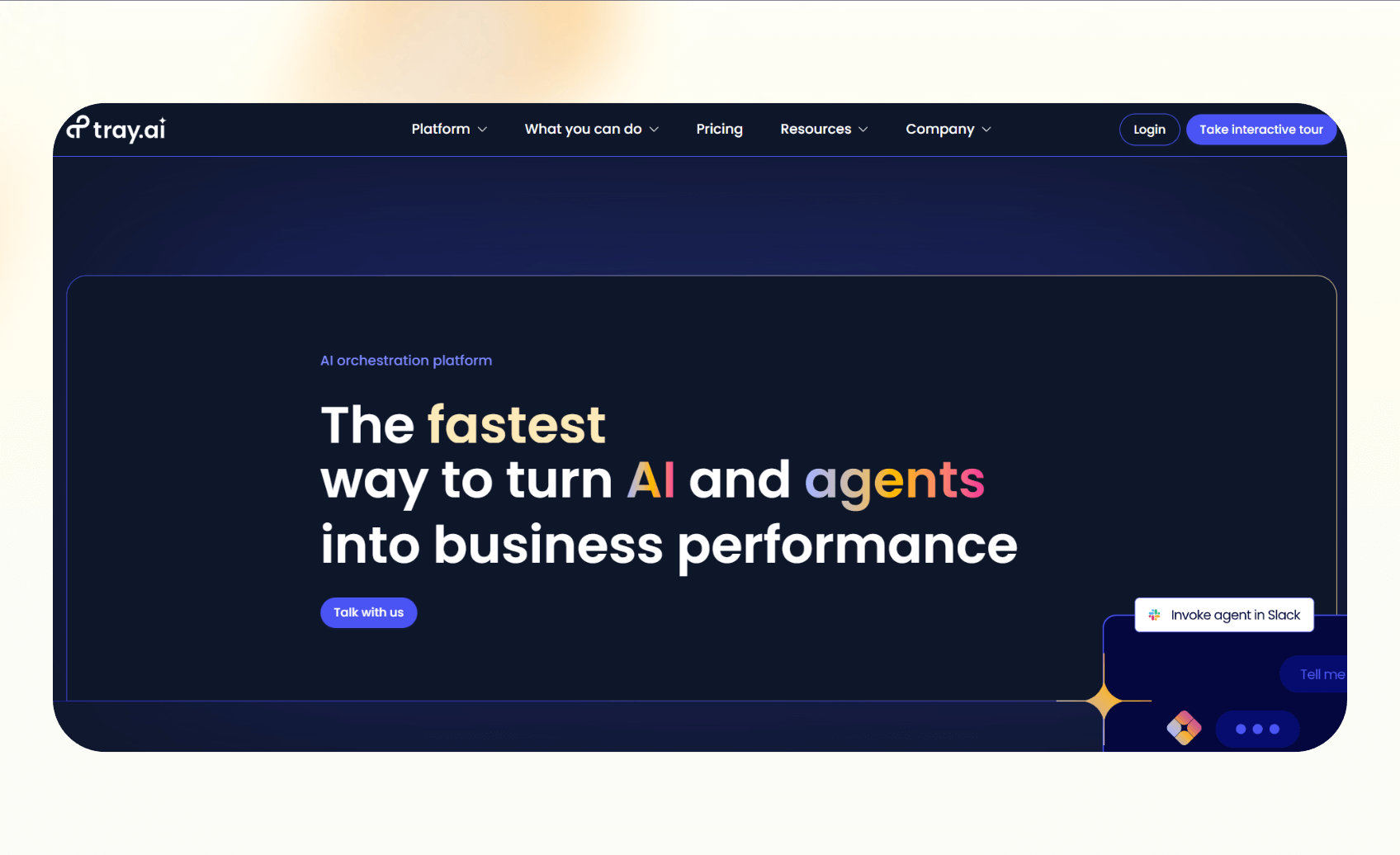
Tray.ai lets you have complete control over their workflows. It offers a developer-friendly environment with API-level customization, making it ideal for companies that handle complex data or need tight software integrations.
Why it beats Zapier
- Allows developers to design workflows with custom scripts and advanced branching logic
- Handles large-scale data transfers and backend processes more efficiently
- Includes strong API management tools for precise integration control
Pros
- Flexibility for developers with drag-and-drop and code options
- Scalable for enterprise-level workloads
- Supports detailed monitoring and debugging
Cons
- Complex setup for non-technical users
- Expensive compared to standard workflow tools
Pricing
- Custom pricing based on usage and integrations
- Need to contact sales for detailed quote
Bottom line
Tray.ai is best for technical teams that need more control than Zapier allows. It offers both no-code and code-based customization, giving developers the flexibility to build advanced automations that match specific business needs.
9. Integrately – Best for simple, one-click automation
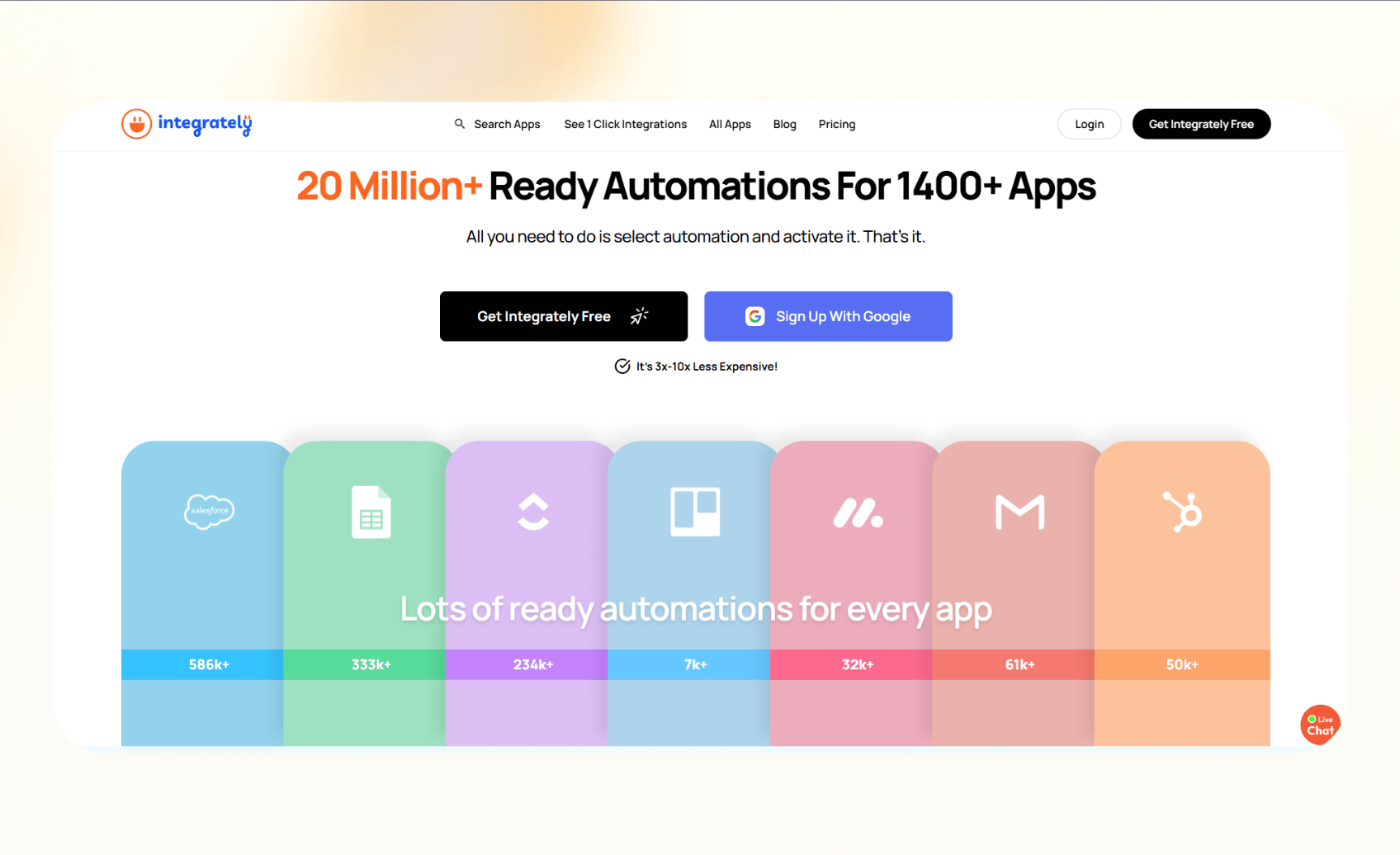
Integrately focuses on ease of use. It helps small teams and individuals set up automations instantly with thousands of prebuilt workflows that require little to no configuration.
Why it beats Zapier
- Offers one-click setup for common workflows, saving time on manual setup
- Provides more ready-made integrations for beginners who want instant results
- Allows you to view and manage all workflows in a simple dashboard
Pros
- Easy to use, even for first-time users
- Affordable pricing for startups and freelancers
- Large library of prebuilt automations
Cons
- Fewer advanced customization options
- Interface feels limited for complex use cases
Pricing
- Free plan with 100 monthly tasks
- Paid plans start at $29.99/month with task-based limits.
Bottom line
Integrately is perfect for anyone who wants quick results without setup complexity. It’s simpler and more beginner-friendly than Zapier, making it a great fit for solo users or small businesses that value speed and convenience.
10. Tines – Best for secure workflow automation
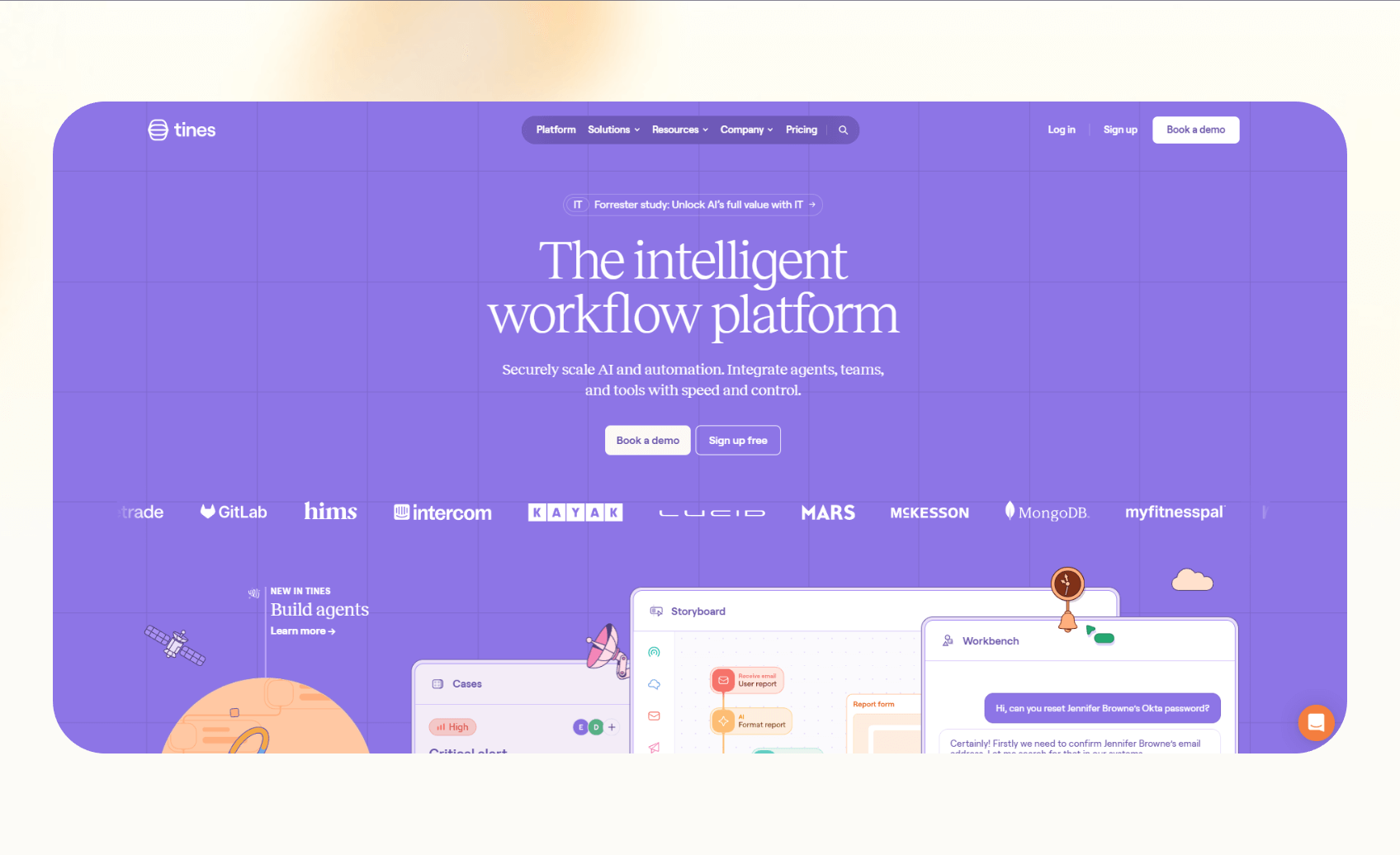
Tines is a workflow platform for teams that need deep automation plus governance and control. It lets you integrate any tool with an API, build smart workflows, and scale automation across departments with complete visibility.
Why it beats Zapier
- Connects to any tool with an API and handles complex logic beyond simple triggers
- Focuses on security for SOCs, operations, and teams that need audit, control, and reliability.
- “Pages” and “Stories” features to help you build internal applications, input forms, and workflow apps
Pros
- Audit, governance, and version control for secure, scalable automation
- Support for smarter logic and AI agents
- Internal tooling, self-service apps, and workflows across teams
Cons
- Not designed for simple automation needs, as it requires technical effort
- Onboarding and setup take more time compared to plug-and-play tools
Pricing
- Community edition that’s forever free
- Paid plans require a custom quote from the sales team
Bottom line
Choose Tines if your team requires automation with governance and internal workflow apps. It gives you more capabilities and control than Zapier, especially when you need to automate across teams, tools, and processes.
11. Bardeen – Best for browser automation
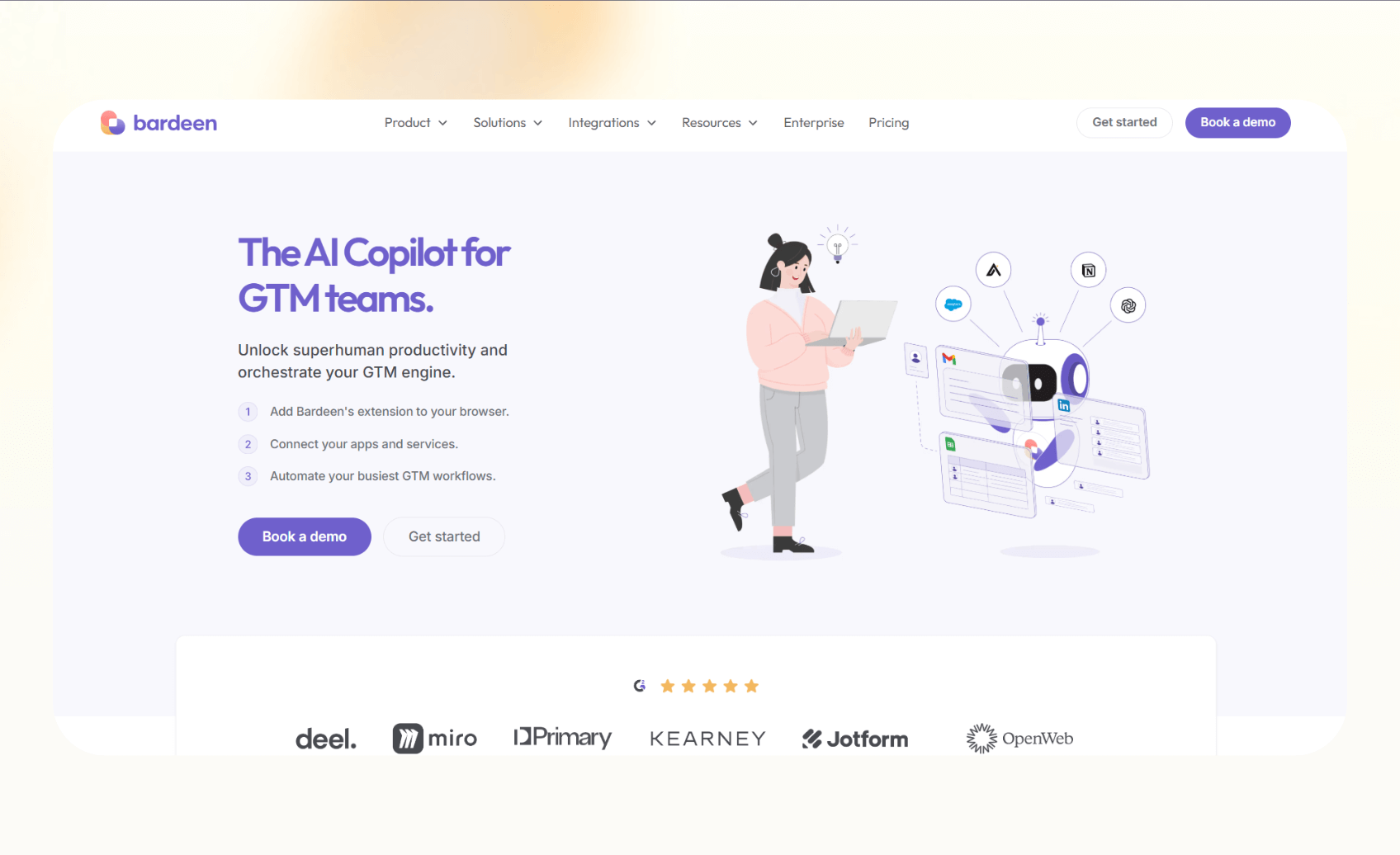
Bardeen automates actions directly inside your browser. Instead of connecting cloud apps through APIs, it records and repeats your manual tasks online, like filling forms, scraping data, or sending quick emails.
Why it beats Zapier
- Automates repetitive web-based actions that Zapier can’t handle
- Works directly in Chrome or Edge without needing backend integrations
- Captures custom browser flows for research, outreach, and reporting tasks
Pros
- Fast setup with a browser extension
- Great for lead generation, research, and admin workflows
- Offers AI commands for natural language task creation
Cons
- Limited to browser actions only
- Doesn’t manage backend automations across platforms
Pricing
- Free plan with 100 monthly credits
- Paid plans start from $10/month, billed monthly
Bottom line
Bardeen is ideal for users who spend most of their day in a browser. It’s the easiest way to automate manual clicks and data collection, offering a hands-on alternative to Zapier’s app-based automations.
12. AutomatorWP – Best for WordPress automations
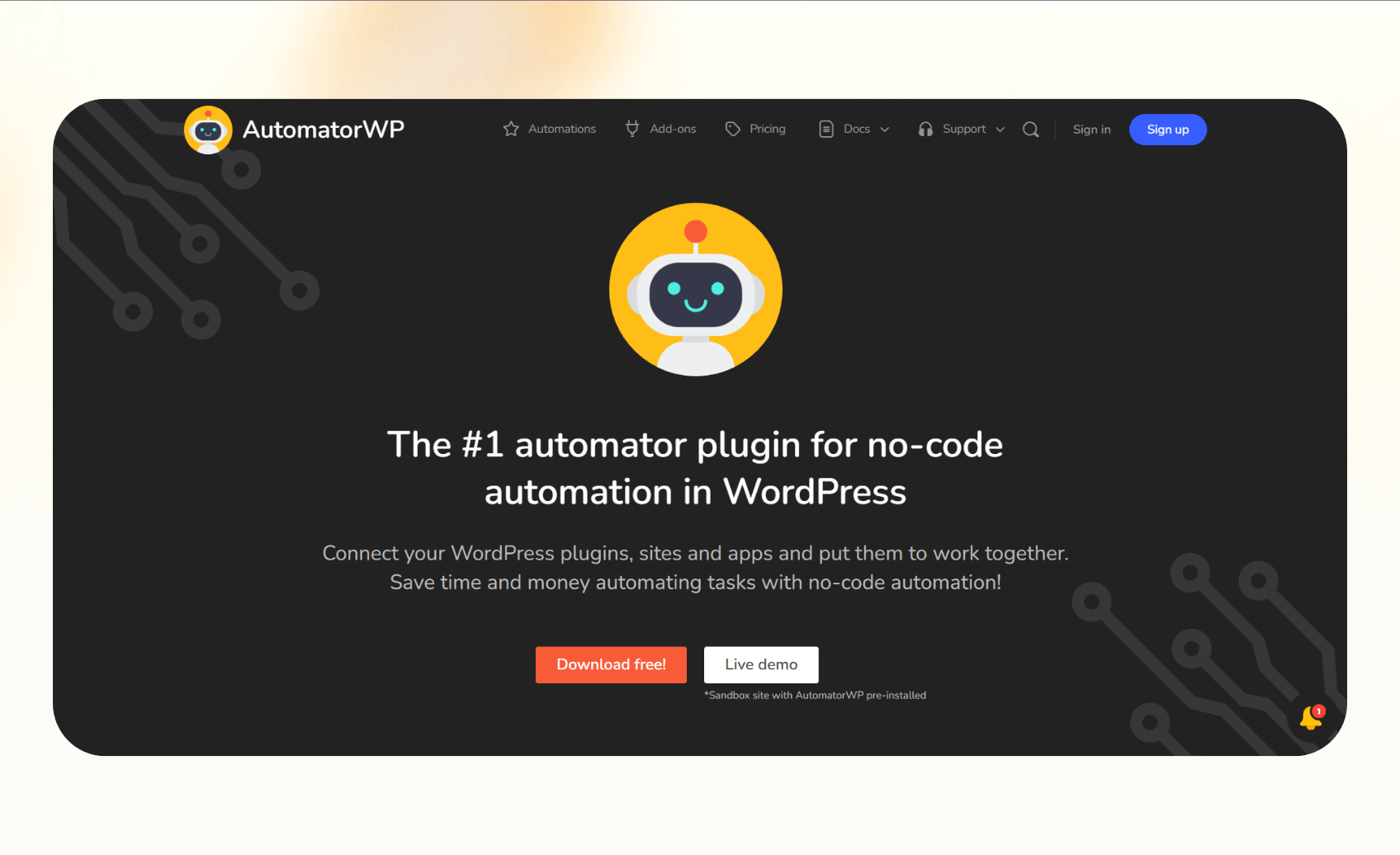
AutomatorWP connects WordPress plugins and external tools so websites can run automated actions in the background. It’s perfect for site owners who want to link form submissions, membership updates, and e-commerce actions without custom code.
Why it beats Zapier
- Integrates natively with WordPress plugins like WooCommerce, BuddyPress, and LearnDash
- Triggers actions directly inside WordPress, keeping data local
- Offers flexible logic for automating site workflows like enrollments, emails, or course progress
Pros
- Easy to install and set up
- No external app required for WordPress-specific tasks
- Supports hundreds of plugin triggers
Cons
- Works only within WordPress or compatible apps
- Interface feels dated compared to newer tools
Pricing
- Free plugin available on WordPress’s website
- Premium plans start from $149 per year with additional integrations
Bottom line
AutomatorWP is the best choice for WordPress users who need internal automation. It connects plugins smoothly and keeps everything inside your site, offering more control than Zapier for WordPress-specific workflows.
13. Nintex – Best for business process automation
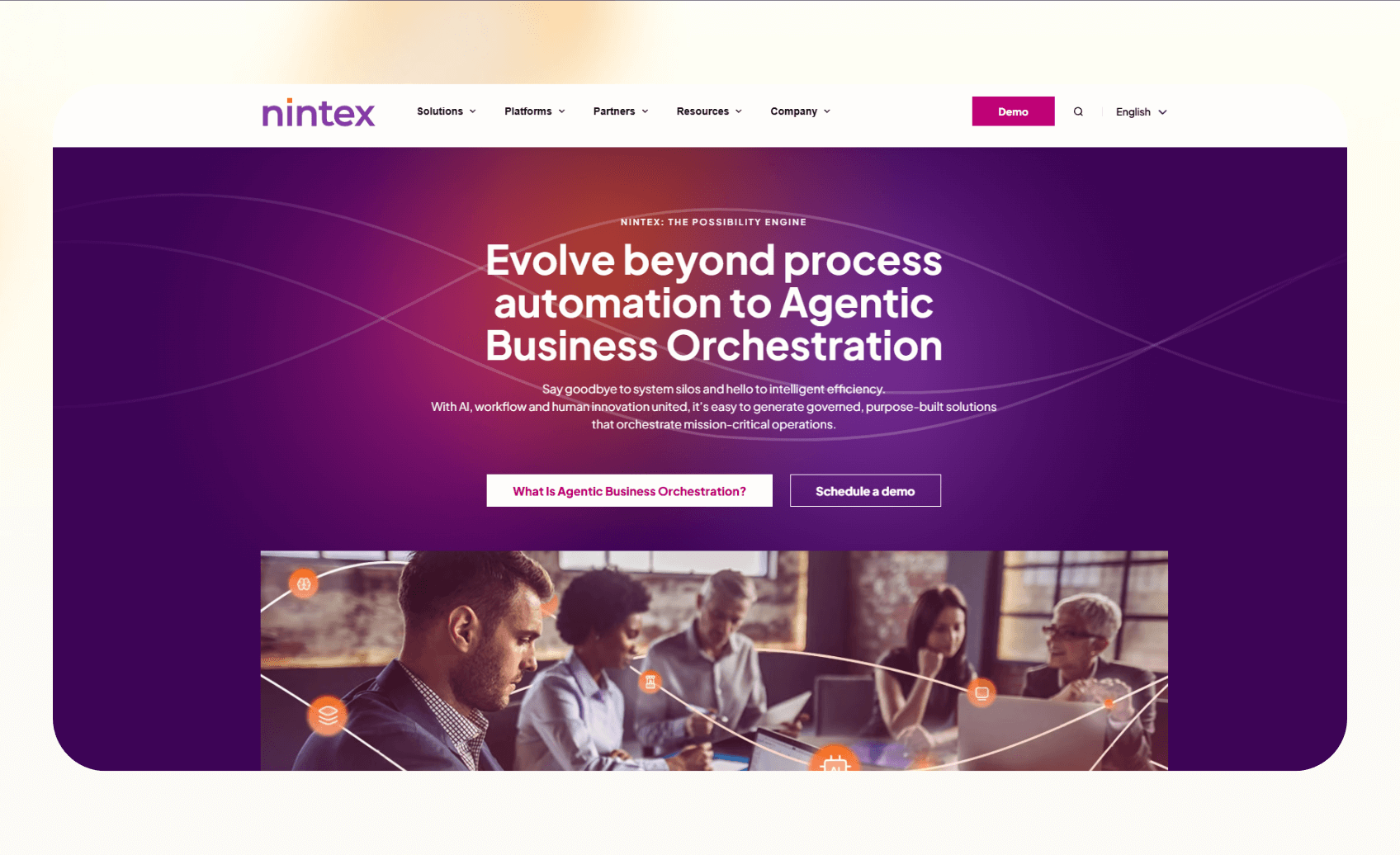
Nintex focuses on automating structured business processes such as approvals, document routing, and compliance tracking. It’s designed for enterprises that want to digitize and standardize workflows across departments.
Why it beats Zapier
- Manages document-heavy processes with advanced approval and routing logic
- Integrates with Microsoft 365, SharePoint, and enterprise CRMs
- Tracks every workflow for compliance and audit purposes
Pros
- Excellent for regulated industries that require visibility and reporting
- Built-in tools for forms, document generation, and process mapping
- Strong support for complex, multi-step workflows
Cons
- Higher learning curve for new users
- Overkill for small teams that only need light automation
Pricing
- Custom pricing based on process volume and enterprise requirements
Bottom line
Nintex is best for companies that manage formal processes with documentation and oversight. It delivers more structure and control than Zapier, especially for enterprise workflows that require tracking and compliance.
14. Retool – Best for building internal apps quickly
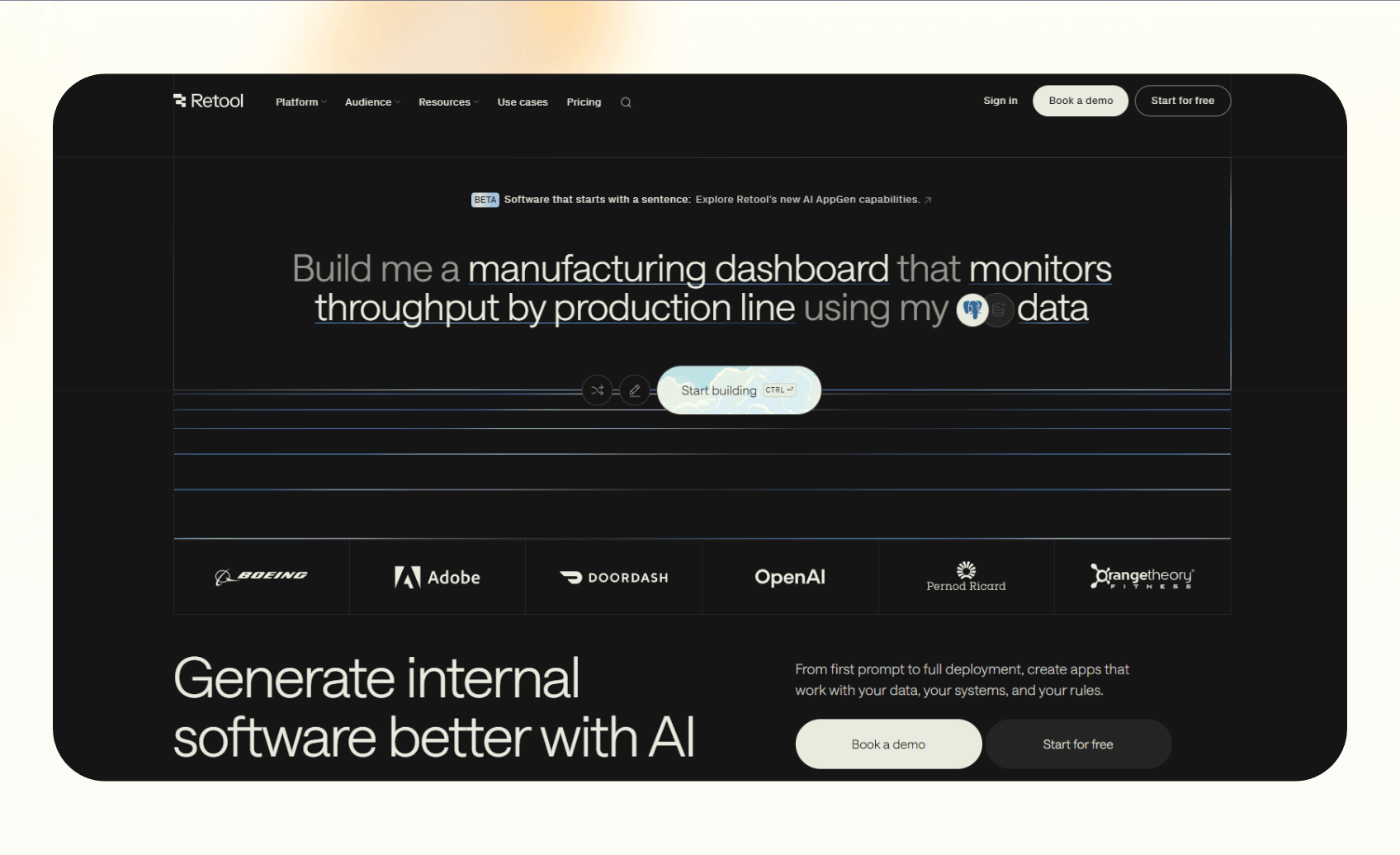
Retool helps teams build internal tools that automate data workflows. It’s made for developers and operations teams who want to create dashboards, admin panels, or internal CRMs without starting from scratch.
Why it beats Zapier
- Lets teams build complete internal applications using drag-and-drop blocks
- Connects directly to databases and APIs for live data control
- Offers deeper customization and logic than Zapier’s linear workflows
Pros
- Fast to build and deploy internal tools
- Works with SQL, REST APIs, and GraphQL
- Highly flexible for technical teams
Cons
- Requires basic technical knowledge to use effectively
- Limited to internal use cases rather than external automations
Pricing
- Free plan for individuals with 500 runs/month
- Paid plans start at $12/month per standard user + $7/month per end user, billed monthly
Bottom line
Retool suits teams that want to build functional internal tools. It’s a better fit than Zapier for developers who need control, data access, and custom interfaces for everyday operations.
15. Corti – Best for voice and healthcare automation

Corti uses voice AI to help healthcare teams and call centers manage patient and client interactions. It listens to conversations in real time, provides suggestions, and automates documentation based on what’s said during a call.
Why it beats Zapier
- Uses real-time speech recognition to analyze and record calls
- Automatically creates summaries, forms, and next steps after each conversation
- Focuses on healthcare and service industries that rely on voice interactions
Pros
- Accurate voice transcription and AI-driven insights
- Improves call efficiency and compliance in sensitive environments
- Integrates with electronic medical records and CRM tools
Cons
- Narrow use case outside voice and healthcare
- Custom setup required for integrations
Pricing
- Pay-as-you-go, with $50 of free credits to start
- The Acceleration Pack costs $1,000/month and includes 1,000 credits
Bottom line
Corti works best for healthcare providers and support teams that handle high call volumes. It replaces manual note-taking and admin tasks, offering a Zapier alternative for real-time voice automation.
16. Relay.app – Best for human-in-the-loop workflows
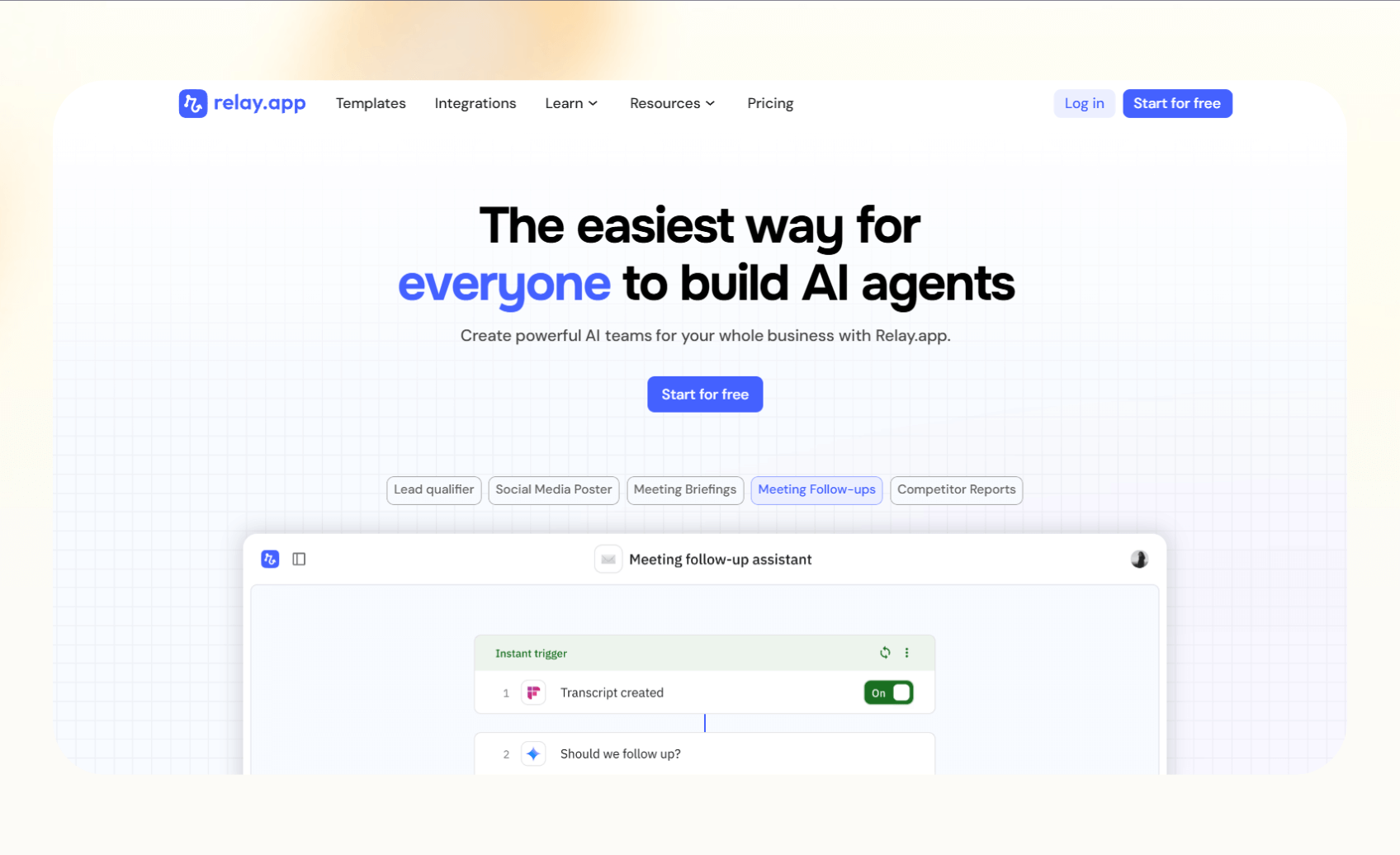
Relay.app combines AI automation with human oversight. It lets teams automate repetitive work while keeping people involved in approval steps or custom decision-making.
Why it beats Zapier
- Combines automated tasks with manual review and approval stages
- Allows collaboration between teammates within workflows
- Gives users more control over sensitive or high-stakes automations
Pros
- Easy to add human steps to automated processes
- Simple interface for managing workflows across teams
- AI agents within workflows that automate tasks
Cons
- Limited control and customizations compared to developer tools
- Smaller integration library than Zapier
Pricing
- Free plan offers 500 monthly credits
- Paid plans start from $38/month, billed monthly
Bottom line
Relay.app is perfect for teams that want automation without losing the human touch. It’s more flexible than Zapier for approvals, reviews, and workflows that need people involved at key points. You can see how these two platforms compare in our detailed breakdown of relay.app vs zapier.
17. Windmill – Best open-source platform for developers
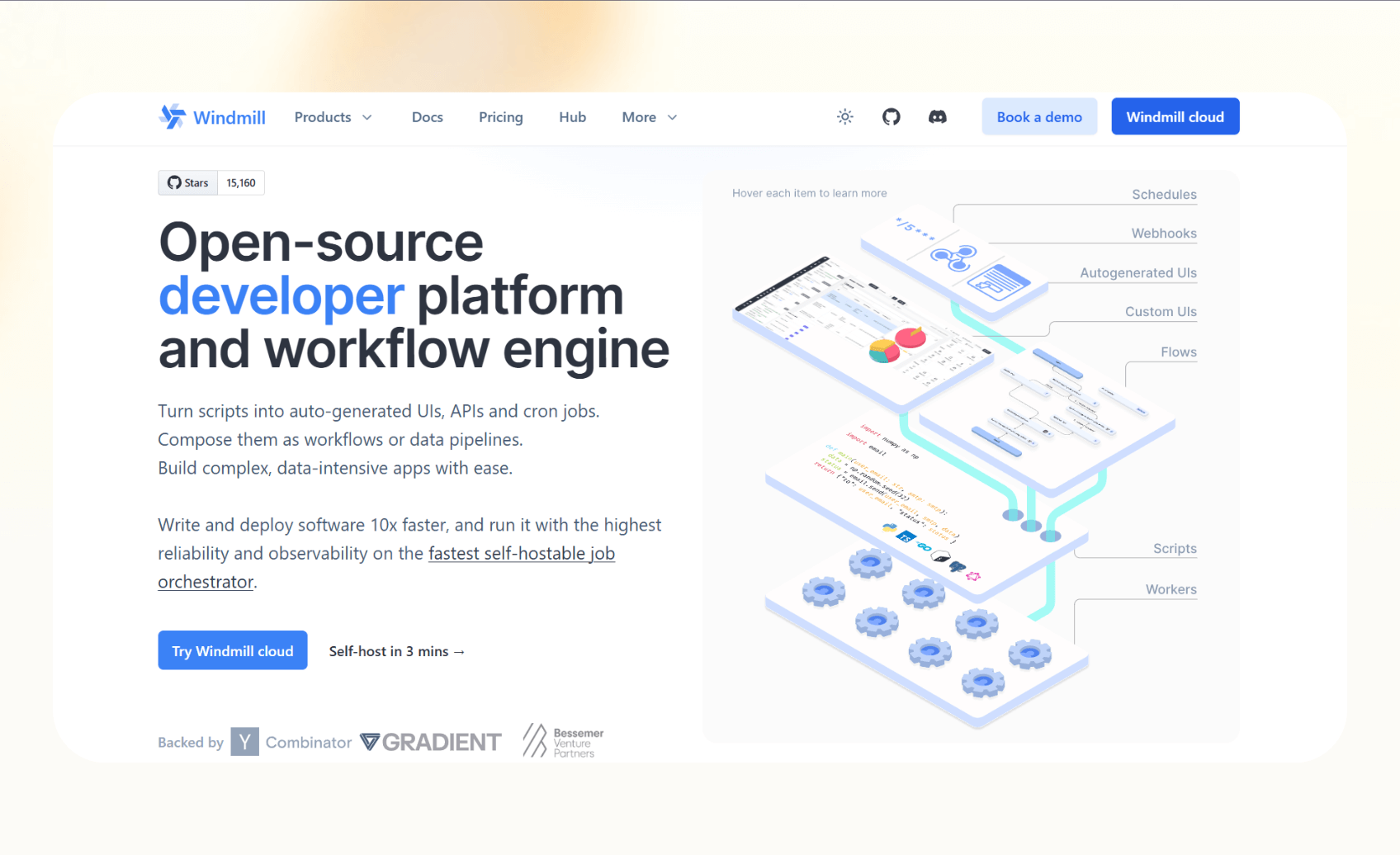
Windmill gives developers a complete open-source platform for building, running, and managing automations. It’s ideal for engineering teams that want to host their own system and use familiar coding languages like Python or TypeScript.
Why it beats Zapier
- Lets developers write custom logic using full programming languages
- Provides self-hosting for full control over data and infrastructure
- Combines no-code and code-based tools in one interface.
Pros
- Open-source and transparent by design
- Works with Git for version control and collaboration
- Flexible for both technical and semi-technical users
Cons
- Requires setup and server management
- Limited prebuilt templates compared to commercial tools
Pricing
- Free to self-host, with Enterprise plans from $120/month
- Paid seats cost $20 per developer and $10 per operator each month
Bottom line
Windmill is great for developers who want complete freedom. It gives more flexibility and control than Zapier, especially for teams building secure, self-managed automation environments.
18. Formstack – Best for form and document automation
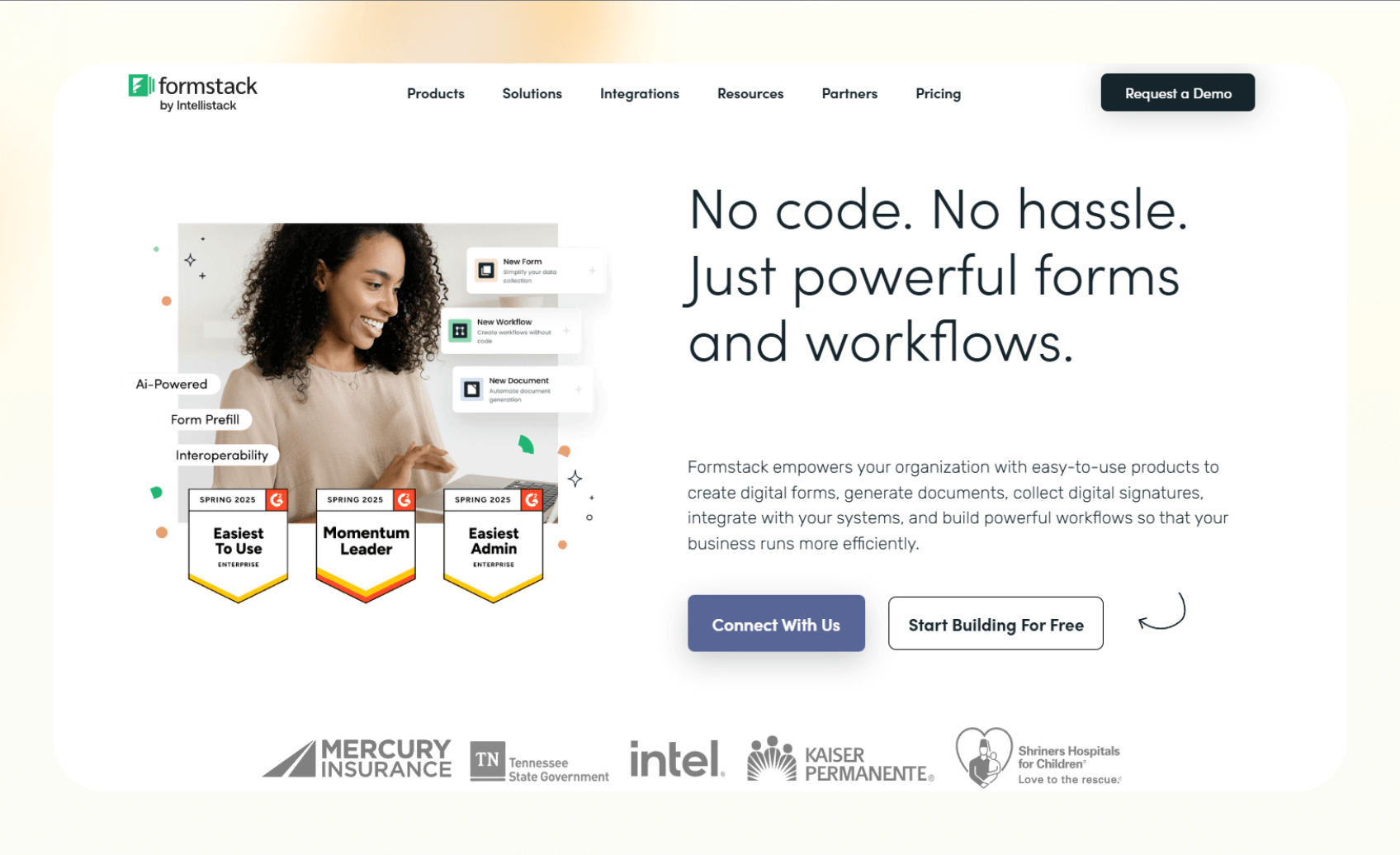
Formstack helps businesses automate how they collect, manage, and process information. It brings forms, documents, and e-signatures into a single platform, reducing the need for manual data entry.
Why it beats Zapier
- Combines form creation, document generation, and digital signatures in one tool
- Sends form submissions directly into documents or CRM systems automatically
- Works well for HR, finance, and operations teams that handle repetitive paperwork
Pros
- Easy drag-and-drop form builder
- Built-in e-signature support and document routing
- Secure and compliant for sensitive data handling
Cons
- Expensive for teams that only need forms
- Interface feels dated compared to newer tools
Pricing
- No free plans
- Paid plans start from $99/month, billed monthly
Bottom line
Formstack is a great choice for teams that deal with forms and documents daily. It removes manual admin work and connects data directly to business tools, giving it an edge over Zapier for document-heavy workflows.
19. IFTTT – Best for simple personal automations
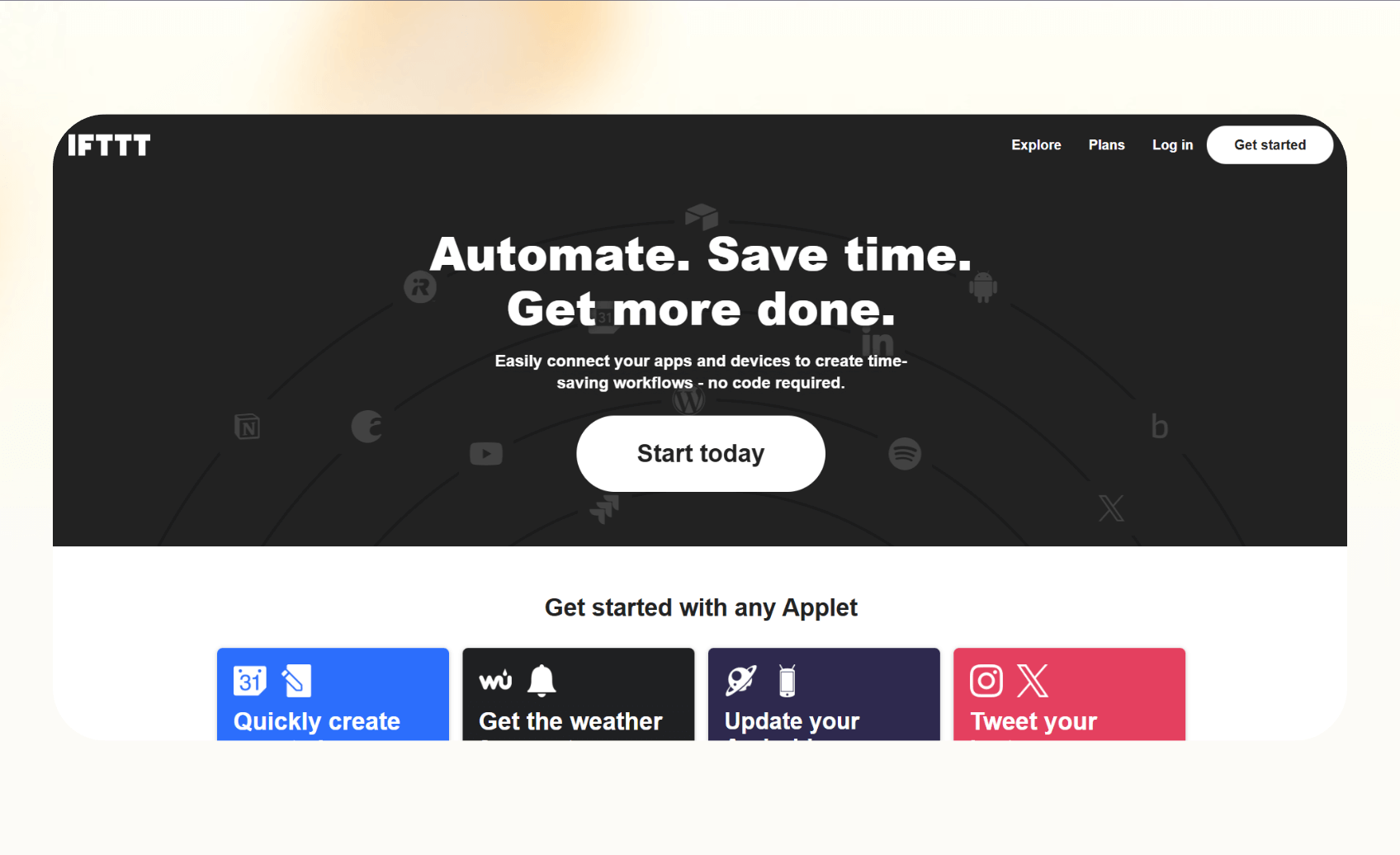
IFTTT (If This Then That) is the easiest way to automate everyday digital tasks. It connects your apps, devices, and smart home tools with quick “if this happens, then do that” rules.
Why it beats Zapier
- Simpler setup for non-technical users
- Works with hundreds of personal apps and smart devices
- Great for automating small, daily routines instead of business workflows
Pros
- Clean, beginner-friendly interface
- Works well with mobile and home automation
- Affordable plans for casual users
Cons
- Limited depth for business use cases
- Slower execution speed for complex workflows
Pricing
- Free plan offers 2 Applets
- Paid plans start from $2.99/month, billed monthly
Bottom line
IFTTT is best for individuals who want simple, everyday automations. It’s not built for advanced business workflows like Zapier, but it’s an easy and affordable way to simplify routine digital tasks. For a detailed comparison of their features and performance, read our complete ifttt vs zapier breakdown.
Why I looked for Zapier alternatives
Zapier is one of the most popular automation tools, but after using it extensively across different workflows, I uncovered a few limitations. It’s great for simple app-to-app automations, yet it starts to feel restrictive as workflows become more complex or team-based.
The biggest issue is cost. Pricing scales fast when you run multi-step automations or use premium apps.
Zapier’s AI agents and other features are in Beta. For needs that need reliable, smart automation, Zapier isn’t the ideal choice. For growing teams, collaboration features and flexibility are also limited.
That’s why I tested these alternatives to Zapier. I wanted to find tools that offer more flexibility, better scalability, and in some cases, AI intelligence without the high recurring costs.
How I tested these alternatives
I tested each platform using everyday business workflows, like lead capture, email follow-ups, CRM updates, and report generation. I connected each tool to the same apps to compare ease of use, setup time, and stability under similar conditions.
Here’s what I looked for:
- Ease of use: How quickly someone could build and launch an automation
- Flexibility: Whether the platform handled complex or multi-step workflows
- Pricing value: How much real automation you get before hitting limits
- AI or logic support: Whether it could reason or adapt beyond fixed triggers
- Collaboration features: How well it supported teams managing shared workflows
These tests helped me find automation tools that deliver consistent results, fair pricing, and enough flexibility to grow with your workflow needs.
Which Zapier alternative should you choose?
Choosing the right Zapier alternative comes down to what you’re automating and how your team works. Here’s how to pick the best fit based on your goals:
Choose Make, n8n, or Windmill if:
- You prefer control over your automations.
- You’re technical or want open-source flexibility to build complex logic.
- Your workflows involve heavy data processing, API work, or internal integrations.
Choose Workato or Nintex if:
- You work in an enterprise setting with multiple departments or strict compliance requirements.
- You need workflow governance, audit trails, and advanced security.
- Your organization manages thousands of automations at scale.
Choose Pabbly Connect or Albato if:
- You want affordable automation for multiple clients or small teams.
- You prefer lifetime or low-cost pricing options.
- Your workflows are consistent but not overly complex.
Choose Gumloop, Relevance AI, or Corti if:
- You’re exploring AI automation and reasoning-based workflows.
- You need automation that adapts to language, logic, or voice input.
- You work in roles where AI insight adds value, like sales, research, or healthcare.
Choose Relay.app or Formstack if:
- Your workflows mix human approvals with automated steps.
- You handle forms, documents, or internal reviews that need manual input.
- You want a simple way to bring people into automated processes.
Choose Integrately, Bardeen, or AutomatorWP if:
- You need easy, plug-and-play automation for smaller tasks.
- You prefer a no-code setup with ready-to-use templates.
- You want quick wins without building complex workflows.
Choose IFTTT if:
- You just want simple personal automations for daily routines.
- You manage smart devices, social posts, or small online actions.
- You don’t need business-grade features.
Stick with Zapier if:
- Your workflows are simple, and you already use the apps Zapier supports.
- You don’t need AI, custom coding, or heavy data processing.
- You value familiarity and want a tool that just works for small automations.
My final verdict
Zapier is a great tool for simple, app-to-app automations. However, newer tools combine automation with AI, reasoning, and real-time collaboration, making them more flexible for growing businesses.
If you’ve outgrown Zapier and want AI in the mix, Gumloop stands out for AI-first automation. Its free tier gives you 5,000 monthly credits to test text-to-flow workflows before you commit.
Make and n8n are the best picks for builders who like visual or open-source control, while tools like Relay.app and Formstack bridge automation with human input and documentation.
What matters most is how much control, intelligence, and scale you want from your automation stack. Once you define that, the right Zapier alternative becomes obvious.
Frequently asked questions
What is the best Zapier alternative for small businesses?
Make is the best Zapier alternative for small businesses. It offers a good free plan, a visual workflow builder, and multi-step automation. Pabbly Connect is also a good choice if you want flat-rate pricing instead of per-task billing.
What’s the most affordable Zapier alternative?
Pabbly Connect and IFTTT are the most affordable Zapier alternatives. Pabbly offers a one-time lifetime plan with no per-task charges, making it great for high-volume workflows. IFTTT has the most affordable paid tier, from $2.99/month, billed monthly.
Are these free Zapier competitors with AI?
Yes. Gumloop is a free Zapier alternative with AI features built in.
Its free plan includes 5,000 monthly credits, and it connects directly with LLMs such as OpenAI to summarize, classify, and act on incoming data.
What’s the most secure Zapier alternative for HIPAA compliance?
Tines and Corti are strong picks for security-sensitive teams. Tines is built for secure workflow automation and offers a forever-free Community edition, while Corti focuses on healthcare and voice workflows. Confirm HIPAA specifics against each vendor’s current compliance documentation before you commit.
How do I migrate my Zaps to another tool?
You can migrate your Zaps using built-in migration guides from tools like Make and Pabbly Connect. If those aren’t available, export your workflow data through webhooks or recreate your Zaps manually using the same triggers and actions.
Which automation tool is best for customer service?
Relay.app is the best automation tool for customer service. It lets you include human approvals or reviews in automated workflows, so a person stays in the loop on sensitive replies.
What’s better: Make or Zapier?
Make is better for visual workflow building and complex logic at lower costs, while Zapier is better for beginners who want a quick setup with more app integrations and pre-built templates
What tool is similar to Zapier but with more customization?
n8n and Windmill are the best Zapier alternatives for customization. n8n is open-source, self-hosted, and supports custom code blocks for full control. Windmill is also open source and free to self-host, built for developers who want full control over their automation environment.










