


6 Best AI Lead Generation Chatbots [2026]: Tested & Reviewed


I tested the popular AI lead generation chatbots to generate leads, qualify them, route conversations, and support sales teams across different industries. Here are the 6 tools that helped me with sales workflows and offered better accuracy, speed, and ease-of-use.
The 6 best AI lead generation chatbots: TL;DR
These tools offer fast qualification, fewer drop-offs, and a chatbot that’s easy to build. Here’s a quick snapshot of how they compare:
1. Lindy: Best for flexible lead capture across platforms
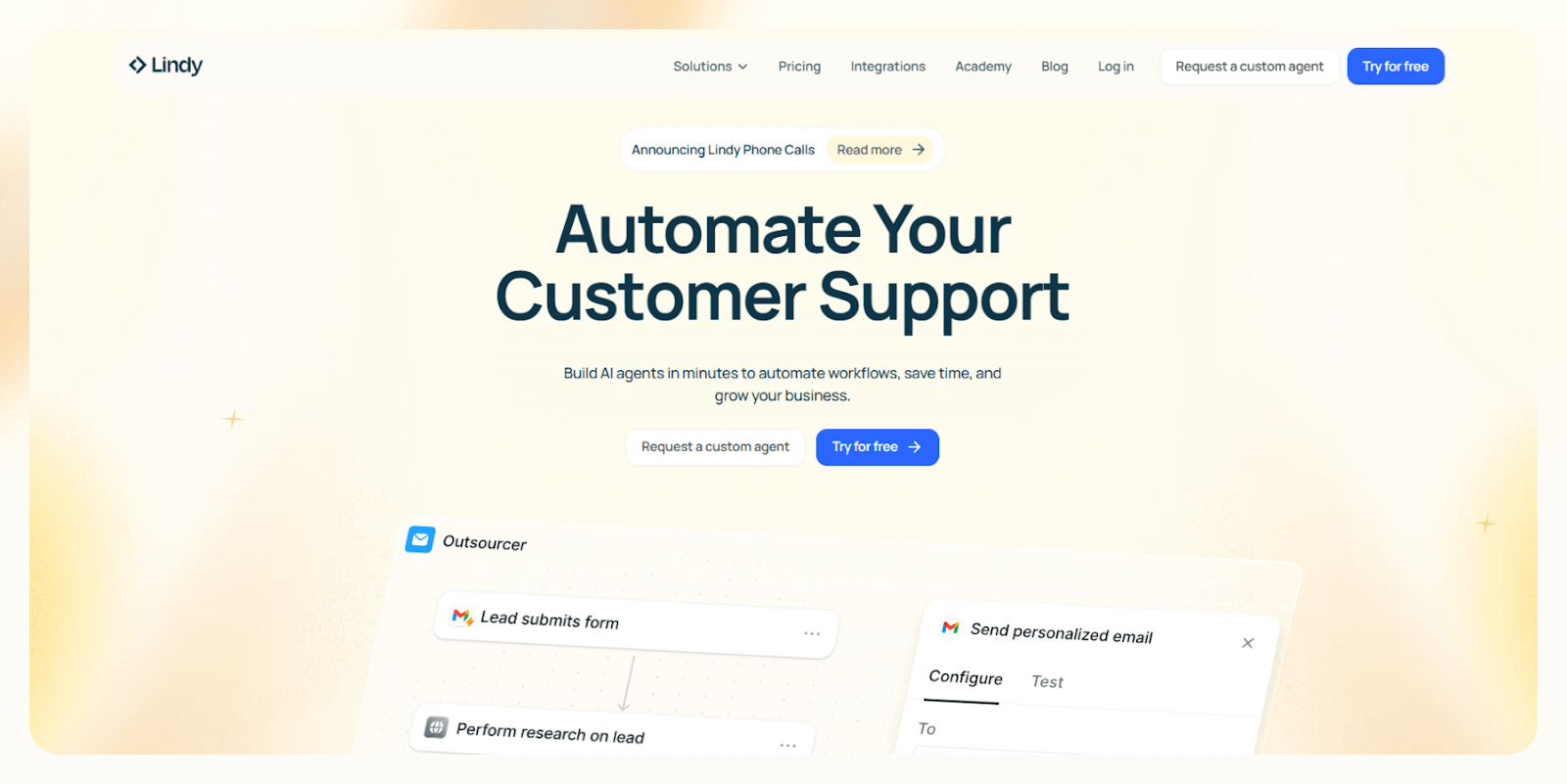
Lindy is a no-code automation platform with prebuilt lead generation chatbots that you can customize. You can also create AI agents to handle lead qualification, routing, and follow-up across chat, email, voice, and web.
I tested it across several funnels to see how well it adapts to different industries. It handled complex logic and multi-step workflows with ease. I liked that I could build a working lead-gen chatbot without touching code and still get enrichment and advanced routing.
Who it’s for
- Teams that want a single system for chatbots, email, and voice lead capture
- SaaS and B2B companies that need qualification logic instead of simple replies
- Non-technical users who want a no-code workflow builder that still supports advanced automation
Key features
- Visual workflow builder with conditional logic for qualification and routing
- A multi-agent setup that lets one agent capture data and another handle follow-up tasks
- Ready-to-use templates for lead gen workflows
- CRM enrichment that fills missing details before the lead reaches sales
- 4,000+ integrations with HubSpot, Salesforce, Gmail, Slack, and other top business apps
- SOC 2 and HIPAA compliance for regulated industries like finance and healthcare
Pros
- Quick setup for complex lead flows
- Strong qualification and enrichment without manual steps
- Human-in-the-loop control for sensitive tasks
- Works across chat and multiple channels so you can capture leads anywhere
Cons
- Takes a bit of testing to dial in prompts and logic
- Advanced workflows can feel overwhelming for first-time automation users
Pricing
- Free plan with up to 40 monthly tasks
- Paid plans start from $49.99/month, billed monthly, for higher task limits
Bottom line
Lindy works well if you want an AI agent automation tool that qualifies leads fast and routes them cleanly without extra tools. It fits both simple and complex lead-gen workflows, which makes it a reliable option for teams that want automation without technical work.
{{templates}}
2. Landbot: Best for no-code custom flows
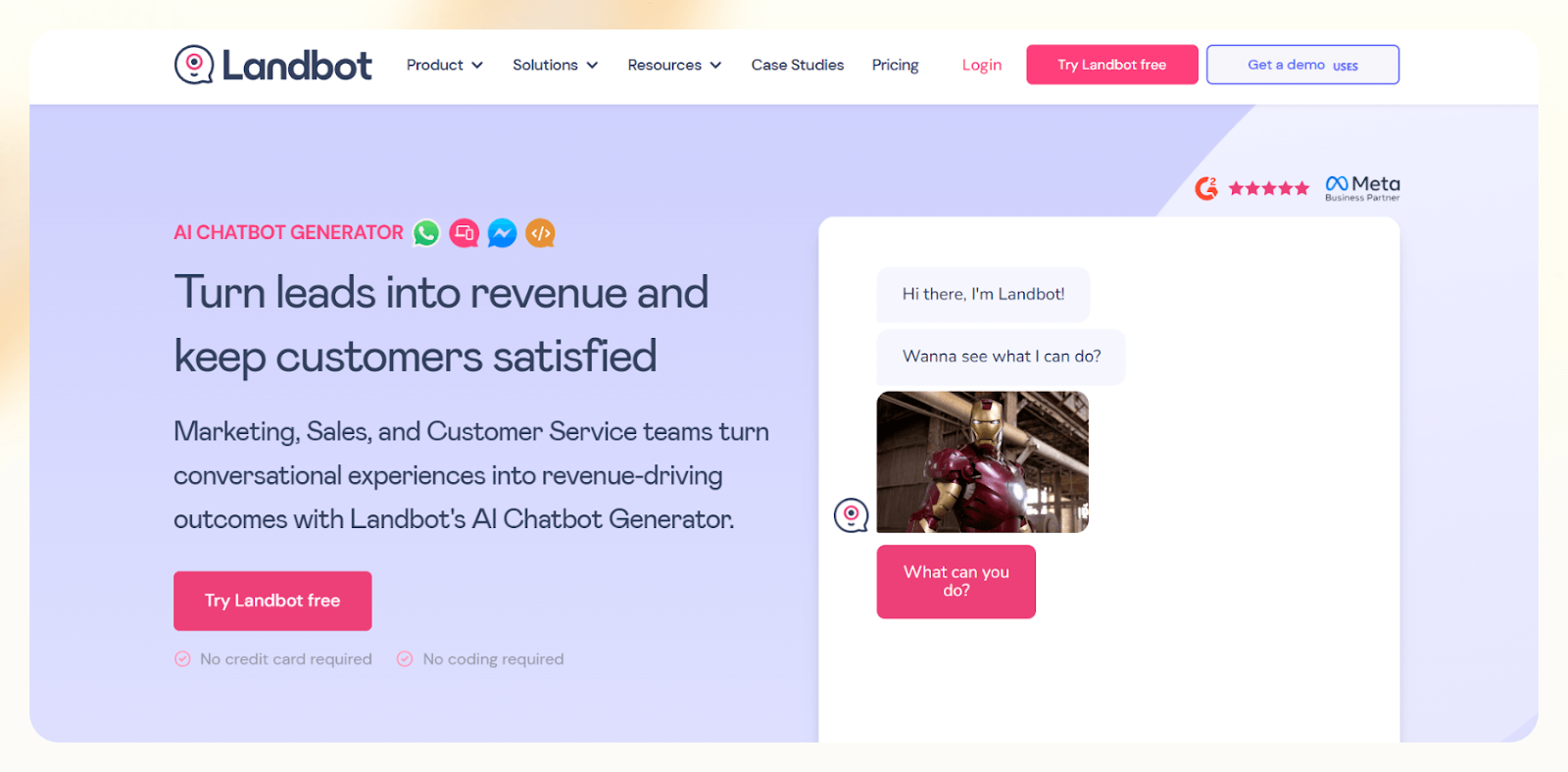
Landbot focuses on visual, block-based chatbot building for websites and WhatsApp. I tested it across several landing pages and found it easy to build custom lead flows without touching code.
It works well for teams that want complete control over the conversation layout and prefer a drag-and-drop builder.
Who it’s for
- Marketing teams that want a fast setup without technical help
- Agencies building custom flows for multiple clients
- Small businesses that want a simple website or WhatsApp bots
Key features
- Visual flow builder with easy branching and conditional steps
- UI elements like buttons, sliders, and carousels that guide users through the flow
- WhatsApp support for lead capture outside the website
- Real-time handoff to live chat when a visitor needs a human
- Integrations with HubSpot, Salesforce, Mailchimp, Google Sheets, and custom APIs
Pros
- Easy to design and test conversation flows
- Strong website and WhatsApp support
- Good for branded or highly structured lead forms
Cons
- Limited AI flexibility for complex qualification
- Can feel restrictive if you need more advanced or adaptive logic
Pricing
- Free plan with 100 chats/month
- Paid plans start from $45/month, billed monthly
Bottom line
Landbot works well if you want a visual builder that lets you create structured lead flows without code. It fits teams that care about design, predictable logic, and quick deployment, especially for website and WhatsApp funnels.
3. Botsonic: Best for website embed and GPT-powered chat
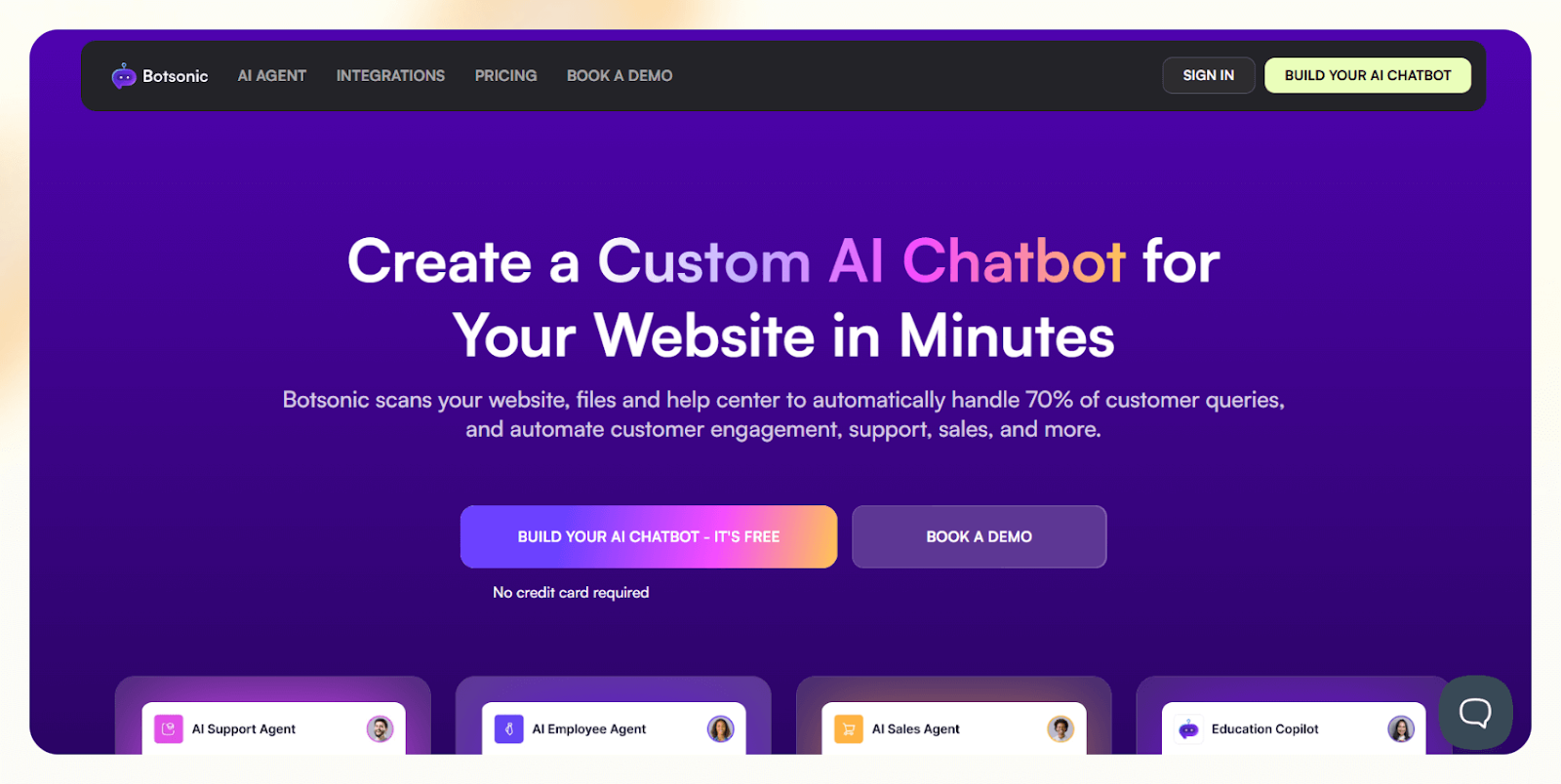
Botsonic helps you build AI chatbots that sit on your website and respond using your own content.
I tested it on a few documentation-heavy sites and found it useful for simple qualification, quick answers, and basic lead capture. It works best when you want a lightweight assistant trained on your pages or uploaded files.
Who it’s for
- Small businesses that want an AI assistant on their website
- Marketers who need a simple chatbot trained on existing content
- Founders who want basic lead capture without complex workflows
Key features
- AI chat trained on your website or uploaded documents
- Fast embed widget for landing pages
- Multilingual support for global audiences
- Integrations with Zapier, Google Sheets, Webflow, and Notion
- Basic lead capture options for collecting emails and key details
Pros
- Easy to embed on a site
- Good for content-driven replies
- Works well for simple qualifications and FAQs
Cons
- Not ideal for multi-step lead qualification
- Limited workflow depth compared to more advanced platforms
Pricing
- No free plan, only a 7-day free trial
- Paid plans start from $19/month, billed monthly
Bottom line
Botsonic works well if you want a quick website assistant that answers questions and collects leads using your content. It fits simple funnels and smaller teams that do not need complex routing or advanced logic.
4. Botpress: Best for developers and enterprise teams
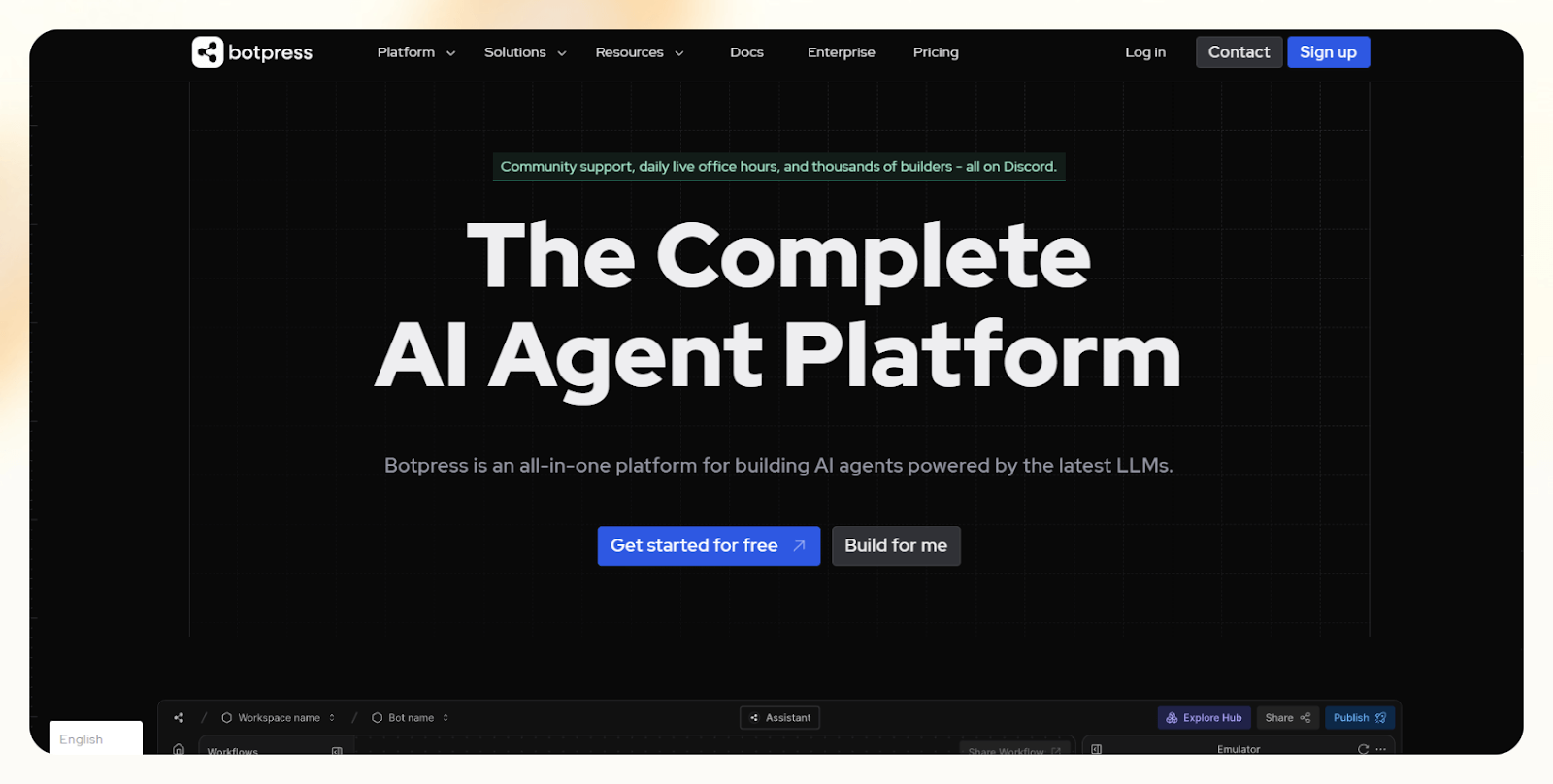
Botpress gives developers complete control over chatbot logic, memory, and deployment. I tested it with a few complex qualification flows and found it powerful when you need custom behavior or control over how the bot handles different branches.
Who it’s for
- Engineering teams that want full customization
- Mid-size and enterprise companies with technical resources
- Teams that need custom NLP, memory, or code-level control
Key features
- Built-in NLP engine with strong entity and intent handling
- Memory layer that lets the bot store and recall information
- Visual flow builder paired with a code editor for deeper tuning
- Real-time debugging tools for testing logic and conversation paths
- Integrations with 30+ tools, including Zapier, Asana, Shopify, Salesforce, and more
Pros
- Powerful for complex use cases
- Strong NLP and memory tools
- Ideal for technical teams that want precision
Cons
- Setting up takes time if you do not know the platform
- Best suited for teams with engineering support
Pricing
- Free plan with $5 monthly AI spend
- Paid plans start from $89/month, billed monthly, plus AI spend
Bottom line
Botpress works well for companies that need a customizable chatbot with control over its logic. It fits technical teams where developers can build and maintain the system.
5. Tidio: Best for ecommerce teams needing hybrid chat and bot
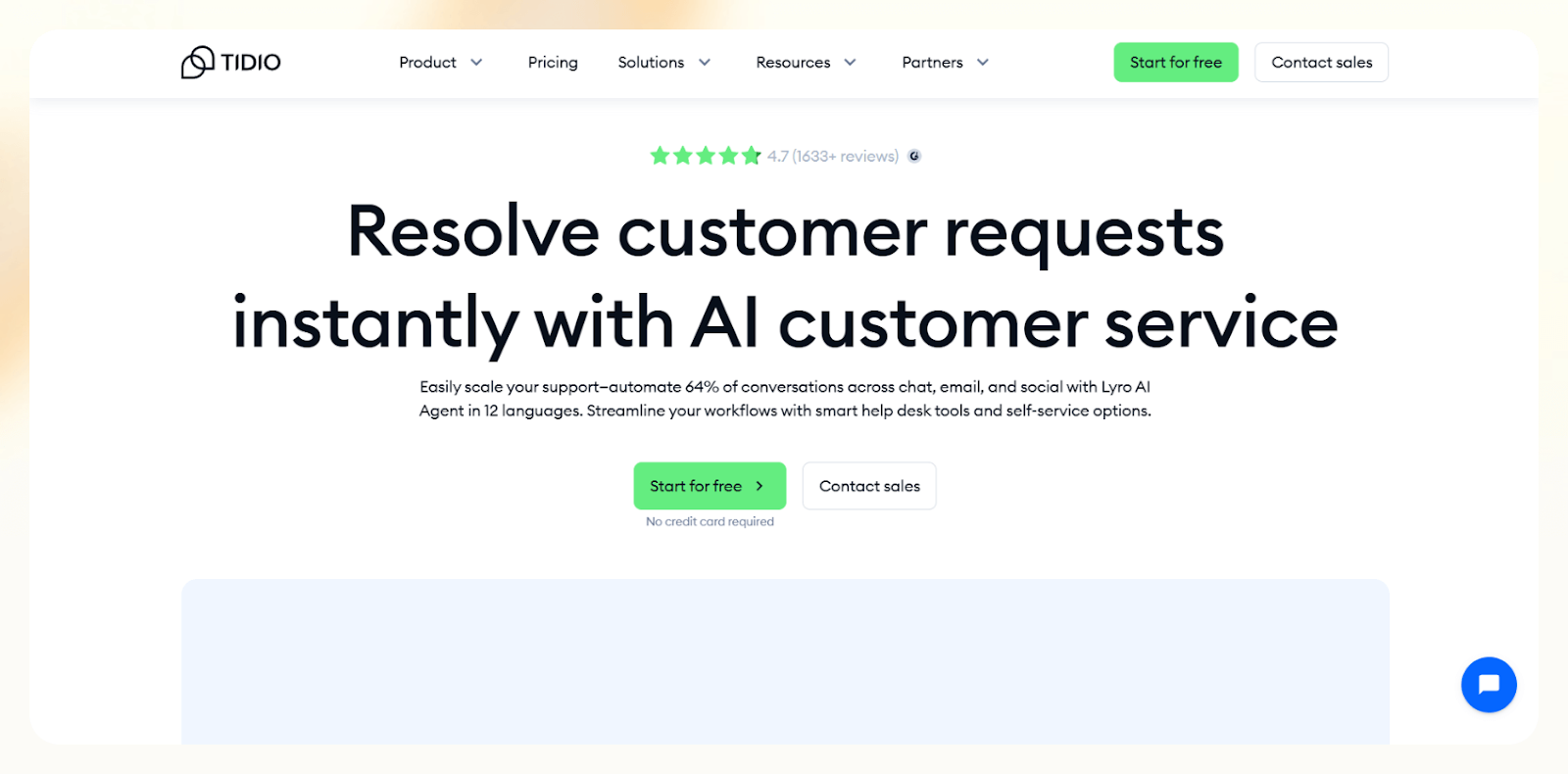
Tidio combines live chat, AI responses, and helpdesk features in one place. I tested it on a few Shopify stores and saw how well it handles product questions, cart recovery, and quick lead capture. It works best for e-commerce teams that want AI support with a smooth handoff to a human.
Who it’s for
- E-commerce brands that want chat plus AI support
- Shopify and DTC teams that need quick responses during peak traffic
- Stores that want automated cart recovery and product guidance
Key features
- An AI responder that answers product and support questions
- On-page lead capture forms with trigger logic
- Live chat fallback when a shopper needs help
- Prebuilt flows for FAQs, cart recovery, and product guidance
- Integrations with Shopify, Instagram, Messenger, Wix, and 30+ other tools
Pros
- Great for stores with frequent product questions
- Smooth shift from AI to live chat
- Strong Shopify integrations
Cons
- Limited use outside of e-commerce applications
- No free plan for long-term use
Pricing
- No free plan
- Paid plans from $29/month, billed monthly
Bottom line
Tidio works well if you run an online store and want a chatbot that supports shoppers, recovers carts, and captures leads without heavy setup. It fits e-commerce teams that want quick wins with minimal configuration.
6. ChatBot: Best for quick template-based bot launches
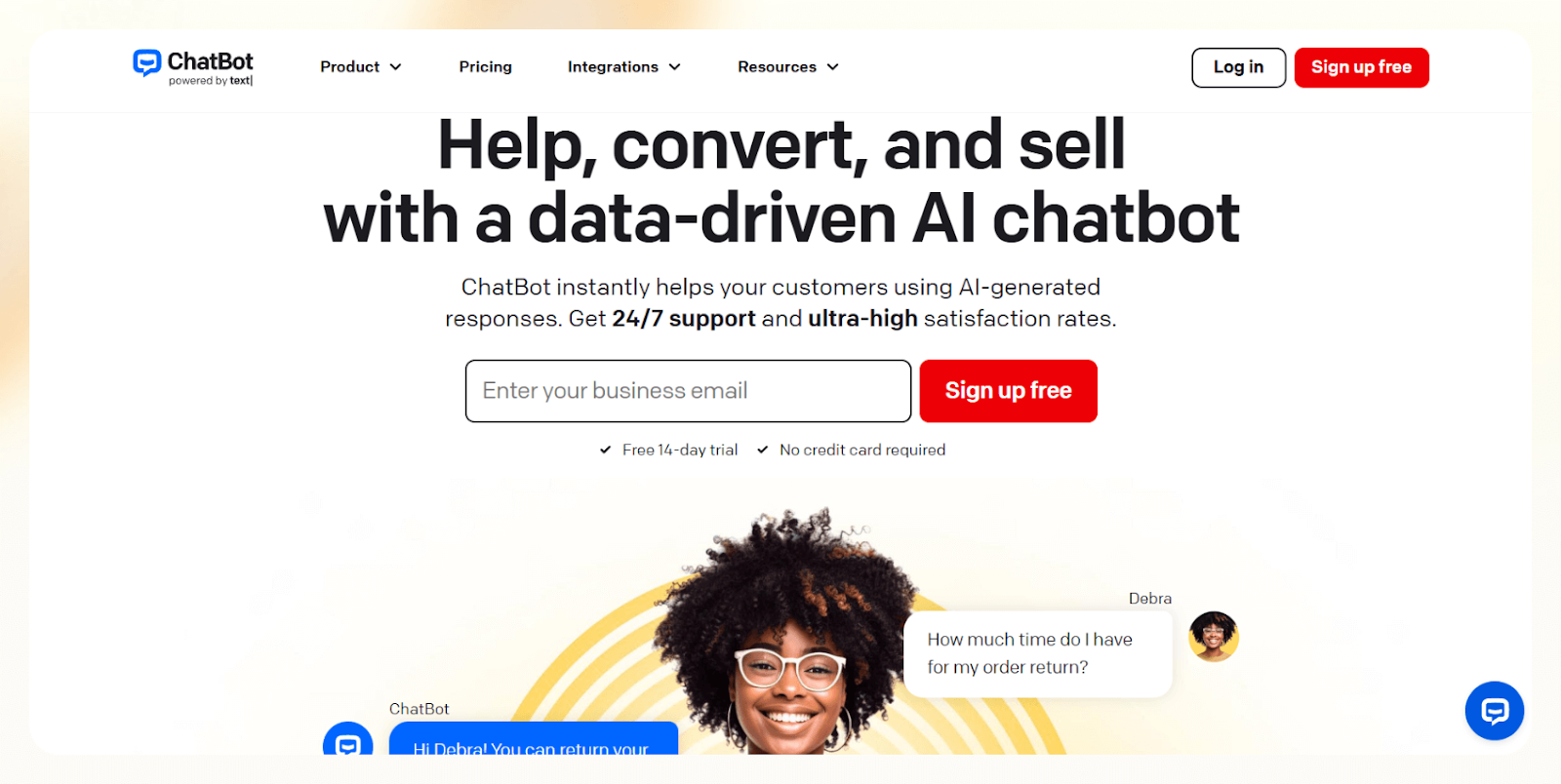
ChatBot helps you set up lead-gen bots fast with ready-made templates and a simple drag-and-drop builder. I tested it with a few service-based funnels and found it easy to launch a working chatbot in minutes. It fits teams that want an easy setup without much workflow customization.
Who it’s for
- Startups and service businesses that want fast deployment
- Non-technical teams that prefer templates over custom logic
- Users already working with LiveChat and want a smooth handoff
Key features
- Library of lead-gen templates that cover common scenarios
- Drag-and-drop builder for simple flows
- LiveChat integration for human handovers
- Integrations with Messenger, Slack, Zapier, and Mailchimp
Pros
- Easy to launch a bot with minimal setup
- Helpful templates for common lead flows
- Good fit for small teams
Cons
- Limited customization for advanced qualification
- No free plan
Pricing
- Plans begin from $65/month, billed monthly
- Higher tiers include more integrations and customization options
Bottom line
ChatBot works well if you want a quick, template-driven chatbot that captures leads without a long setup. It fits smaller teams that want a simple builder and a clean handoff to human support.
Use cases by industry
I tested each tool across workflows that simulated different industries to see where they perform best. These are the most common use cases:
Real estate
Real estate teams use chatbots to qualify buyers and renters fast. A bot can ask potential customers about their location preferences, budget, and move-in timing, then book a showing or send matching listings. I saw fewer missed inquiries during busy hours.
You also get a clearer picture of who’s serious and who’s browsing because the bot captures details your team can review later. It takes a lot of pressure off agents during peak listing days when conversations pile up fast.
Healthcare
Clinics use chatbots to help patients book appointments and confirm insurance details. The bot gathers basic information, asks pre-visit questions, and routes the patient to the right team. This helps staff focus on care instead of constant phone calls.
Patients tend to respond well because they get quick answers without waiting on hold. And for clinics juggling high call volume, even a small reduction in back-and-forth makes the front desk run smoother.
SaaS and B2B
SaaS companies can qualify inbound leads depending on their team size, challenges, and the tools they currently use with these chatbots. The bot can sync details to a CRM or book a discovery call. This cuts down on manual triage and helps sales teams respond faster.
It also creates a more consistent qualification process. Every lead gets asked the same core questions, which helps teams spot patterns and tighten their messaging over time.
E-commerce
Stores use chatbots to guide shoppers, answer product questions, and recover abandoned carts. The bot can sometimes capture contact information during the conversation and send follow-ups that bring customers back to checkout.
Shoppers often treat the bot like a quick product guide, so you see higher engagement than with static FAQ pages. And when someone is on the fence, even a small nudge or clarification helps reduce abandoned carts.
Professional services
Agencies, consultants, and law firms use chatbots to screen new inquiries. The bot asks a few qualifying questions, shares basic service information, and books an intro call. This reduces back-and-forth and helps teams focus on high-fit clients.
Most firms like that the bot sets expectations early. By the time someone books a call, they’ve shared enough context for the team to prepare and avoid long discovery cycles.
How to build a lead generation chatbot
You can build a lead gen chatbot using no-code builders, AI-powered tools, or developer platforms. But if you want the simplest and most reliable path, the fastest option is using Lindy’s prebuilt lead-generation template.
You can start with the template, describe what you want the bot to do using natural language, and Lindy turns that into a working agent you can refine.
Whether it’s a no-code tool like Lindy or a developer-friendly tool like Botpress, the basic steps remain the same. Here’s what you need to follow:
1. Define the goal
Do you want the bot to qualify leads, book meetings, route inquiries, or collect basic contact info? A simple goal helps shape the questions the bot asks. In Lindy, this usually means adjusting the initial instructions so the agent knows the outcome you care about.
2. Map a short flow
Outline the quick path from greeting → intent → action. For example, if you’re capturing demo requests, the bot might ask for the user’s role, company size, and preferred meeting time. Short flows convert better, and Lindy lets you edit these steps in a visual editor.
3. Connect your tools
Sync the bot with your CRM, calendar, or database so every lead automatically lands where your team works. In Lindy, you can plug these in with a few clicks or add extra fields if you need more control over qualification.
4. Test the bot
Preview the conversation on your site or messaging tool. Iterate the questions and how the bot responds until the flow feels like a natural back-and-forth.
5. Adjust and refine
Improve the questions, tighten the logic, and tweak how the bot responds when users go off-script. Minor changes often make a big difference in lead quality.
A good chatbot starts simple and improves with testing. I saw the best results when the bot asked relevant questions and moved users to the next action quickly.
Benefits of using an AI chatbot for lead generation
An effective chatbot will capture more leads, respond faster than any team, and keep the conversation moving without extra work. You’ll see these benefits once you deploy it:
- Instant responses keep prospects engaged: Most visitors leave when they wait for a reply. A chatbot answers in seconds, asks the right questions, and keeps intent high while the user is still interested.
- Consistent qualification improves lead quality: A chatbot follows the same logic every time. It asks about budget, timeline, and company size and sends the right leads to the right team. This removes guesswork and improves data quality.
- Less manual work for sales teams: Teams no longer need to chase basic questions or sort through low-fit leads. The bot handles early screening, so sales can focus on real opportunities.
- Faster handoff to the right workflow: Chatbots can book meetings, notify a rep, or drop a lead into a CRM sequence. I saw quicker handoffs when this step happened automatically.
- Better follow-ups across channels: Some tools support email or messaging follow-ups. The bot sends reminders or recap messages that keep the lead warm without extra tools.
- Lead capture across multiple channels: Many users start a conversation on mobile or social platforms. A chatbot lets you capture leads from your site, WhatsApp, Instagram, and other channels without changing your setup.
How I tested these AI lead generation chatbots
I tested each chatbot across dummy websites, landing pages, and demo funnels to see how they perform in everyday scenarios. I ran the same qualification flow on every tool to compare speed, accuracy, and how much setup each one required.
I created short qualification paths with three to four questions and pushed the same inputs across all platforms. I checked how quickly the bot responded, how it handled edge cases, and whether it kept the user on track.
Here’s what I looked for:
- How well the bot understands intent and responds to natural questions without forcing users into rigid paths
- How quickly it captures lead information and moves users into the right qualification or booking step
- How reliably it syncs details to a CRM so sales teams receive clean, structured data
- How easy it feels to build or edit flows, especially when you want to change questions or logic
- How well it handles follow-up steps like emails, meeting links, or internal notifications
I also tested each tool on mobile, since many visitors start conversations there.
Tools that responded quickly, scored leads clearly, and sent structured data to my CRM scored higher. I also looked at how much effort it took to set up or update a flow. Simple changes should not slow a team down.
Which lead generation chatbot should you choose?
The right lead generation bot depends on how much qualification logic you need, where your leads come from, and how much time you want to spend building or maintaining the chatbot. Each tool I tested works well for a specific type of team.
Here is how to pick the right fit:
Choose Lindy if you:
- Want one system that handles chat, email, and voice without extra tools
- Need clear qualification logic, enrichment, and routing for outbound sales workflows
- Work in SaaS, B2B services, or operations-heavy teams that need automation across multiple channels
Choose a competitor if you:
- Need a visual drag-and-drop builder with strong UI elements for websites, which Landbot handles well
- Want a simple website assistant trained on your content, and Botsonic delivers that
- Have a technical team that needs full control over NLP and memory handling, where Botpress performs best
- Run an e-commerce store and want chat plus cart recovery, which Tidio supports
- Want fast setup with templates and a clean handoff to human support, which ChatBot offers
Avoid these tools if you
- Do not have enough inbound traffic to justify a chatbot
- Need long consultation calls rather than quick qualification
- Rely on highly personal or complex conversations that require human judgment early in the flow
- Do not plan to maintain or review the chatbot, since results improve only with regular testing
My verdict
After testing these chatbots across industries and funnels, I understand the value they add to early lead generation and qualification.
I recommend Lindy if you want one tool that can automate lead generation, qualification, and enrichment. It works across chat, email, and voice, and can integrate with 4,000+ apps to automate everyday repeat tasks.
However, you can choose some alternatives depending on the situation. Landbot works well if you want visual control over each step on your website. Tidio fits e-commerce stores that need fast replies for FAQs and cart recovery. Botpress fits technical teams that want full customization and code-level control.
Choose the tool that matches your traffic, your workflow, and how much time you want to spend building flows.
Create your AI lead generation chatbot with Lindy
If you’re looking for an easy-to-use AI lead generation chatbot that can help you automate your sales workflows, emails, meetings, and more, go with Lindy.
Out of all the AI chatbots for lead generation, here’s why Lindy can be the best option:
- Add Lindy to your site: Add Lindy to your site with a simple code snippet and instantly score visitors to generate better leads.
- Create AI agents for your use cases: You can give them instructions in everyday language and automate repetitive tasks. For instance, create an assistant to find leads from websites and sources like People Data Labs. Create another agent that sends emails to each lead and schedules meetings with members of your sales team.
- Lindy is more than a lead generation chatbot: There’s a huge variety of Lindy automations, from content creation to coding. Check out the full Lindy templates list.
- Free to start, affordable to scale: Build your first few automations with Lindy’s free version and get up to 40 tasks. With the Pro plan, you can automate up to 1,500 tasks, which offers much more value than Lindy’s competitors.
{{templates}}
Frequently asked questions
What is an AI lead generation chatbot?
An AI lead generation chatbot is an automated software tool that interacts with website visitors to qualify leads and collect contact details in real time. The bot identifies intent, guides the user through key steps, and sends the information to your CRM or booking tool.
How do AI lead generation chatbots work?
AI lead generation chatbots work by automatically talking to the visitor, asking a few targeted questions, and qualifying the lead based on preset criteria. You can configure them to book meetings, notify a rep, or sync the data to your CRM.
What is the best chatbot for lead generation in 2026?
Lindy is the best AI lead generation chatbot in 2026 because it offers prebuilt and customizable lead generation chatbots and multi-agent collaboration. You also get prebuilt templates and lead enrichment from sources like People Data Labs.
If Lindy seems like overkill, Landbot works well for visual website flows, Tidio fits e-commerce, and Botpress fits technical teams.
Can AI chatbots qualify leads accurately?
Yes, AI chatbots qualify leads accurately when you give them clear questions and criteria. Give the bot three or four high-signal questions that check the intent, and set up a clear path that leads to a meeting or CRM update.
How do I integrate a lead generation chatbot with my CRM?
You integrate a chatbot with your CRM by connecting it inside the platform’s settings. Most tools support native integration with HubSpot and Salesforce. You choose the fields you want to sync, map the data, and run a test to confirm everything works.
Are AI chatbots better than traditional web forms?
Yes, AI chatbots are better than web forms because they increase lead capture rates by engaging visitors in real time. They also guide the user instead of asking them to guess which fields matter.
How much do AI lead generation chatbots cost?
AI lead generation chatbots cost from $19 to $89 per month, depending on the tool you choose. Most tools start with an entry plan that covers basic lead capture. Prices increase when you want more messages, more channels, or advanced logic.








Blog
Related Articles
%20(1).png)
.png)
%20(1).png)
The AI assistant that runs your work life
Lindy saves you two hours a day by proactively managing your inbox, meetings, and calendar, so you can focus on what actually matters.
