I Tested 20+ AI Voice Assistants, These Are the Top 11 for 2026
Michelle tested over twenty AI voice assistants, including ChatGPT Voice, Gemini, and Alexa+, weighing conversation quality, task handling, ecosystem compatibility, and value for money.


I talk to my devices more than I talk to most coworkers. The car, the kitchen speaker, and the phone in my pocket are all a part of the conversation. Last week, I asked one to add “call the dentist” to my to-do list. It queued a playlist instead.
Voice recognition has improved a lot, but understanding the request is still a problem. Many assistants work well when you use the command they expect. Change the wording or ask for something in a few steps, and the cracks show quickly.
I spent a few weeks testing more than 20 voice assistants across errands, meetings, research, and work tasks. Some stood out because they understood me more consistently. Others could take the request further and help complete the job behind it.
These are the 11 I’d recommend.
11 best AI voice assistants: TL;DR
- ChatGPT Voice: Best for natural conversations
- Google Gemini: Best for Google ecosystem users
- Siri: Best for Apple device users
- Alexa+: Best for smart homes
- Otter: Best for meetings and voice notes
- Bixby: Best for Samsung users
- Pi: Best for conversational AI companion
- Rabbit R1: Best for experimenting with a dedicated AI device
- ElevenReader: Best for listening to articles and documents
- Speechify: Best for text-to-speech and audio content
- Fireflies.ai: Best for meeting intelligence
How I researched and tested these AI voice assistants
To find the best AI voice assistants, I tested each tool across common daily scenarios such as asking questions, setting reminders, managing schedules, controlling devices, and handling simple work tasks. Finding the best AI assistant often depends on whether you need help with work tasks or personal activities.
I focused on tools that people use regularly instead of niche voice AI platforms built mainly for developers. Organizations seeking advanced enterprise workflows often rely on a dedicated conversational AI platform to automate complex interactions. For organizations needing advanced voice automation, specialized AI voice agents can handle complex customer interactions.
During testing, I evaluated each assistant using these factors:
- Conversation quality: I checked how naturally each assistant handled follow-up questions, interruptions, and multi-step requests. The good ones understood context instead of forcing rigid commands. Reading a comprehensive voice AI review can help you compare how different platforms maintain conversational context.
- Task handling: Some assistants only answer questions, while others can take action. I tested whether each tool could complete useful tasks like scheduling meetings, controlling devices, or summarizing information. Evaluating how platforms execute complex tasks helps identify the best digital assistant software for your workflow. Businesses looking to automate phone calls often deploy a dedicated AI call bot to handle inbound inquiries and routing.
- Ease of use: I looked at how quickly each assistant worked after setup. Tools that required complicated configuration or technical knowledge lost points. If you want to avoid steep learning curves, exploring top Voiceflow alternatives can help you find a simpler conversation design tool.
- Ecosystem compatibility: Many assistants work best inside a specific ecosystem. I tested how well each tool connected with common platforms like Google services, Apple devices, smart home systems, and workplace apps.
- Value for money: Finally, I compared free plans and paid tiers to see which assistants deliver meaningful features without forcing expensive upgrades.
The process helped separate assistants that simply respond to voice commands from those that help you get things done.
Next, let’s look at each one in detail.
1. Best AI Voice Assistant for Natural Conversations
ChatGPT Voice: What is it?
What it does: ChatGPT Voice lets you talk with ChatGPT in real time to ask questions, brainstorm ideas, summarize information, or explore topics through natural conversation.
Best for: People who want a voice assistant for learning, brainstorming, and everyday questions.
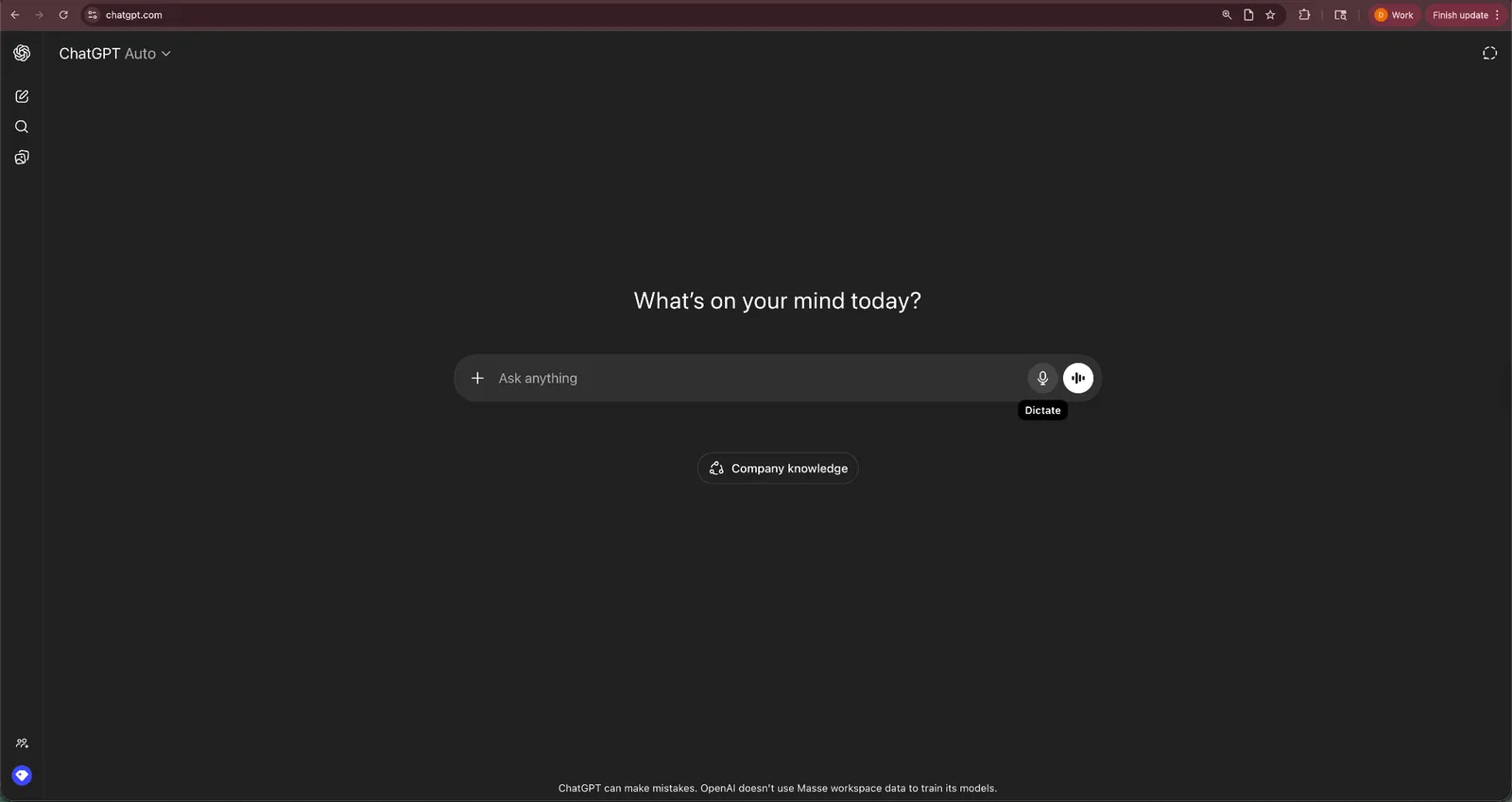
You can speak to ChatGPT almost the same way you would talk to another person. Ask a question, follow up with another thought, change topics, or interrupt mid-response. The assistant keeps track of context and continues the conversation.
During testing, this made ChatGPT Voice feel more flexible than traditional assistants. Instead of memorizing specific commands, you can simply ask for help in plain language.
ChatGPT Voice also works well for brainstorming and research. You can ask it to summarize articles, explain complex topics, or help outline ideas while you think through a problem.
That said, ChatGPT Voice works best as a conversational assistant. It does not control smart home devices or manage many real-world tasks across your apps. For people who want a voice assistant mainly for thinking, learning, or quick answers, it still stands out as one of the most capable tools available.
Key features
- Natural voice conversations: ChatGPT Voice supports back-and-forth discussions without rigid commands. You can ask follow-up questions and change topics naturally.
- Strong reasoning and explanations: The assistant handles complex questions, summaries, and explanations better than most traditional voice assistants.
- Multimodal capabilities: You can combine voice with text, images, or files to explore ideas and get detailed answers.
- Works across devices: ChatGPT Voice runs through the ChatGPT mobile app and works on both iOS and Android devices.
Pros
- Natural conversations compared with traditional voice assistants
- Strong explanations, summaries, and research support
- Flexible voice interaction without strict command phrases
Cons
- Limited ability to take action across external apps
- Not designed for device control or smart home tasks
Pricing
- Free plan with usage limits
- Paid plans start from $8/month, billed monthly
Bottom line
ChatGPT Voice works best for people who want an assistant for conversation, research, and brainstorming. If your main goal is natural voice interaction instead of device control or task automation, it remains one of the strongest options available.
2. Best AI Voice Assistant for Google Ecosystem Users
Google Gemini: What is it?
What it does: Google Gemini is an AI voice assistant that helps you search, plan, and manage tasks across Google services such as Gmail, Calendar, Maps, and Drive. It has replaced the classic Google Assistant on most mobile devices.
Best for: Android users and anyone who relies heavily on Google tools for daily work and personal organization.
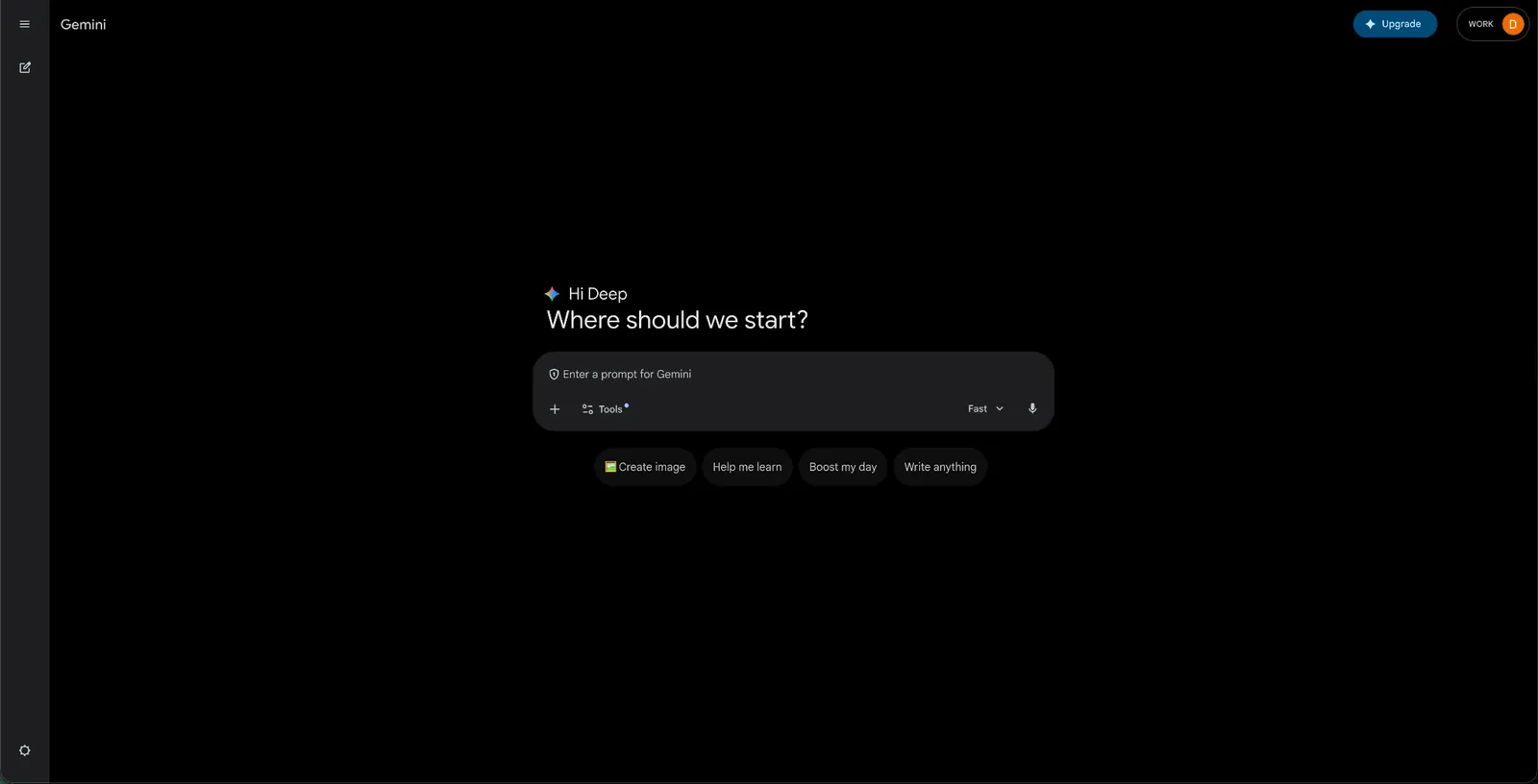
During testing, Gemini handled everyday tasks well. You can ask it to schedule events, check your calendar, send messages, or search for information without opening individual apps. For automated call handling and phone management, deploying a dedicated AI phone assistant can further streamline daily communication.
If you already use Gmail, Google Docs, and Google Calendar, Gemini feels like a natural extension of those tools.
Gemini also supports longer, more flexible conversations than earlier voice assistants. You can ask follow-up questions, interrupt the assistant, or change topics while speaking. This makes it easier to complete multi-step tasks.
Another strength comes from Google’s data ecosystem. Gemini can pull information from services such as Gmail, Maps, and Drive to answer questions or help you plan your day.
That said, Gemini works best inside Google’s ecosystem. If your workflow relies on tools outside Google services, you may not see the same level of integration compared with assistants built for broader automation or productivity tasks.
Key features
- Deep Google Workspace integration: Gemini connects with Gmail, Google Calendar, Docs, Drive, and other Google services.
- Conversational voice interaction: You can interrupt, ask follow-up questions, or shift topics naturally during conversations.
- Context-aware assistance: Gemini can use information from your Google apps to help with scheduling, navigation, or research.
- Multimodal capabilities: You can combine voice, images, and screen context to ask for help with what you see on your device.
Pros
- Strong integration with Google apps and Android devices
- Handles follow-up questions and complex requests well
- Works well for planning, research, and everyday tasks
Cons
- Works best inside the Google ecosystem
- Limited usefulness if you rely on non-Google tools
Pricing
- Free plan for basic use with usage limits
- Paid plans from $4.99/month (Google AI Plus), billed monthly
Bottom line
Gemini works well for Android users and anyone who depends on Google services. If your daily workflow revolves around Gmail, Calendar, and Google Docs, Gemini provides one of the most convenient voice assistant experiences available today.
3. Best AI Voice Assistant for Apple Device Users
Siri: What is it?
What it does: Siri is Apple’s built-in voice assistant that helps you control devices, manage reminders, send messages, and access information across the Apple ecosystem.
Best for: People who use multiple Apple devices, such as the iPhone, Apple Watch, Mac, and HomePod.
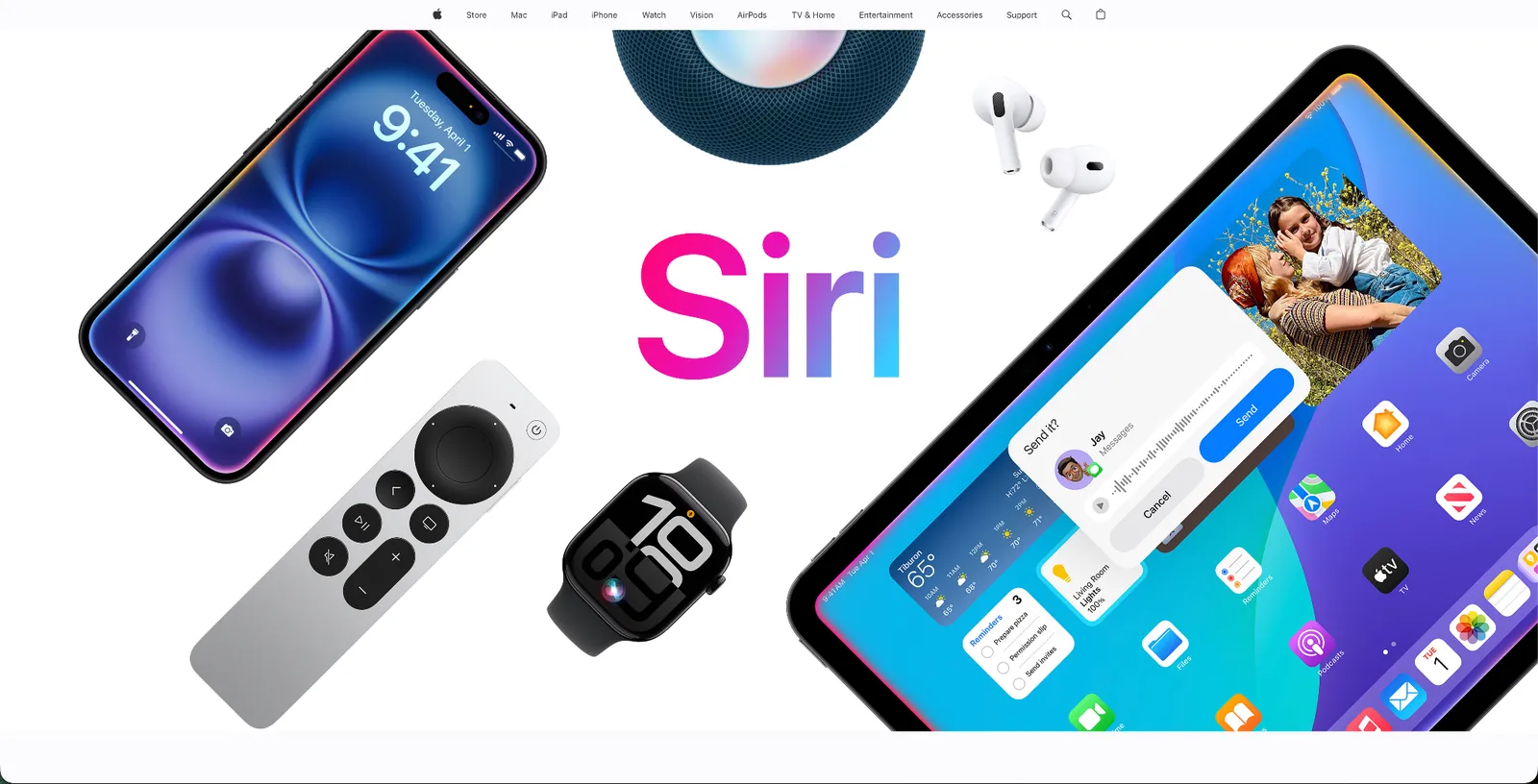
Siri is one of the most widely used voice assistants because it comes built into Apple devices. You can activate it with a quick voice command and control many parts of your phone without touching the screen.
During testing, Siri handled everyday commands reliably. You can set reminders, send messages, start navigation, check the weather, or control smart home devices connected through Apple HomeKit.
The assistant also works well across Apple hardware. For example, you can start a task on your iPhone and continue it through your Apple Watch or HomePod. This tight device integration makes Siri especially useful for people who stay inside Apple’s ecosystem.
Apple is now rolling out Siri AI, a rebuilt Siri powered by Apple Intelligence that is in beta in iOS 27 (in English to start). It adds natural, back-and-forth conversations, awareness of your personal context across apps, and a dedicated Siri app. Siri can also hand questions to ChatGPT through an optional extension.
Siri AI is still in beta, though, and the everyday Siri experience still centers on quick commands rather than deep reasoning or complex tasks. If your main goal is device control and everyday assistance, Siri continues to work well for Apple users.
Key features
- Apple ecosystem integration: Siri works across iPhone, iPad, Mac, Apple Watch, and HomePod.
- Voice commands for everyday tasks: You can set reminders, send messages, play music, and check information without opening apps.
- Smart home control: Siri works with Apple HomeKit to control lights, thermostats, and other connected devices.
- On-device privacy features: Many requests process directly on your device to protect personal data.
Pros
- Built directly into Apple devices
- Works smoothly across the Apple ecosystem
- Reliable for quick everyday commands
Cons
- Limited to Apple devices
- Less capable with complex questions compared with newer AI assistants
Pricing
- Free and included with Apple devices (Siri AI requires an Apple Intelligence-enabled device, and its server-side features have daily usage limits)
Bottom line
Siri works best for people who already rely on Apple devices. If you want a simple voice assistant to control your phone, manage reminders, and interact with your smart home, Siri remains a convenient option inside the Apple ecosystem.
4. Best AI Voice Assistant for Smart Homes
Alexa+: What is it?
What it does: Alexa+ is Amazon’s voice assistant that helps you control smart home devices, play media, manage shopping lists, and handle everyday tasks through voice commands.
Best for: People who want a voice assistant to manage smart home devices and connected household technology.

With Alexa, you can control the smart devices through simple voice commands. During testing, Alexa turned the lights on and off, adjusted the thermostat, locked doors, and started routines that trigger several actions at once.
Alexa also supports thousands of third-party “skills.” These extensions let you connect the assistant to services such as music streaming platforms, productivity tools, and home automation systems.
Amazon has started introducing Alexa+, which adds more advanced AI capabilities and a more natural conversation. These updates aim to improve how Alexa understands context and follow-up requests.
Even with these upgrades, Alexa still focuses primarily on the home environment. It works best when you want hands-free control over devices, music, and household routines rather than complex productivity tasks.
Key features
- Smart home control: Alexa connects with thousands of smart devices, including lights, thermostats, cameras, and speakers.
- Custom routines: You can trigger multiple actions with one command, such as turning off lights and locking doors at night.
- Large ecosystem of skills: Third-party integrations extend Alexa’s functionality across entertainment, productivity, and home automation.
- Voice shopping and reminders: Alexa can create shopping lists, order items from Amazon, and set reminders for daily tasks.
Pros
- Excellent smart home integration
- Supports a wide range of connected devices
- Large ecosystem of skills and integrations
Cons
- Less useful for professional productivity tasks
- The best experience requires Amazon devices
Pricing
- Free with a Prime membership, plus a free plan with a more limited Alexa+ experience on Alexa.com and the Alexa app (the original Alexa still runs on Echo devices)
- Paid plan without Prime membership costs $19.99/month, billed monthly
Bottom line
Alexa works best as a smart home assistant. If you want voice control for lights, thermostats, music, and other connected devices, Alexa remains one of the strongest options available.
5. Best AI Voice Assistant for Meetings and Voice Notes
Otter: What is it?
What it does: Otter records conversations, transcribes speech, and generates summaries and action items from meetings.
Best for: Teams and professionals who want automatic meeting notes and searchable voice transcripts.
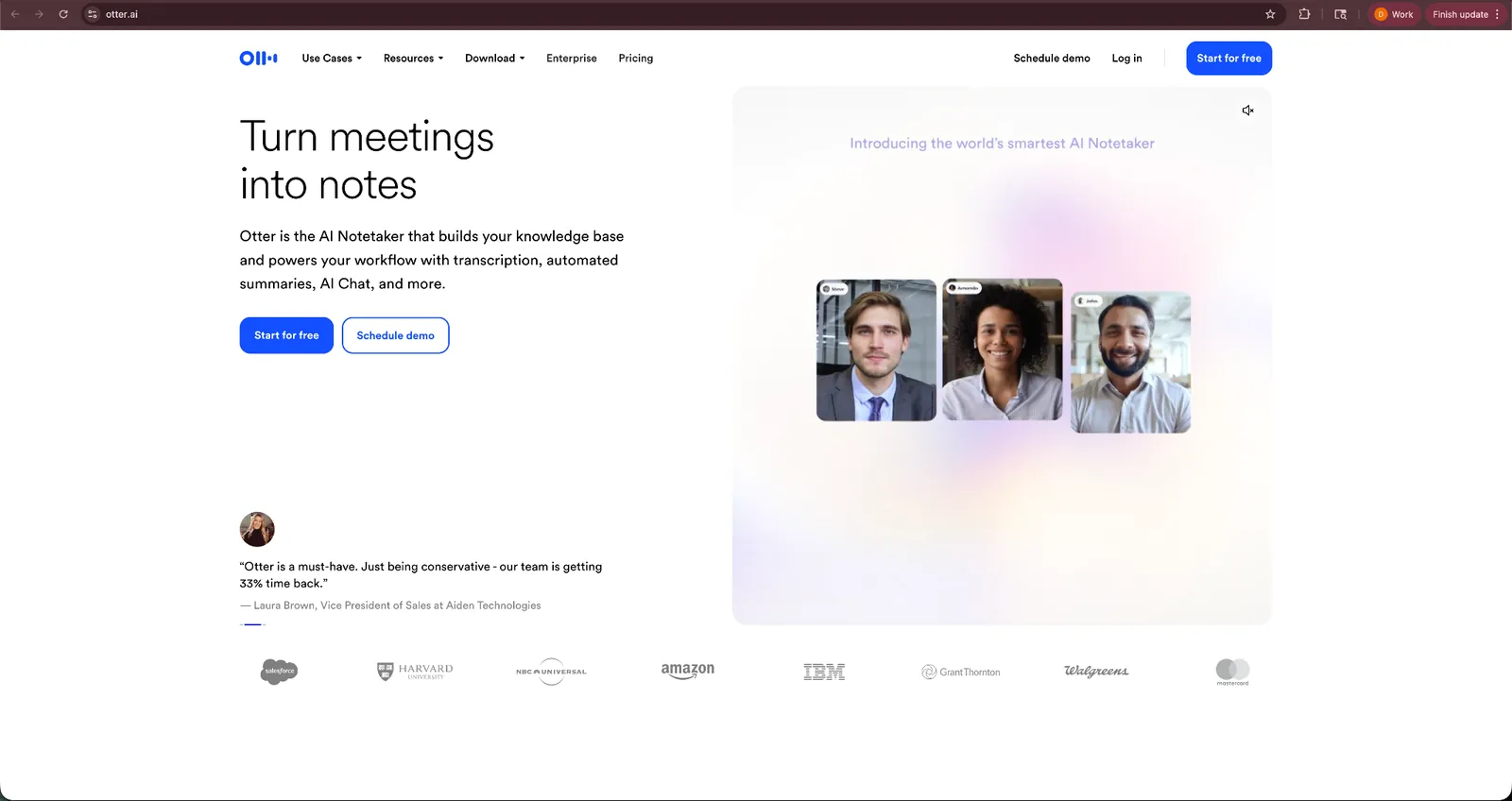
I tested Otter across my daily stand-up calls, team meetings, and brainstorming sessions. It identified different speakers and highlighted important points reliably. After the meeting ends, Otter creates a summary and extracts action items.
It saved the time that teams normally spend writing notes or reviewing recordings.
Another useful feature is its ability to connect with meeting platforms. Otter can join Zoom, Google Meet, or Microsoft Teams calls and start recording automatically once the meeting begins.
Otter does not function as a general voice assistant like Siri or Alexa. Instead, it works as a focused assistant for capturing and organizing spoken conversations. If your workday includes frequent meetings, this specialization makes Otter extremely useful.
Key features
- Automatic meeting transcription: Otter converts spoken conversations into searchable text during live meetings.
- AI summaries and action items: After each meeting, Otter generates key takeaways and task lists.
- Speaker identification: The assistant recognizes different speakers and labels them in the transcript.
- Meeting platform integrations: Otter connects with Zoom, Google Meet, and Microsoft Teams for automatic recording.
Pros
- Accurate transcription for most conversations
- Saves time on meeting notes and summaries
- Easy integration with common meeting platforms
Cons
- Designed mainly for meetings rather than general voice assistance
- Accuracy can drop in noisy environments or with heavy accents
Pricing
- Free plan with 300 transcription minutes/month
- Paid plans start from $16.99/user/month, billed monthly
Bottom line
Otter AI works well for professionals who spend a lot of time in meetings. If you want automatic transcripts, summaries, and searchable notes from conversations, Otter is one of the strongest voice tools available.
6. Best AI Voice Assistant for Samsung Users
Bixby: What is it?
What it does: Bixby is Samsung’s voice assistant that helps you control devices, manage settings, send messages, and run routines on Galaxy phones and other Samsung hardware.
Best for: Samsung users who want hands-free control over their phones, TVs, and connected home devices.
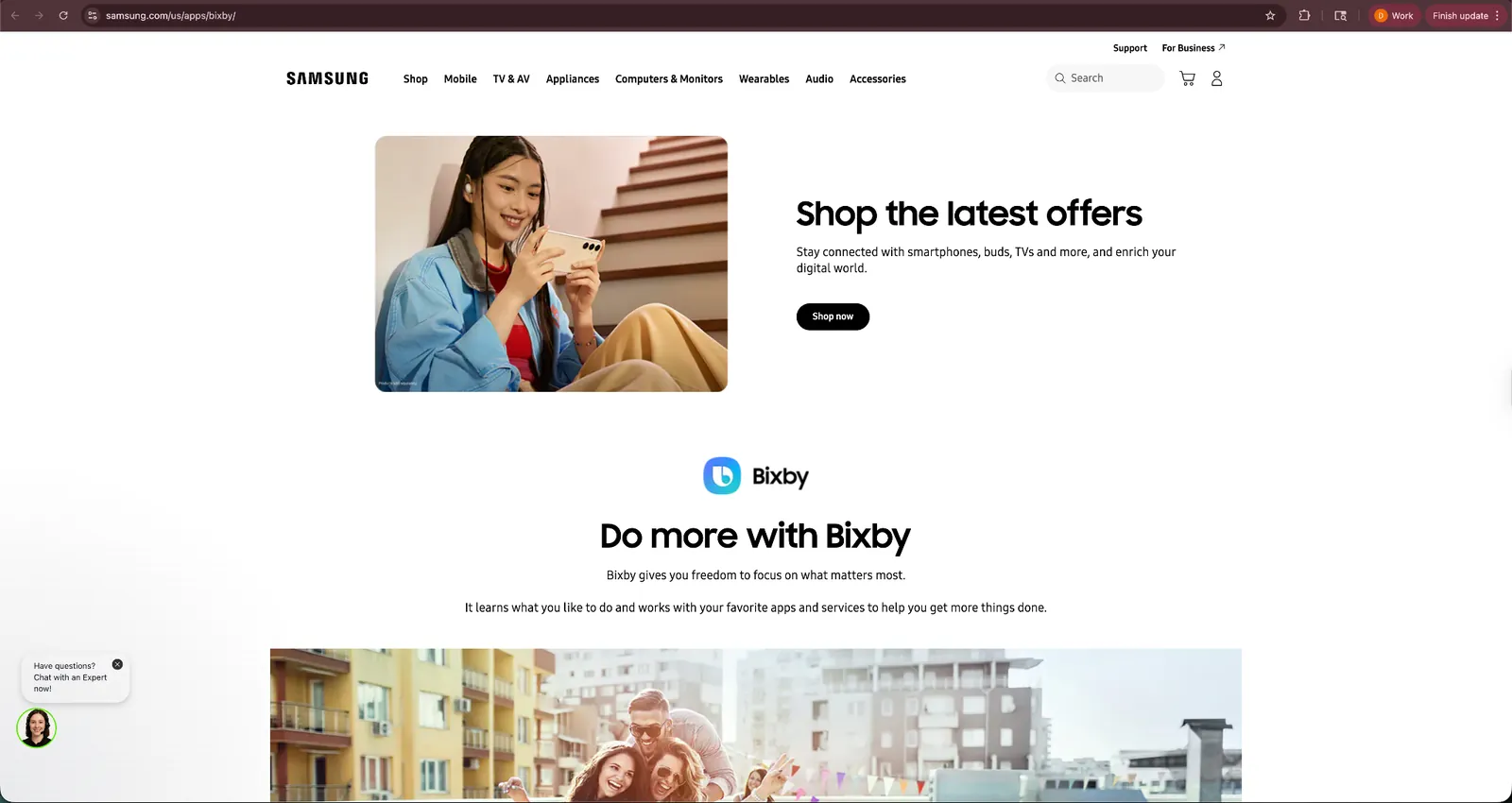
Bixby simplifies how people interact with their devices. Instead of navigating menus or opening apps, you can ask the assistant to handle many actions through voice commands.
During testing, Bixby worked best for device control. You can send texts, adjust settings, open apps, check information, or start routines using simple voice requests. For example, one command can dim the screen, enable Do Not Disturb, and set your alarm.
Bixby also connects with Samsung’s ecosystem of devices. If you own Galaxy phones, smart TVs, wearables, or home appliances, the assistant can control many of them through one interface.
However, Bixby works best when you stay inside the Samsung ecosystem. Outside Samsung devices, its capabilities feel more limited compared with broader assistants like Gemini or ChatGPT Voice.
Key features
- Device control through voice: You can send messages, open apps, adjust settings, and check information using simple commands.
- Custom quick commands: Bixby allows you to create routines that trigger several actions at once.
- Samsung ecosystem integration: The assistant works across Galaxy phones, tablets, TVs, wearables, and smart appliances.
- Context-aware commands: Bixby can adapt commands based on what you are doing on your device.
Pros
- Strong control over Samsung devices
- Helpful routines for automating device actions
- Built directly into Galaxy phones and TVs
Cons
- Limited usefulness outside Samsung hardware
- Smaller ecosystem compared with Alexa or Google assistants
Pricing
- Free and pre-installed with compatible Samsung devices
Bottom line
Bixby works well for people who rely on Samsung devices. If you use a Galaxy phone, tablet, or TV every day, Bixby provides convenient voice control across the Samsung ecosystem.
Special mentions
The assistants below did not make the main list, but they still offer useful capabilities depending on what you need. Some focus on speech recognition, while others specialize in voice generation or developer tools. Here’s what they do:
7. Pi (Inflection AI)
Pi focuses on conversation and emotional intelligence. It feels more like talking with a thoughtful companion than issuing commands to a device. If you want an assistant for discussion, reflection, or idea exploration, Pi offers a unique experience.
8. Rabbit R1
Rabbit R1 combines a small hardware device with a voice assistant designed to control apps through AI. It can handle tasks such as ordering rides, searching for information, or controlling services through voice. The concept shows promise, but the ecosystem still feels early compared with smartphone assistants.
9. ElevenReader
ElevenReader focuses on turning written content into natural audio. You can listen to articles, PDFs, and books using highly realistic AI voices. It works well for people who prefer consuming content through audio instead of reading.
10. Speechify
Speechify converts written text into audio using AI narration. It supports many languages and voice styles, which makes it popular for listening to articles, documents, or study materials. However, it focuses more on text-to-speech than full assistant capabilities.
11. Fireflies.ai
Fireflies.ai records meetings, transcribes conversations, and extracts insights from calls. It works similarly to Otter, but focuses more on team collaboration and searchable meeting intelligence.
What is an AI voice assistant?
An AI voice assistant is software that uses AI to understand spoken commands and respond with actions, answers, or information. Instead of tapping through apps, you can simply speak or type a request, and the assistant handles the task.
Most AI voice assistants rely on three core technologies to make this possible:
- Speech recognition: The assistant converts your spoken words into text so the system can understand the request.
- Natural language understanding: AI models interpret what you mean, not just the exact words you say. This allows assistants to handle follow-up questions or casual phrasing.
- Task execution: After understanding the request, the assistant performs an action such as searching the web, setting a reminder, controlling a device, or summarizing information.
Earlier voice assistants focused on simple commands like setting timers or playing music. Newer AI assistants handle more complex requests. You can ask them to summarize articles, schedule meetings, analyze information, or manage tasks across multiple apps.
Which AI voice assistant should you choose?
Choosing the right AI voice assistant depends on how you plan to use it. Some assistants focus on device control, while others help with conversations, research, or work tasks.
Here is a quick way to decide:
Choose ChatGPT Voice if you:
- Want natural conversations with an AI assistant
- Use voice mainly for brainstorming, learning, or quick research
- Ask follow-up questions and explore ideas through discussion
Choose Google Gemini if you:
- Use Gmail, Google Calendar, and other Google services every day
- Want help managing tasks and information across the Google ecosystem
- Prefer a voice assistant that works smoothly on Android devices
Choose Siri if you:
- Use an iPhone, Apple Watch, or other Apple devices regularly
- Want quick voice commands for reminders, messages, and navigation
- Control smart home devices through Apple HomeKit
Choose Alexa+ if you:
- Manage multiple smart home devices such as lights, thermostats, and speakers
- Want voice routines that control several devices with one command
- Use Amazon Echo devices around your home
Choose Otter AI if you:
- Spend hours in meetings each week
- Want automatic transcripts and summaries from conversations
- Need searchable notes from calls or lectures
Choose Bixby if you:
- Use Samsung Galaxy phones, TVs, or appliances
- Want voice control across Samsung devices
- Prefer simple commands for managing device settings and routines
Best AI voice assistants by use case
Not every AI voice assistant serves the same purpose. Some tools focus on everyday personal tasks, while others help with meetings, work automation, or device control.
Here’s a quick breakdown of the best assistants based on common use cases:
| Use case | Recommended assistant | Why it works |
|---|---|---|
| Personal everyday use | ChatGPT Voice | Great for conversations, research, and quick questions through natural voice interaction. |
| Small business teams | Otter | Automatically records meetings, generates transcripts, and extracts action items. |
| Smart home users | Alexa+ | Controls lights, thermostats, speakers, and other connected devices through voice commands. |
| Apple ecosystem users | Siri | Works seamlessly across iPhone, Apple Watch, Mac, and HomePod for everyday commands. |
| Android and Google users | Google Gemini | Connects with Gmail, Calendar, Drive, and other Google services. |
| Samsung device owners | Bixby | Offers deep control over Samsung phones, TVs, and appliances. |
What’s changing in AI voice assistants right now
AI voice assistants have changed quickly over the past few years. Early assistants focused on simple commands such as setting alarms or playing music. Newer assistants focus on conversation, context, and helping you complete real tasks.
Here are a few trends shaping how these tools work today:
More natural conversations
Voice assistants now understand follow-up questions and casual speech better than before. You no longer need to memorize specific commands.
Tools like ChatGPT Voice and Gemini allow you to interrupt responses, ask follow-up questions, and change topics during a conversation. It makes the interaction feel closer to talking with another person instead of issuing rigid commands.
Assistants that take action
Older assistants mostly answered questions. Newer tools help you complete tasks.
For example, some assistants can summarize meetings, schedule events, update records, or organize information across your apps. This shift moves AI voice assistants from simple voice interfaces toward digital assistants that help manage daily work. Tools like Lindy already work this way, turning a quick voice or text request into a scheduled meeting or a finished follow-up.
Deeper integration with apps
Many voice assistants now connect directly with productivity tools, calendars, messaging apps, and smart devices.
These integrations allow assistants to pull context from your tools and act on that information. Instead of opening several apps, you can ask the assistant for updates or request a task in plain language.
More proactive assistance
Voice assistants also start to move beyond reactive commands. Some tools now send updates when important things happen.
For example, an assistant might notify you about meeting changes, remind you about follow-ups, or surface information from your tools without waiting for a request.
Better understanding of context
Modern AI models allow assistants to remember recent conversations and understand more complex requests.
Frequently asked questions
What is the best AI voice assistant?
The best AI voice assistant depends on what you want it to do. ChatGPT Voice leads for natural conversation, Google Gemini works best if you live in Google's ecosystem, and Alexa+ is the strongest pick for smart homes.
Other assistants still serve different roles. Siri suits Apple device users, Bixby suits Samsung owners, and Otter works best for meetings and voice notes.
What is the smartest AI voice assistant right now?
ChatGPT Voice and Google Gemini are the smartest AI voice assistants today. They handle complex questions, follow-up conversations, task completion, and contextual reasoning better than traditional assistants like Siri or Alexa.
Is ChatGPT a voice assistant?
Yes, ChatGPT can work as a voice assistant through ChatGPT Voice. It lets you talk naturally with the AI to ask questions, brainstorm ideas, or explore topics through conversation.
Are AI voice assistants safe to use?
AI voice assistants are generally safe to use, but privacy depends on the platform and its data policies. Some assistants process requests in the cloud, while others do more processing on the device.
What can an AI voice assistant do?
An AI voice assistant can answer questions, set reminders, manage schedules, control devices, summarize information, and sometimes complete tasks across apps. Newer assistants also handle conversations and multi-step requests more naturally.









